

Mystery Tales: Dealer’s Choice
Mainkan di PC dengan BlueStacks – platform Game-Game Android, dipercaya oleh lebih dari 500 juta gamer.

Play Hidden objects - Mystery Tales: Dealer’s Choice on PC or Mac
Join millions to experience Hidden objects – Mystery Tales: Dealer’s Choice, an exciting Puzzle game from DominiGames. With BlueStacks App Player, you are always a step ahead of your opponent, ready to outplay them with faster gameplay and better control with the mouse and keyboard on your PC or Mac.
About the Game
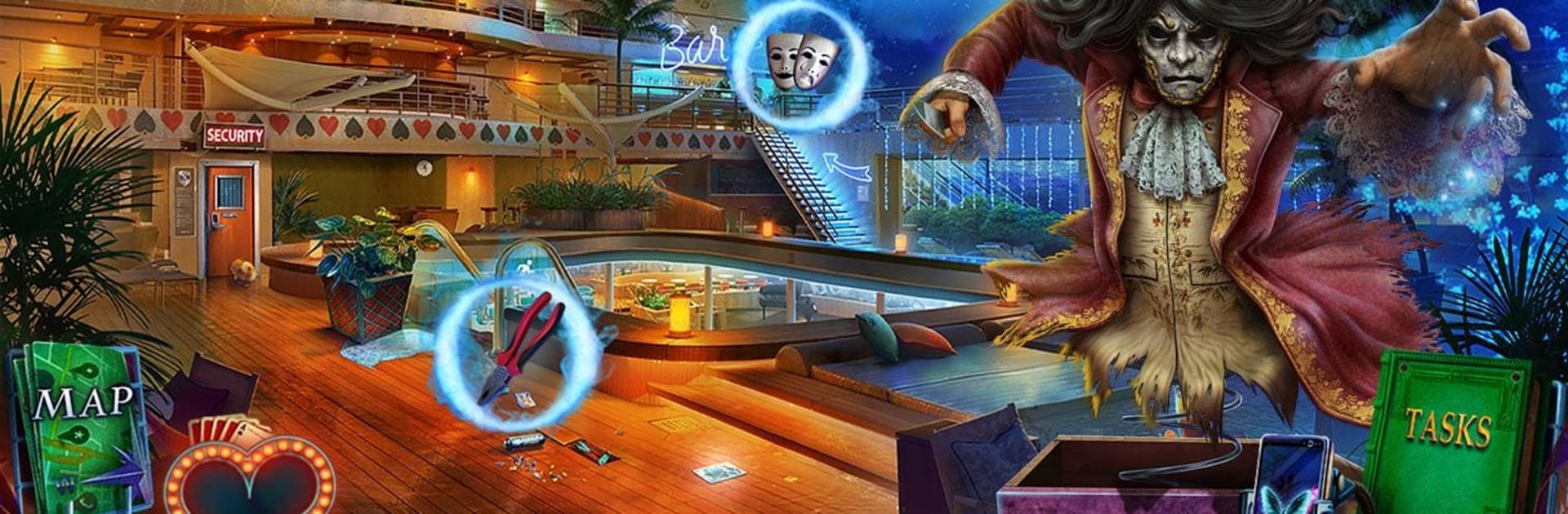
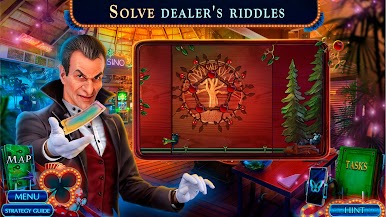
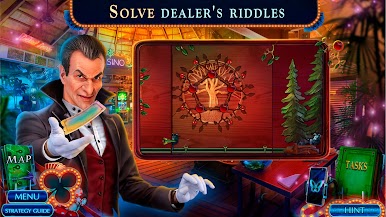
A luxury casino cruise sounds like the perfect getaway… until the high rollers start dropping like flies. Hidden objects – Mystery Tales: Dealer’s Choice from DominiGames is a Puzzle mystery where you and a friend board the Princess Lolita for an exclusive voyage and end up chasing a masked mastermind known only as the Joker. Ghostly whispers, rigged games, and secret cabins? Yeah, things get weird fast—and that’s exactly the fun.
Game Features
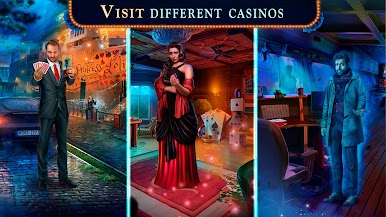
- Glamour meets danger: Investigate a lavish ship packed with roulette tables, velvet lounges, and locked VIP rooms while a clever culprit toys with everyone on board.
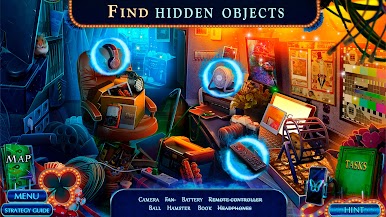
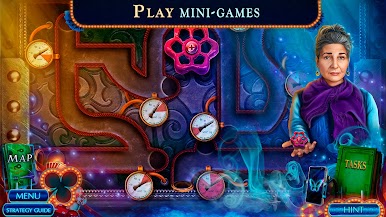
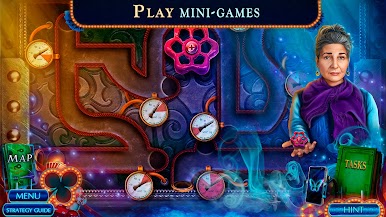
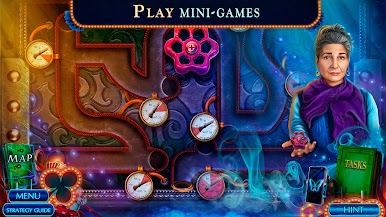
- Hidden-object variety: Search richly detailed scenes, uncover cleverly tucked-away clues, and tackle interactive HOPs that mix classic lists with creative twists.
- Supernatural allies: Follow spectral hints from restless spirits who know more than they can say, and piece together the truth behind the disappearances.
- Bonus chapter rescue: Tackle an extra case centered on saving your friend Virginia, with fresh puzzles and new locations that expand the story of the Joker.
- Collectibles with a casino flair: Hunt for hidden chips, morphing playing cards, and a colorful lineup of themed beverages—perfect for completionists.
- Achievements and extras: Earn trophies, revisit your favorite HOPs, and relax in the VIP room while browsing your collections.
- Built-in guidance: Use the strategy guide and clear navigation so you don’t miss a clue—or a collectible—when the plot twists.
- Plays great on PC with BlueStacks: Prefer a bigger screen and precise clicking for HOPs and puzzles? It runs smoothly there, too.
Make your gaming sessions memorable with precise controls that give you an edge in close combats and visuals that pop up, bringing every character to life.




Mainkan Mystery Tales: Dealer’s Choice di PC Mudah saja memulainya.
-
Unduh dan pasang BlueStacks di PC kamu
-
Selesaikan proses masuk Google untuk mengakses Playstore atau lakukan nanti
-
Cari Mystery Tales: Dealer’s Choice di bilah pencarian di pojok kanan atas
-
Klik untuk menginstal Mystery Tales: Dealer’s Choice dari hasil pencarian
-
Selesaikan proses masuk Google (jika kamu melewati langkah 2) untuk menginstal Mystery Tales: Dealer’s Choice
-
Klik ikon Mystery Tales: Dealer’s Choice di layar home untuk membuka gamenya

