


Chess: Classic Board Game
Mainkan di PC dengan BlueStacks – platform Game-Game Android, dipercaya oleh lebih dari 500 juta gamer.

Play Chess - Play & Learn Free Classic Board Game on PC or Mac
Step into the World of Chess – Play & Learn Free Classic Board Game, a thrilling Board game from the house of DotFinger Games. Play this Android game on BlueStacks App Player and experience immersive gaming on PC or Mac.
About the Game
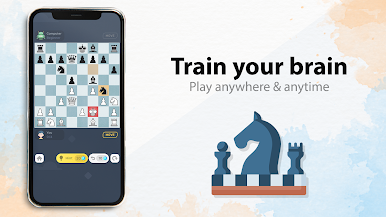
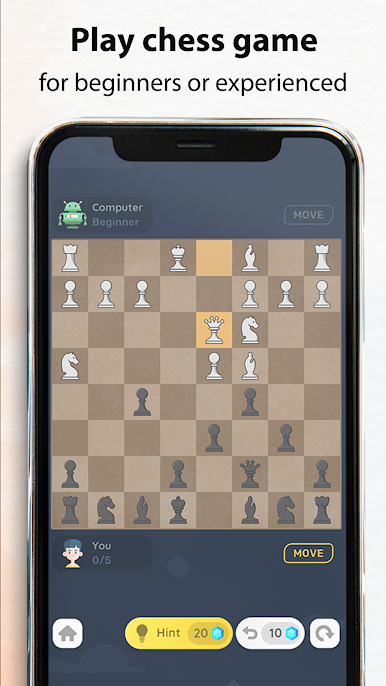
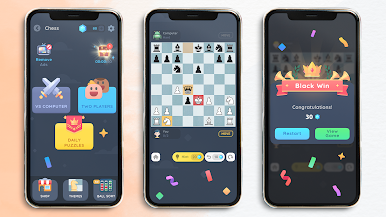
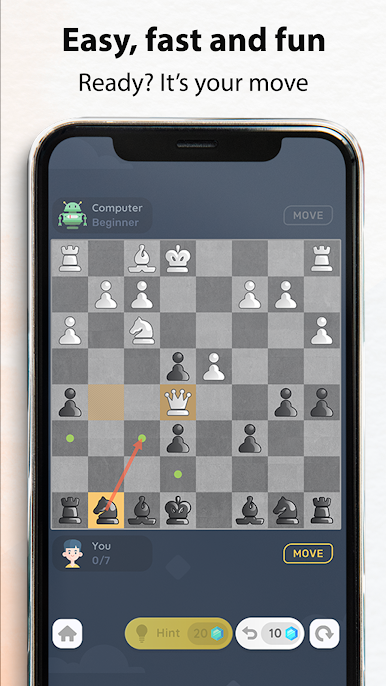
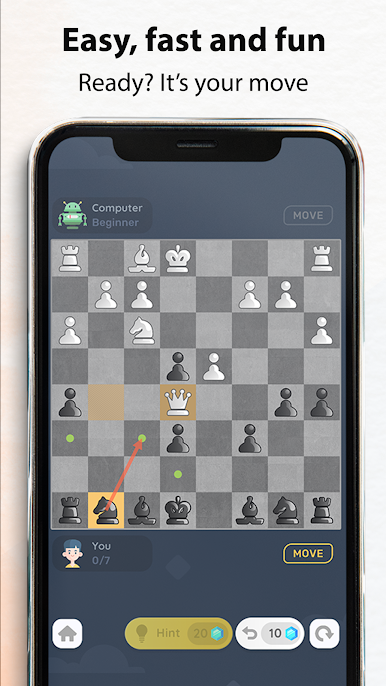
Chess – Play & Learn Free Classic Board Game from DotFinger Games brings that classic two-player chess experience right to your screen—no need for a fancy setup or even an internet connection. Whether you’re just learning the ropes or you’ve been checkmating friends for years, this version keeps things simple, sharp, and easy to jump into. Want to play a quick match against the computer or challenge a friend? The options are all here, with just enough polish to keep things interesting on your next break, commute, or lazy Sunday afternoon.
Game Features
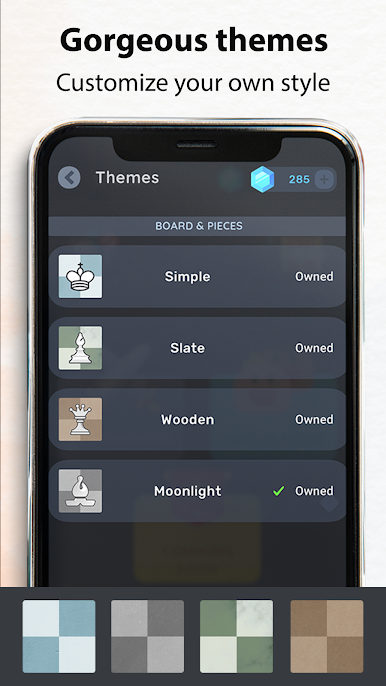
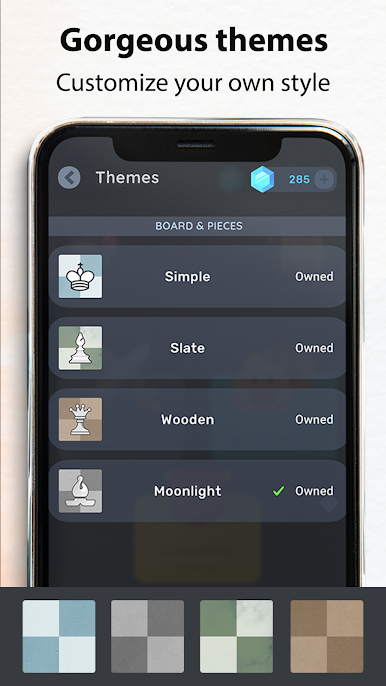
- Customizable Chessboards: Switch up the look of your game with over 10 different styles for both boards and pieces. Sometimes a new theme just makes chess feel fresh again.
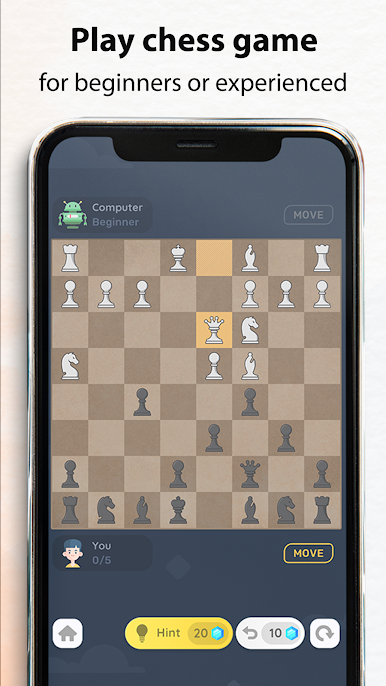
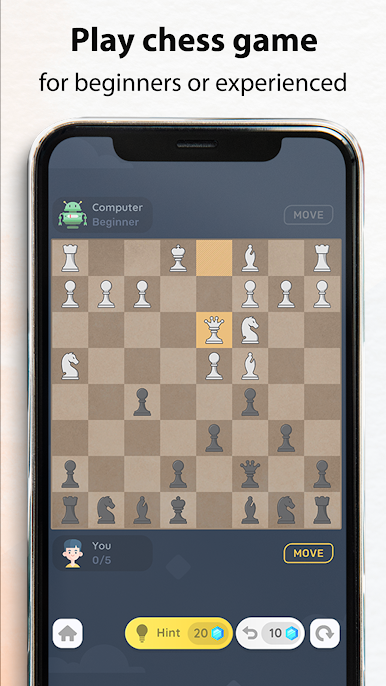
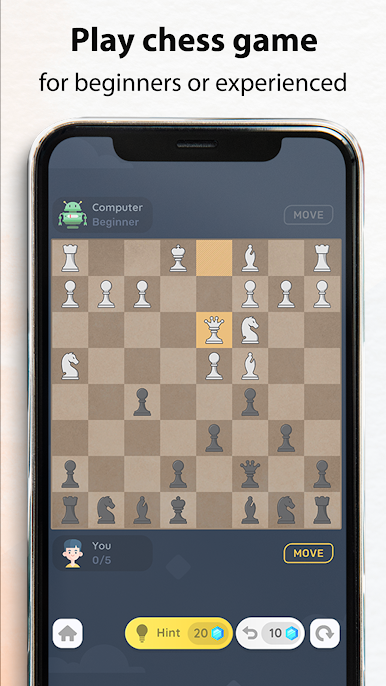
- Adjustable Difficulty: Choose your challenge. Tweak the AI to match your skills—handy for total beginners, seasoned players, and anyone in between.
- Smart Move Tracking: Every move is tracked, making it easy to review and figure out where things went sideways (or super well).
- Undo & Redo Moves: Made a rookie mistake? No sweat. Try again with the simple undo and redo options—you’ll never get stuck on a silly slip-up.
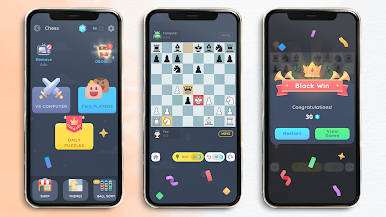
- Play Your Way: Go head-to-head with the computer, or grab a buddy and see who comes out on top. All offline, all free.
- Automatic Saves: Step away mid-game? No problem—the app remembers right where you left off, so nothing’s lost if life interrupts.
- PGN Sharing: For the chess nerds out there—share your matches in PGN format to show off your best plays or get advice from pals.
- Lightweight App Design: The whole game is under 9MB, so it won’t clog up your device no matter how much you play.
- Kid and Adult Friendly: No matter your age, Chess – Play & Learn Free Classic Board Game is easy to pick up and keep improving on.
- No Ads Option: If you want, there’s a quick way to remove ads for uninterrupted play.
- Seamless Experience on BlueStacks: Take your matches to PC with BlueStacks for a crisp and comfortable big-screen chess session.
Ready to top the leaderboard? We bet you do. Let precise controls and sharp visuals optimized on BlueStacks lead you to victory.




Mainkan Chess: Classic Board Game di PC Mudah saja memulainya.
-
Unduh dan pasang BlueStacks di PC kamu
-
Selesaikan proses masuk Google untuk mengakses Playstore atau lakukan nanti
-
Cari Chess: Classic Board Game di bilah pencarian di pojok kanan atas
-
Klik untuk menginstal Chess: Classic Board Game dari hasil pencarian
-
Selesaikan proses masuk Google (jika kamu melewati langkah 2) untuk menginstal Chess: Classic Board Game
-
Klik ikon Chess: Classic Board Game di layar home untuk membuka gamenya

