

Versi Animali per i bambini
Gioca su PC con BlueStacks: la piattaforma di gioco Android, considerata affidabile da oltre 500 milioni di giocatori.

Pagina modificata il: Sep 12, 2025
Run Animal Sounds for Kids on PC or Mac
Why limit yourself to your small screen on the phone? Run Animal Sounds for Kids, an app by Dream_Studio, best experienced on your PC or Mac with BlueStacks, the world’s #1 Android emulator.
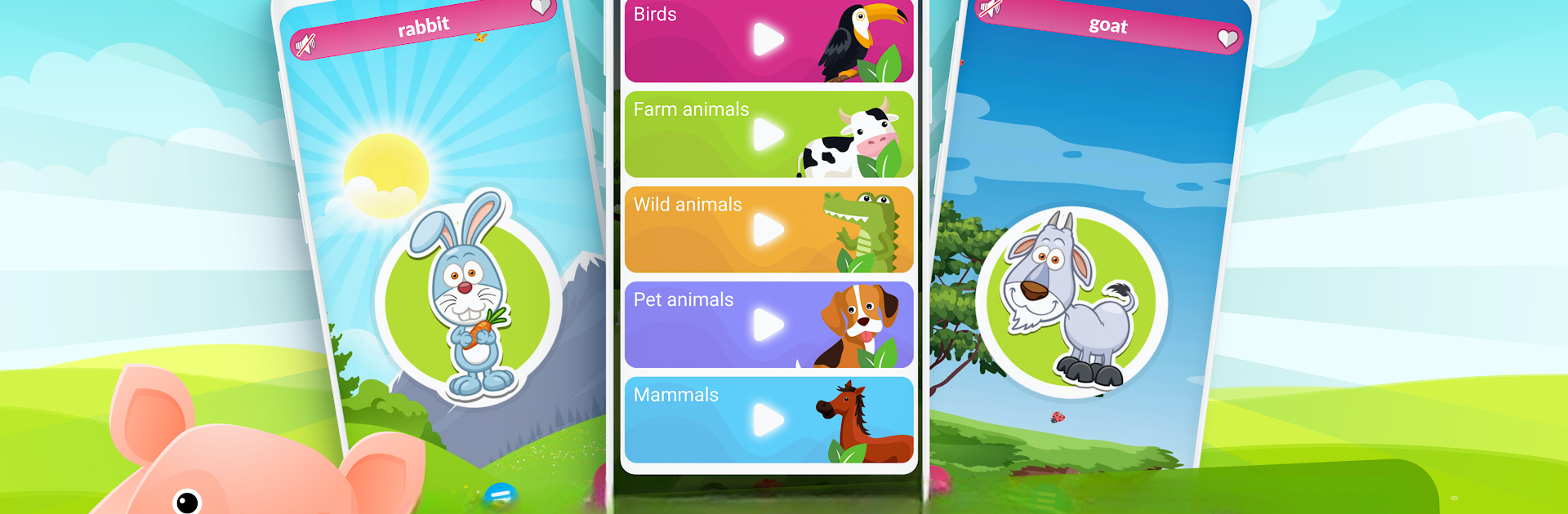
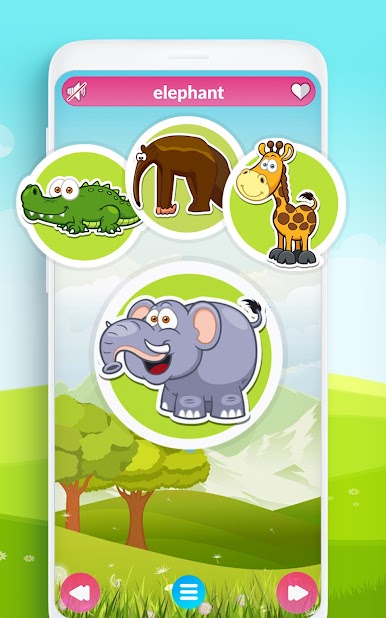
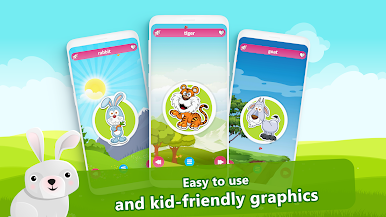
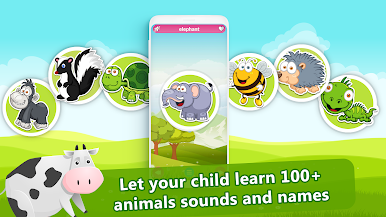
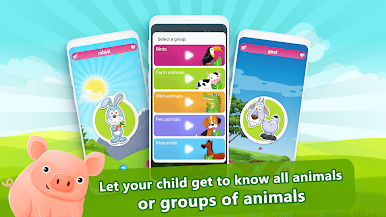
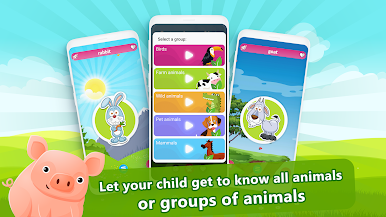
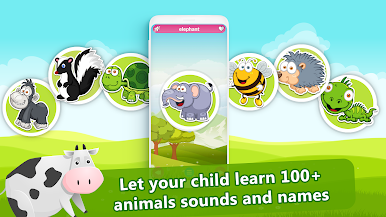
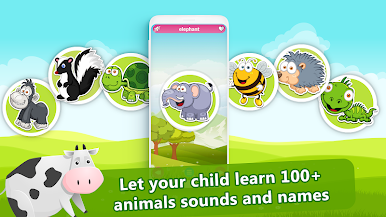
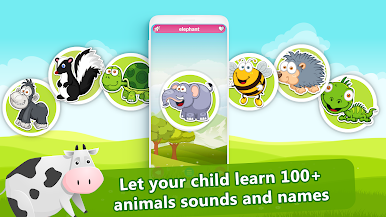
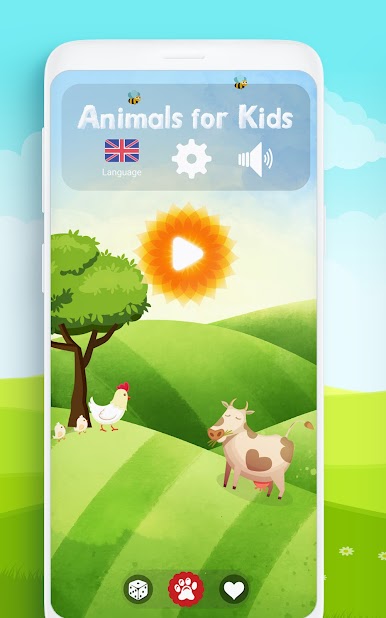
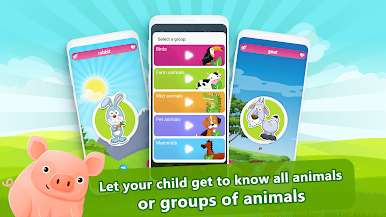
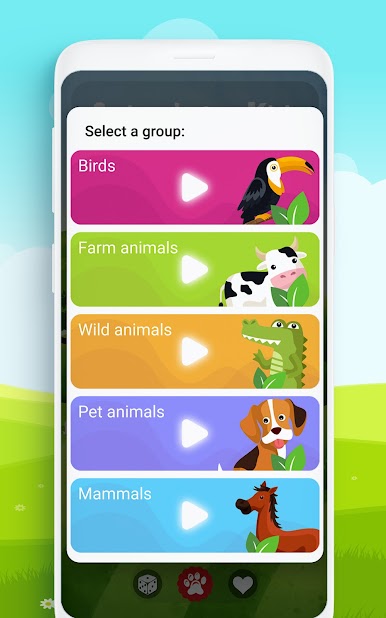
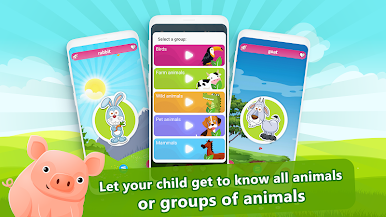
So, Animal Sounds for Kids is this app that’s really simple and, honestly, pretty relaxing if someone’s just looking for something low-stress for their kid. It’s got a whole mix of animal pictures—birds, farm animals, wild ones, and the usual pets—and whenever you tap on one, it plays a clear, real-life animal sound. The thing that stands out is you don’t have to read anything to get going; even really little kids can just tap around and hear what each animal sounds like. Everything is straightforward, big and colorful, so there’s nothing confusing about using it, even on PC with BlueStacks.
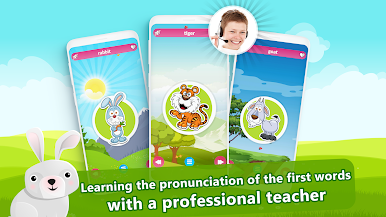
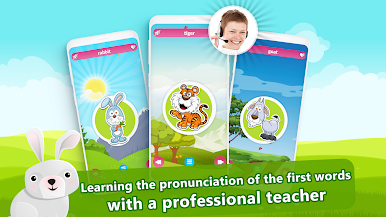
What helps is that it actually speaks out the animal names, and there are a bunch of languages to pick from—dozens, really. And the way it can just automatically switch through animals is handy for when kids get restless or want to just watch and listen without messing with controls. There’s a parental lock too, just in case, so toddlers can’t get into anything they shouldn’t. On a bigger screen, running it through something like BlueStacks, everything looks clearer and there’s more space to see those bright animal pictures. Feels great for those moments in a waiting room or during car trips when you want to keep a kid busy and calm. Overall, it’s just a super accessible way for kids to learn sounds and maybe even a few animal names in another language without any fuss.
BlueStacks brings your apps to life on a bigger screen—seamless and straightforward.
Gioca Versi Animali per i bambini su PC. È facile iniziare.
-
Scarica e installa BlueStacks sul tuo PC
-
Completa l'accesso a Google per accedere al Play Store o eseguilo in un secondo momento
-
Cerca Versi Animali per i bambini nella barra di ricerca nell'angolo in alto a destra
-
Fai clic per installare Versi Animali per i bambini dai risultati della ricerca
-
Completa l'accesso a Google (se hai saltato il passaggio 2) per installare Versi Animali per i bambini
-
Fai clic sull'icona Versi Animali per i bambini nella schermata principale per iniziare a giocare

