


Matemática Alce ("Moose Math")
Juega en PC con BlueStacks: la plataforma de juegos Android, en la que confían más de 500 millones de jugadores.

Página modificada el: Oct 3, 2025
Play Moose Math by Duck Duck Moose on PC or Mac
Bring your A-game to Moose Math by Duck Duck Moose, the Educational game sensation from Duck Duck Moose, LLC. Give your gameplay the much-needed boost with precise game controls, high FPS graphics, and top-tier features on your PC or Mac with BlueStacks.
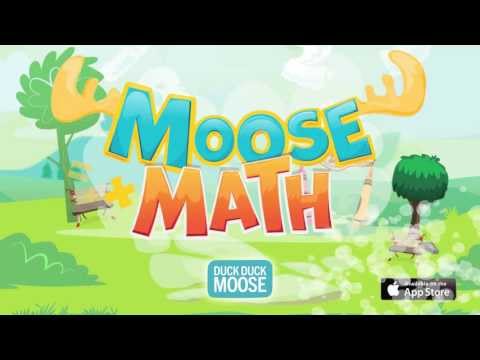
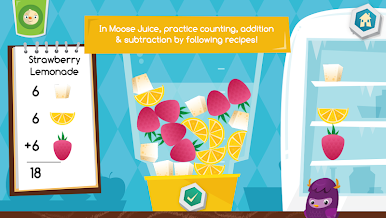
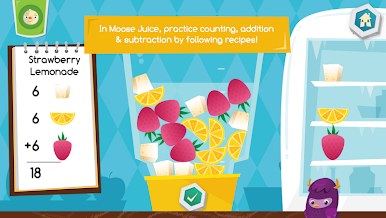
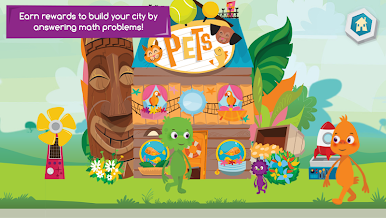
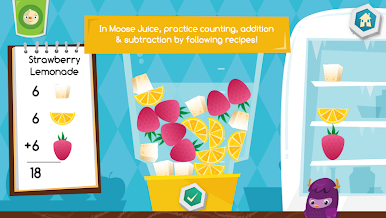
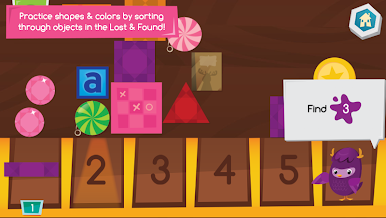
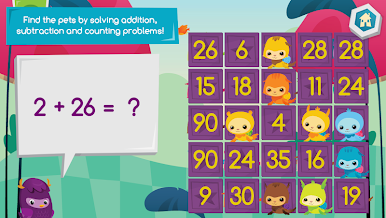
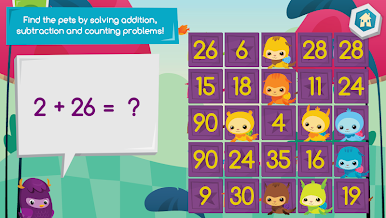
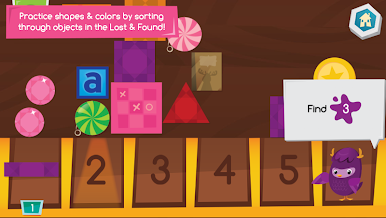
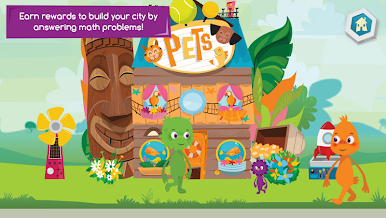
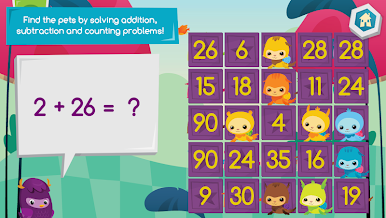
Moose Math is one of those games that manages to actually keep kids interested while sneaking in a whole lot of basic math stuff. It’s pretty relaxed and colorful, and the characters — there’s a moose and a bunch of others called the Dust Funnies — end up making things a bit more fun than the usual educational game. The whole thing is built around these different spots, like a juice shop and a pet store, where kids work through counting, adding, taking away, sorting, and matching activities disguised as little games. For example, making smoothies in the Moose Juice Store means adding and counting fruit pieces, and Paint Pet gets kids matching animals by counting their dots. There’s even a bingo game for math and a shape sorting game, which actually helps with geometry basics.
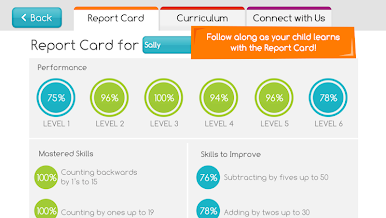
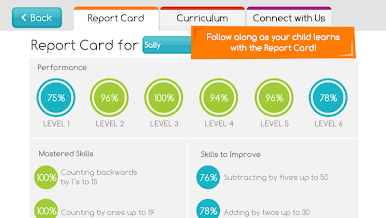
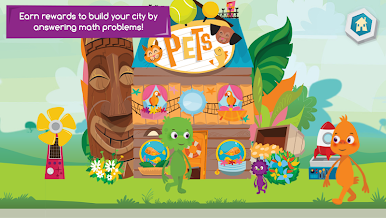
What really stands out is how the game rewards players for finishing these activities — they get little decorations and buildings that they can add to their own city. That sense of building up a town gives a bit of extra motivation, which can keep kids coming back to practice. It’s all mapped to early elementary school topics, but it doesn’t feel pushy or textbook-heavy. Parents and teachers can check in on progress in the built-in Report Card section, which means it’s easy to track what’s being learned. Moose Math works well for younger kids, especially anyone between preschool and early first grade, and when played on PC with BlueStacks, everything’s bigger and easier to click through. The design is playful but not too flashy, and it’s easy enough for kids to navigate without constant help.
Start your journey now. Download the game on BlueStacks, invite your friends, and march on a new adventure.
Juega Matemática Alce ("Moose Math") en la PC. Es fácil comenzar.
-
Descargue e instale BlueStacks en su PC
-
Complete el inicio de sesión de Google para acceder a Play Store, o hágalo más tarde
-
Busque Matemática Alce ("Moose Math") en la barra de búsqueda en la esquina superior derecha
-
Haga clic para instalar Matemática Alce ("Moose Math") desde los resultados de búsqueda
-
Complete el inicio de sesión de Google (si omitió el paso 2) para instalar Matemática Alce ("Moose Math")
-
Haz clic en el ícono Matemática Alce ("Moose Math") en la pantalla de inicio para comenzar a jugar

