

Solitaire Zen:Home Design
Gioca su PC con BlueStacks: la piattaforma di gioco Android, considerata affidabile da oltre 500 milioni di giocatori.

Pagina modificata il: Jul 17, 2024
Play Solitaire Zen:Home Design on PC or Mac
Step into the World of Solitaire Zen:Home Design, a thrilling Card game from the house of SolitaireBit Studio. Play this Android game on BlueStacks App Player and experience immersive gaming on PC or Mac.
About the Game
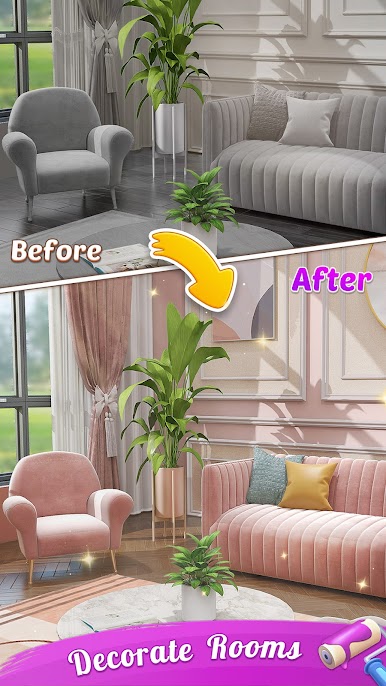
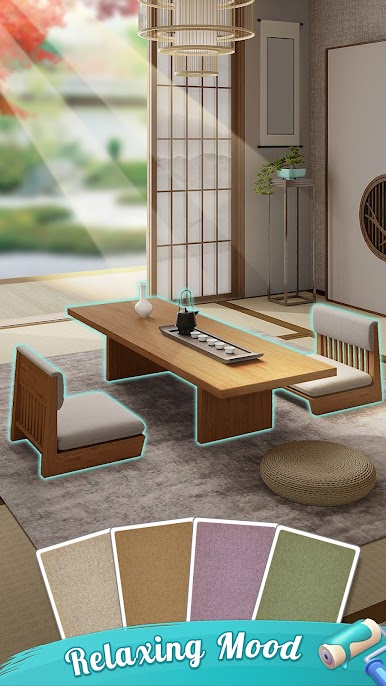
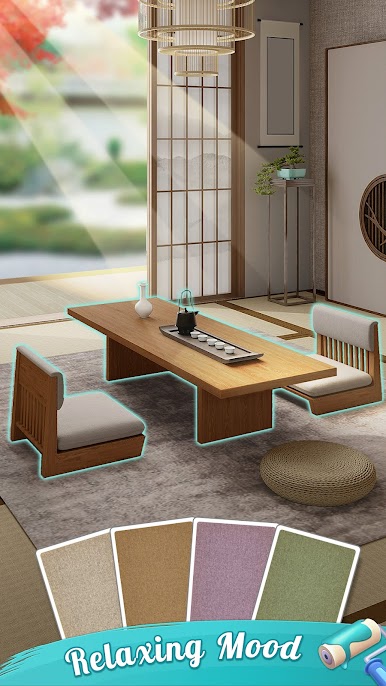
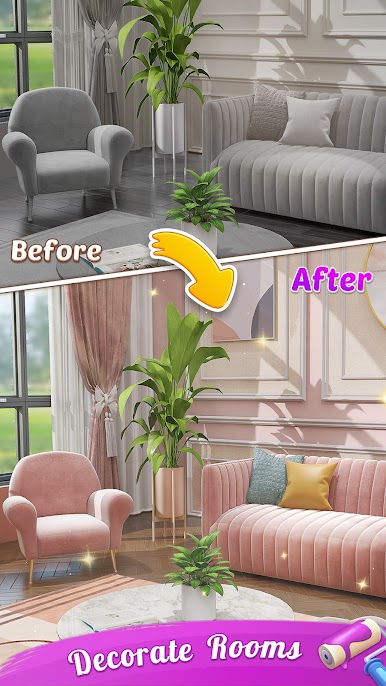
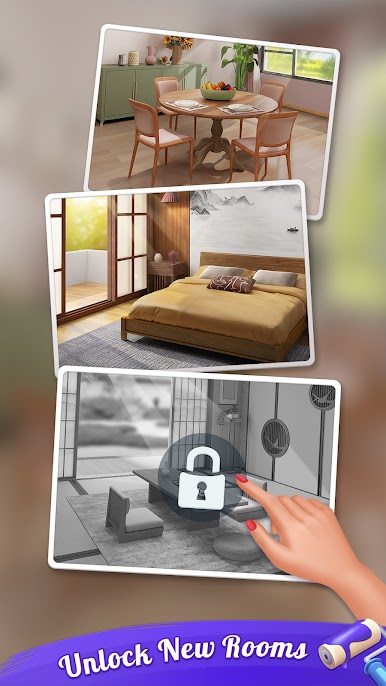
Solitaire Zen:Home Design blends classic solitaire with a cozy home-makeover vibe. As you clear decks, you’ll earn what you need to decorate tranquil rooms and build a space that feels calm and personal. It’s an easygoing Card game from SolitaireBit Studio with plenty of challenge if you want it, and a soothing pace when you don’t.
Game Features
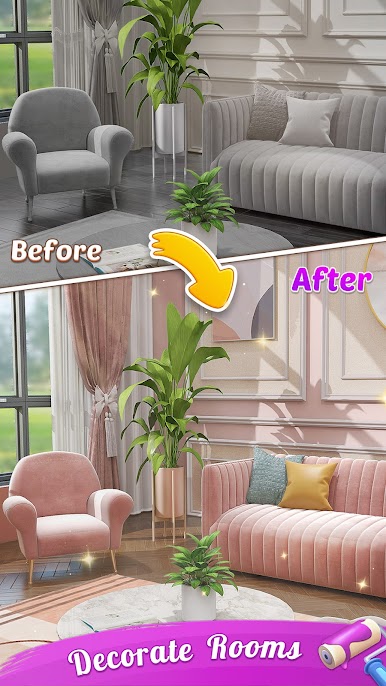
- Relaxed Makeover + Cards: Play familiar Draw 1 or Draw 3 solitaire hands while unlocking furniture, colors, and accents to shape peaceful interiors room by room.
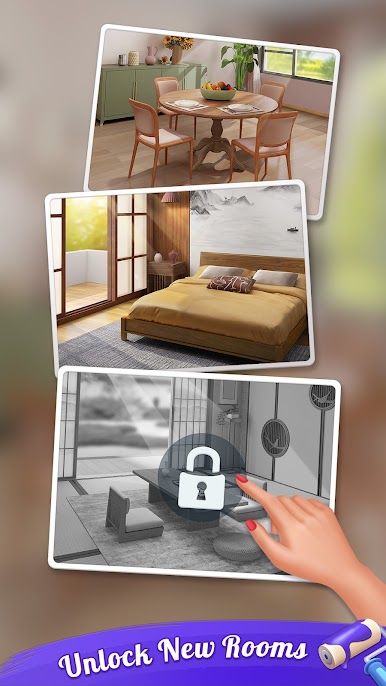
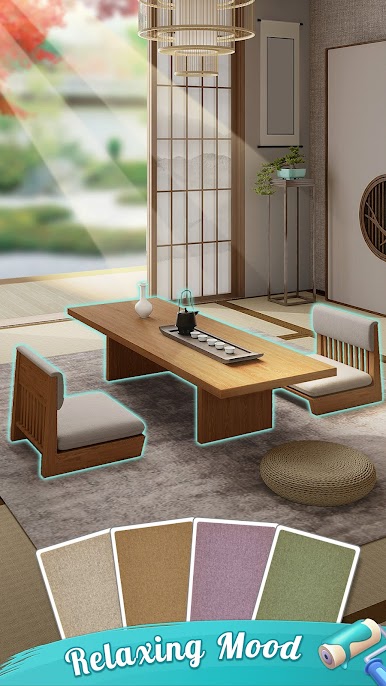
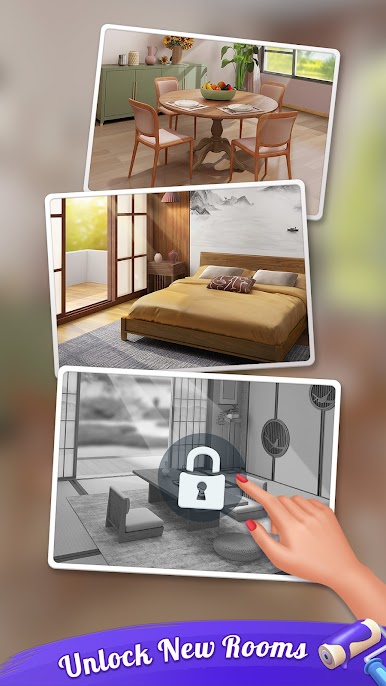
- Rooms to Unlock: Progress through a growing list of spaces, each with its own mood and layout to refresh as you play.
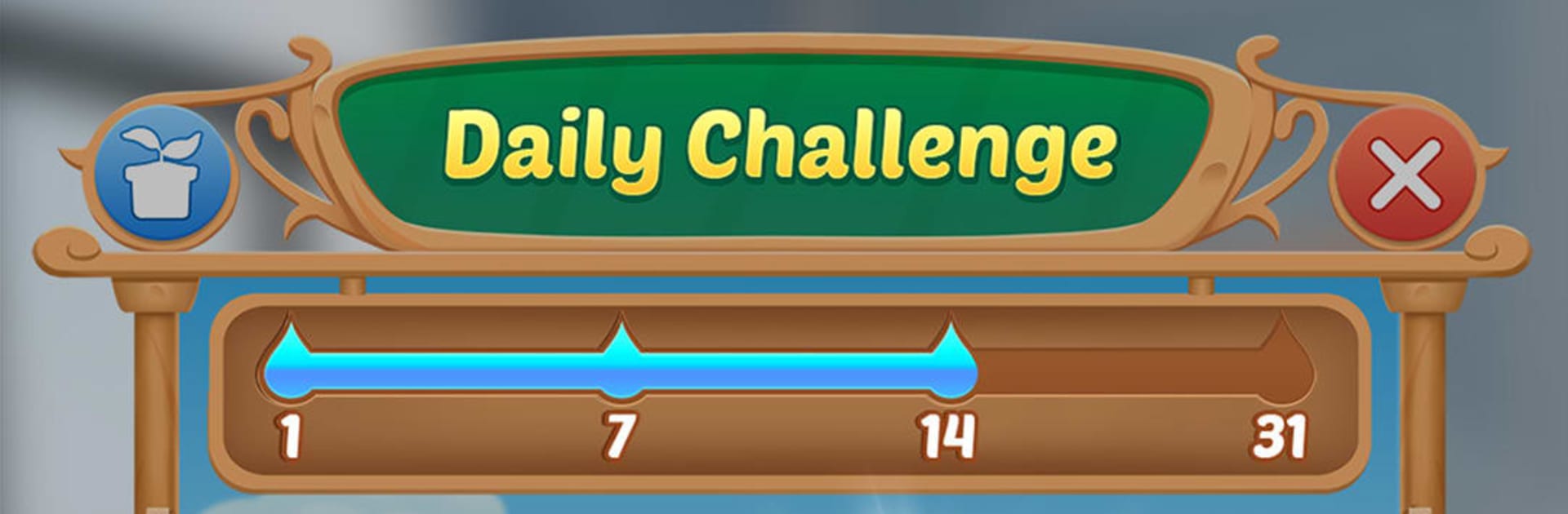
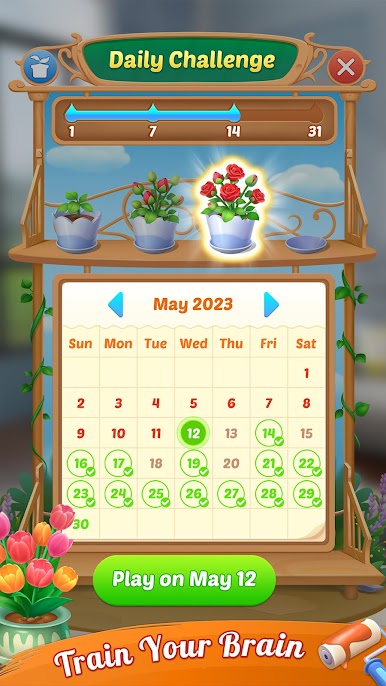
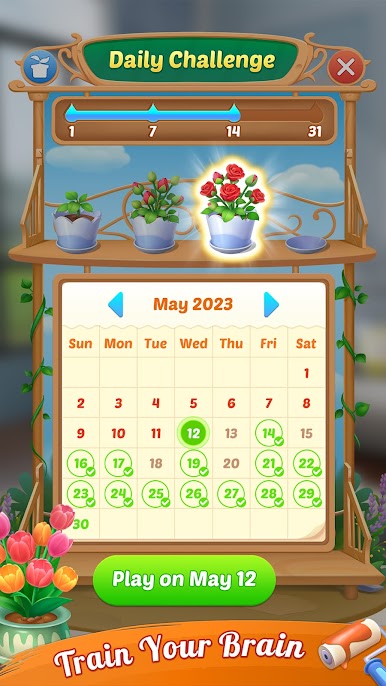
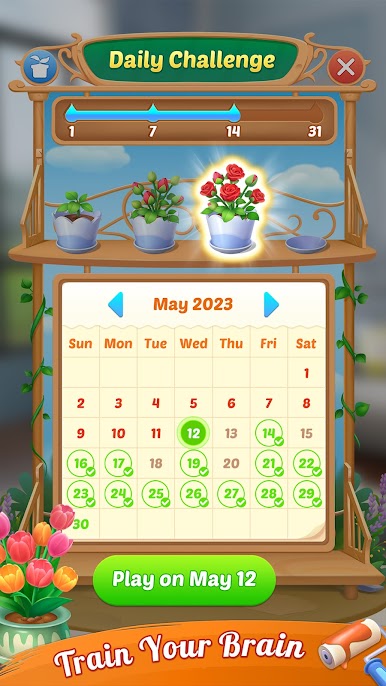
- Daily Challenges: Fresh puzzles arrive every day, complete tasks, and grow a collection of flowers that gets new additions each month.
- Adventure Collection: Tackle special adventure levels to earn exclusive, beautifully illustrated animal-themed card sets to show off at the table.
- Custom Look and Feel: Swap card backs and backgrounds, choose Classic or Vegas scoring, and even switch on 100% winnable deals when you want a guaranteed path to victory.
- Handy Play Options: Tap or drag controls, unlimited hints and undos, single-player focus, offline support, and a left-handed mode all keep things comfortable.
- Bonuses and Perks: Spin for quick rewards with lucky spins, and check out VIP privileges if you like extra goodies and boosts.
- Plays Great Anywhere: Enjoy quick sessions on your phone, or run it on your PC with BlueStacks if a bigger screen sounds nicer.
Slay your opponents with your epic moves. Play it your way on BlueStacks and dominate the battlefield.



Gioca Solitaire Zen:Home Design su PC. È facile iniziare.
-
Scarica e installa BlueStacks sul tuo PC
-
Completa l'accesso a Google per accedere al Play Store o eseguilo in un secondo momento
-
Cerca Solitaire Zen:Home Design nella barra di ricerca nell'angolo in alto a destra
-
Fai clic per installare Solitaire Zen:Home Design dai risultati della ricerca
-
Completa l'accesso a Google (se hai saltato il passaggio 2) per installare Solitaire Zen:Home Design
-
Fai clic sull'icona Solitaire Zen:Home Design nella schermata principale per iniziare a giocare

