


DuplexPlay
Gioca su PC con BlueStacks: la piattaforma di gioco Android, considerata affidabile da oltre 500 milioni di giocatori.

Pagina modificata il: Sep 25, 2026
Panoramica
Features:
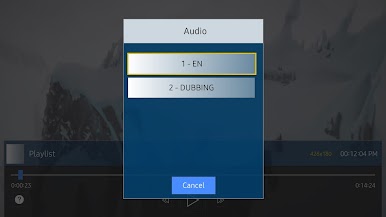
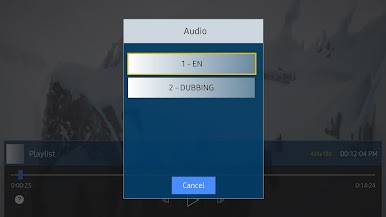
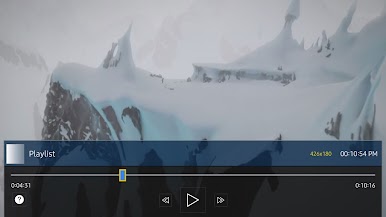
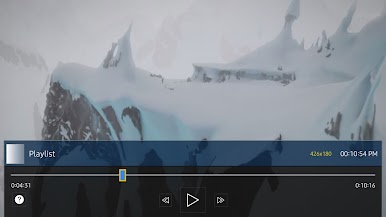
- Supports selection of audio tracks (if media contains audio tracks information)
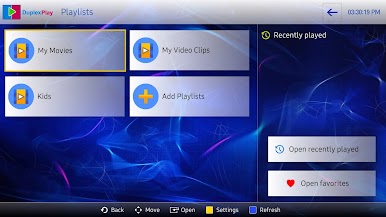
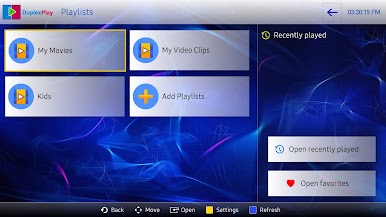
- Saves recently played lists and resume playback from last saved position.
- Allows seek to precise position, you can drag the time slider to the precise position.
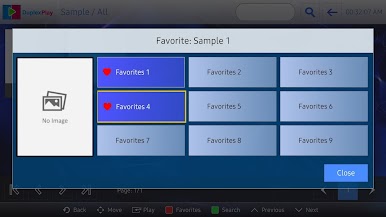
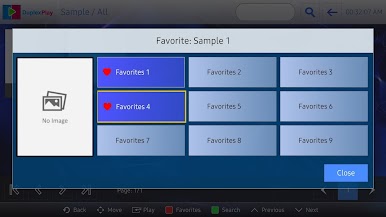
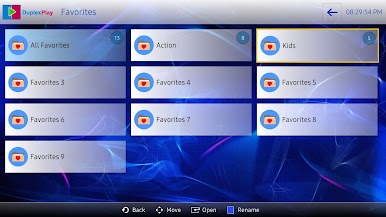
- Allows creation and customization of favorite groups for quick access.
- Supports embedded groups in playlists.
- Quickly search for items in playlists.
** DuplexPlay doesn't include any content, you have to upload your own playlists
** Application author and Google Play Store are not responsible for the content you upload to the application.
** The app is free to try for 7 days

Gioca DuplexPlay su PC. È facile iniziare.
-
Scarica e installa BlueStacks sul tuo PC
-
Completa l'accesso a Google per accedere al Play Store o eseguilo in un secondo momento
-
Cerca DuplexPlay nella barra di ricerca nell'angolo in alto a destra
-
Fai clic per installare DuplexPlay dai risultati della ricerca
-
Completa l'accesso a Google (se hai saltato il passaggio 2) per installare DuplexPlay
-
Fai clic sull'icona DuplexPlay nella schermata principale per iniziare a giocare

