


Granny
Mainkan di PC dengan BlueStacks – platform Game-Game Android, dipercaya oleh lebih dari 500 juta gamer.

Mainkan Granny di PC atau Mac
Granny adalah game Arkade yang dikembangkan oleh DVloper. App Player BlueStacks adalah platform terbaik untuk memainkan aplikasi Android ini di PC atau Mac kamu dan memberikan pengalaman bermain game yang mengesankan.
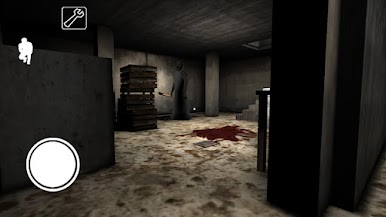
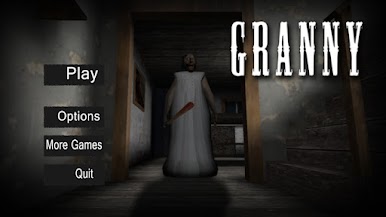
Rasakan sensasi horor, penuh misteri dan teka-teki, serta ketegangan dalam bermain Granny. Di sini, kamu terperangkap di dalam sebuah rumah tua yang angker, itu rumah nenekmu. Ternyata nenek bukanlah sosok yang kita kenal, ini menjadi ancaman besar ketika kamu terjebak di rumahnya. Satu-satunya tujuan adalah melarikan diri dari rumahnya yang mengerikan.
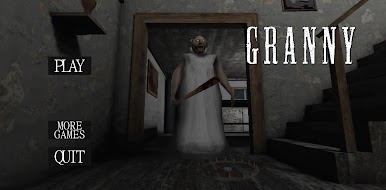
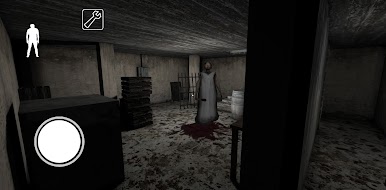
Granny adalah karakter utama yang menyeramkan dalam game ini. Dia adalah seorang perempuan baya yang memiliki pendengaran tajam dan kepekaan yang luar biasa terhadap suara. Jadi, kamu harus bergerak dengan hati-hati dan tanpa membuat suara yang berlebihan agar tidak terdengar olehnya. Sebab jika nenek mendengar atau menangkapmu, maka kamu akan mengalami kengerian yang menakutkan.
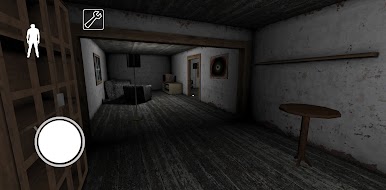
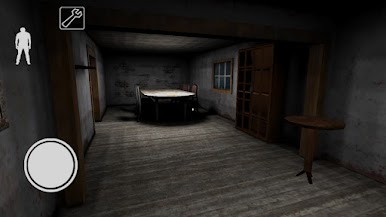
Dalam upaya melarikan diri, kamu harus menjelajahi setiap sudut rumah Granny yang luas dan penuh rahasia. Ruangan-ruangan di dalam rumah tersebut dipenuhi dengan teka-teki rumit dan mekanisme tersembunyi yang harus dipecahkan. Dapatkan akses ke ruangan berikutnya atau menemukan benda-benda penting yang dibutuhkan untuk melarikan diri.
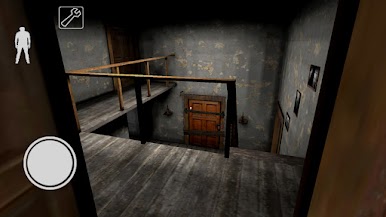
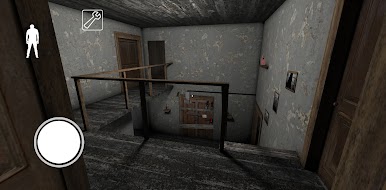
Atmosfer horor yang menakutkan disajikan melalui grafik realistis, efek suara yang menghantui, dan tata letak rumah angker yang rumit. Setiap sudut rumah Granny dihiasi dengan dekorasi yang seram dan redup, menciptakan suasana yang penuh dengan ketegangan dan rasa takut mendalam.


Mainkan Granny di PC Mudah saja memulainya.
-
Unduh dan pasang BlueStacks di PC kamu
-
Selesaikan proses masuk Google untuk mengakses Playstore atau lakukan nanti
-
Cari Granny di bilah pencarian di pojok kanan atas
-
Klik untuk menginstal Granny dari hasil pencarian
-
Selesaikan proses masuk Google (jika kamu melewati langkah 2) untuk menginstal Granny
-
Klik ikon Granny di layar home untuk membuka gamenya

