

Dutch - Spanish
Mainkan di PC dengan BlueStacks – platform Game-Game Android, dipercaya oleh lebih dari 500 juta gamer.

Run Dutch - Spanish on PC or Mac
Why limit yourself to your small screen on the phone? Run Dutch – Spanish, an app by eflasoft, best experienced on your PC or Mac with BlueStacks, the world’s #1 Android emulator.
About the App
Dutch – Spanish is a handy Education app from eflasoft that helps you pick up Dutch and Spanish the practical way—through words you’ll actually use, clear examples, and quick practice. It mixes an offline dictionary with a translator, audio, and bite-size games so you can learn a little every day without overthinking it. Prefer studying on a bigger display? You can also run it on BlueStacks.
App Features
- Offline Dictionary
-
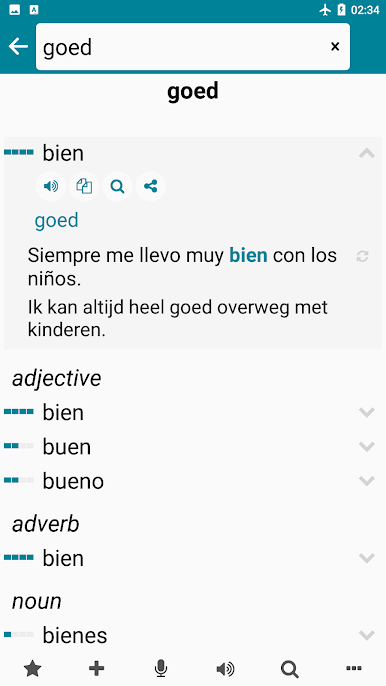
Look up Dutch to Spanish or Spanish to Dutch instantly, no internet needed. It packs tens of thousands of entries with meanings ordered by real-world usage.
-
Smart Search and Favorites
-
Get suggestions as you type, search both directions, and save time with your search history. Mark tricky words as Favorites to review faster.
-
Examples with Audio
-
See how a word is used in natural sentences and listen to the pronunciation, so meaning and sound stick together.
-
Translator with Voice
-
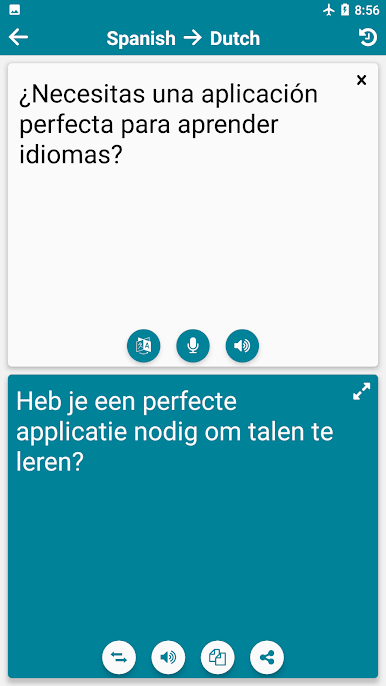
Need a quick line translated? Use the online translator with voice input and audio playback. Your translations are saved in history for easy recall.
-
Real-Life Phrases
-
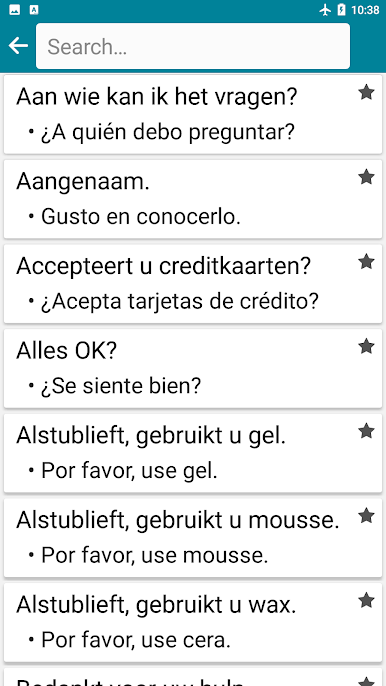
Browse and listen to 1,100 common expressions organized by topic—great for travel, class, or everyday chats.
-
Audio Learning Mode
-
Turn your word lists into an audio stream and learn on the go. Build your own audio files from the words you pick.
-
Import and Export
-
Move your vocab wherever you want. Import or export lists in CSV, TXT, XML, or HTML.
-
Flashcards You Can Hear
-
Cycle through words in order and listen as you go—perfect for quick refreshers.
-
Quizzes for Every Skill
-
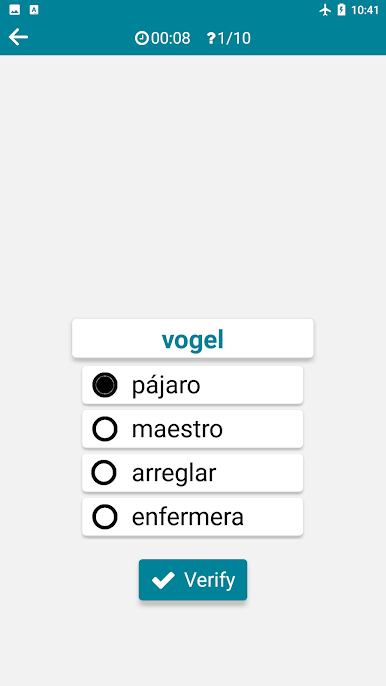
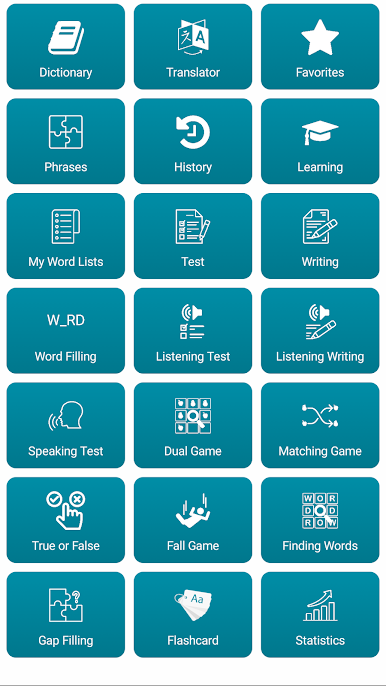
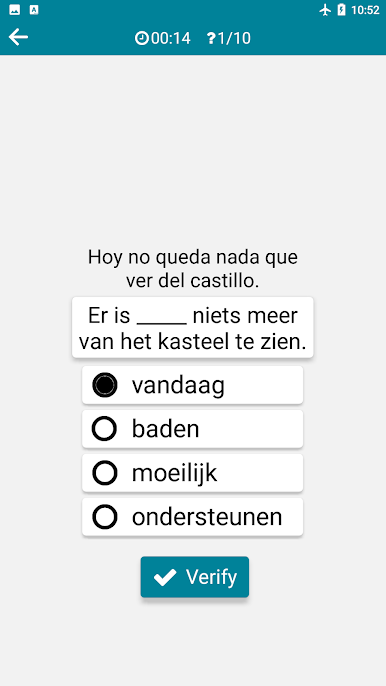
Multiple choice, writing, word filling, listening, listening + writing, true/false, and a dedicated speech test for pronunciation.
-
Fast, Fun Mini-Games
-
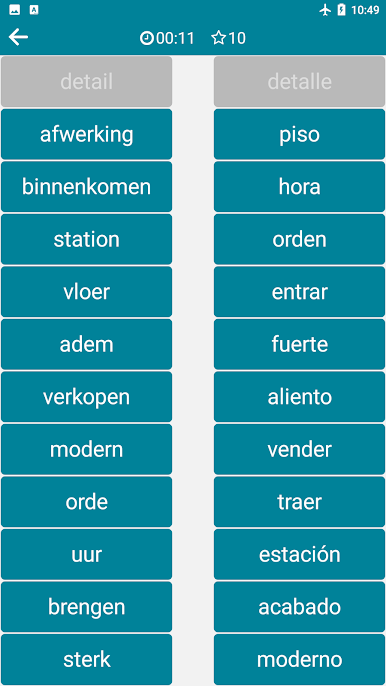
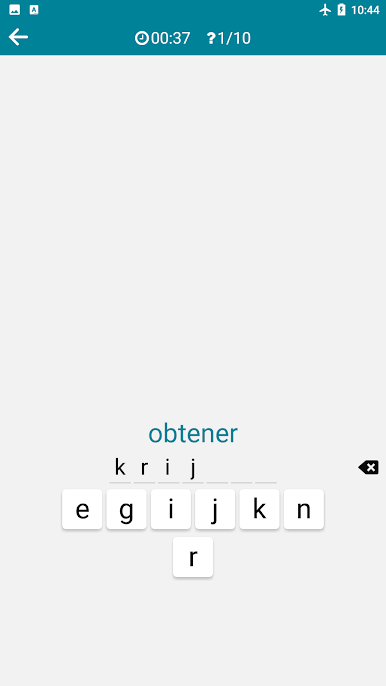
Try the Dual Game grid challenge, matching, the falling-words speed game, gap-filling sentences, and a clever finding-words puzzle.
-
Home Screen Widget
- Learn without even opening the app. Add a customizable widget to keep fresh words front and center.
Ready to experience Dutch – Spanish on a bigger screen, in all its glory? Download BlueStacks now.
Mainkan Dutch - Spanish di PC Mudah saja memulainya.
-
Unduh dan pasang BlueStacks di PC kamu
-
Selesaikan proses masuk Google untuk mengakses Playstore atau lakukan nanti
-
Cari Dutch - Spanish di bilah pencarian di pojok kanan atas
-
Klik untuk menginstal Dutch - Spanish dari hasil pencarian
-
Selesaikan proses masuk Google (jika kamu melewati langkah 2) untuk menginstal Dutch - Spanish
-
Klik ikon Dutch - Spanish di layar home untuk membuka gamenya

