


Book Catalogue
Gioca su PC con BlueStacks: la piattaforma di gioco Android, considerata affidabile da oltre 500 milioni di giocatori.

Pagina modificata il: Jul 2, 2023
Run Book Catalogue on PC or Mac
Get freedom from your phone’s obvious limitations. Use Book Catalogue, made by Evan Leybourn, a Productivity app on your PC or Mac with BlueStacks, and level up your experience.
About the App
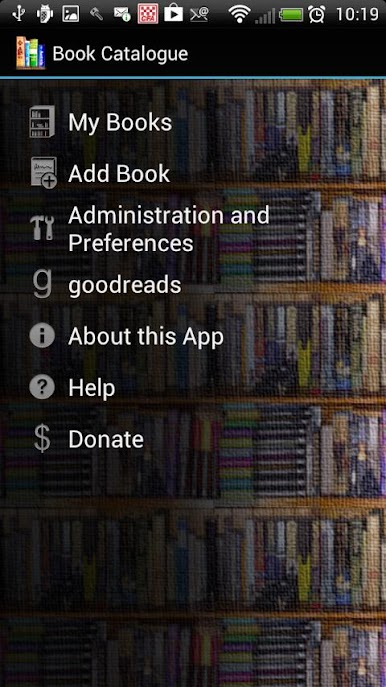
Looking for an easy way to keep tabs on all your books, whether you’re stacking your nightstand or filling digital shelves? Book Catalogue is a straightforward productivity app from Evan Leybourn that lets you organize your entire book collection just how you want it. No matter if you’re a bookworm with piles of paperbacks or just starting a little wishlist, this app’s got your back with simple tools and tons of flexibility.
App Features
-
Multiple Ways to Add Books
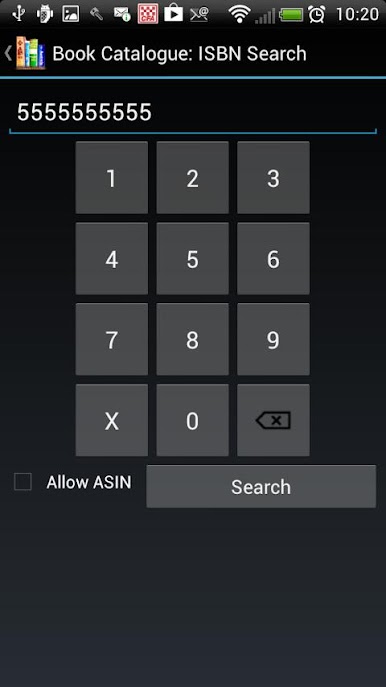
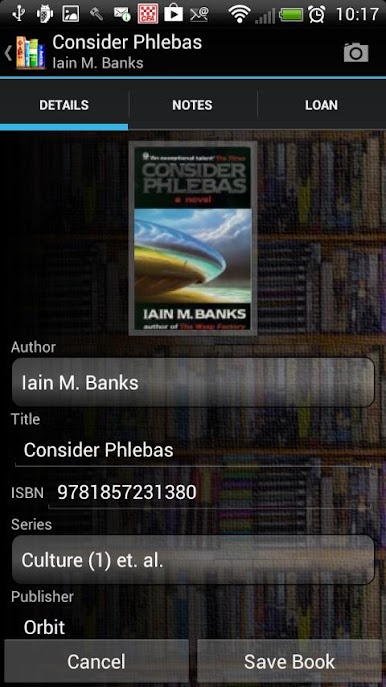
Got a book in hand? Add it by scanning a barcode, typing in the ISBN, or just entering the info yourself—it’s up to you. -
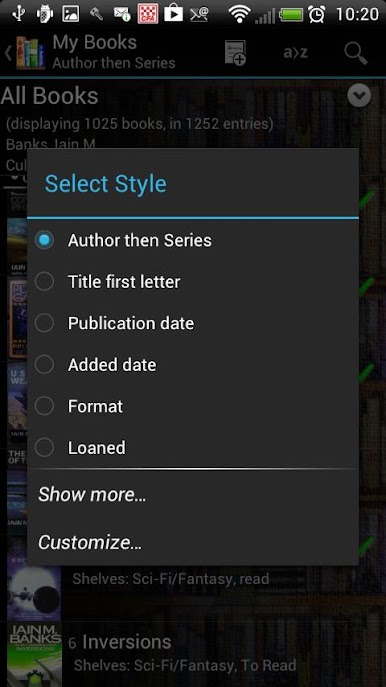
Custom Sorting and Shelves
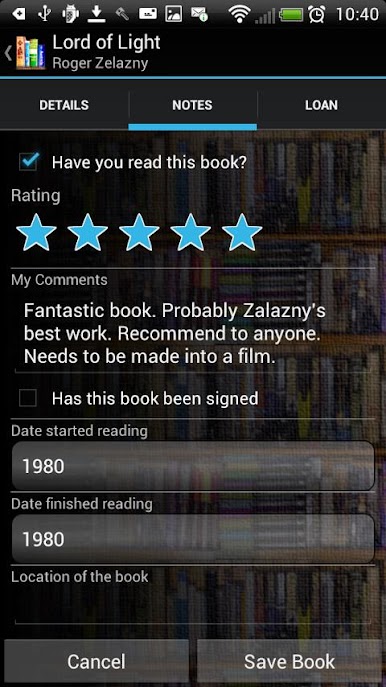
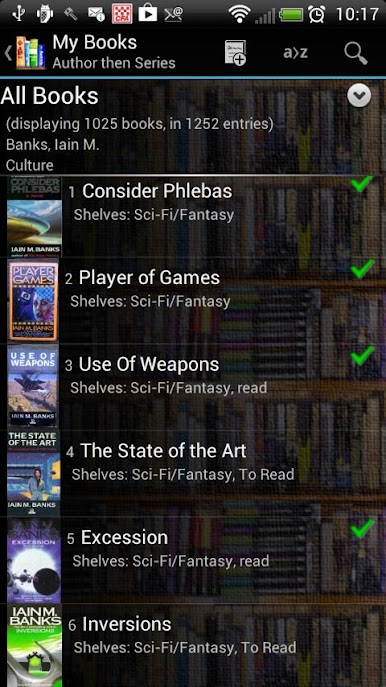
Arrange your collection however you like: sort by author, title, or even create your own custom arrangement. You can throw books onto multiple shelves—make a ‘Wishlist’ or keep track of books you’ve loaned out. -
Thumbnails & Cover Photos
Spruce up your collection with cover images. Snap photos, pick from your gallery, or download automatically. -
Deep Search Features
Hunting for a specific book or want details about a title? Look it up using connected searches across Amazon, Google Books, goodreads, and LibraryThing. -
Loan Tracker
Lending out your favorite stories? Keep tabs on who’s borrowed what (and maybe nudge a friend if a book’s overdue). -
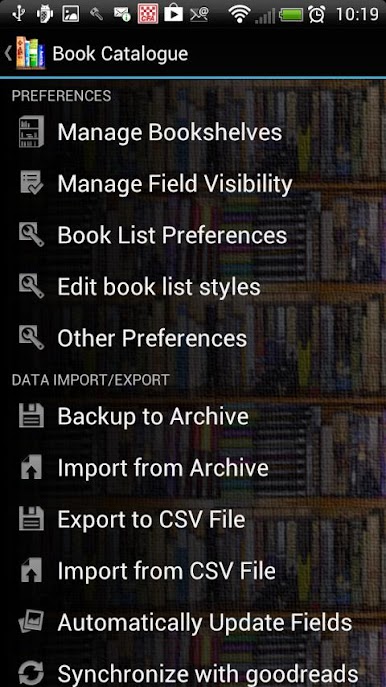
goodreads Sync
Stay in sync with your goodreads shelves—no need to juggle between apps. -
Backup and Export
Never lose your library. Export and back things up with just a tap, so your list is safe during upgrades. -
Flexible List Styles
Make your lists look the way you want. Choose different styles, tweak the view, and see as much or as little info as you need. -
Multilingual Support
Book Catalogue offers translations in several languages—including Italian, Spanish, Turkish, French, German, and Russian.
If you’re using Book Catalogue on a bigger screen (maybe via BlueStacks), managing book collections feels even more spacious and intuitive.
BlueStacks brings your apps to life on a bigger screen—seamless and straightforward.

Gioca Book Catalogue su PC. È facile iniziare.
-
Scarica e installa BlueStacks sul tuo PC
-
Completa l'accesso a Google per accedere al Play Store o eseguilo in un secondo momento
-
Cerca Book Catalogue nella barra di ricerca nell'angolo in alto a destra
-
Fai clic per installare Book Catalogue dai risultati della ricerca
-
Completa l'accesso a Google (se hai saltato il passaggio 2) per installare Book Catalogue
-
Fai clic sull'icona Book Catalogue nella schermata principale per iniziare a giocare

