


Amplificador de sonido
Juega en PC con BlueStacks: la plataforma de juegos Android, en la que confían más de 500 millones de jugadores.

Página modificada el: Oct 13, 2025
Run Easy Volume Control on PC or Mac
Let BlueStacks turn your PC, Mac, or laptop into the perfect home for Easy Volume Control, a fun Tools app from lovekara.
About the App
If you’re tired of fiddling with separate volume sliders or digging through menus just to mute a notification, Easy Volume Control is your new best friend. This handy tool by lovekara brings all your phone’s audio controls together, so tweaking the sound to fit your day-to-day just takes a tap—or maybe two. You get an easy, no-hassle way to manage ringers, media, and more—without any confusing steps.
App Features
-
One-Tap Max Volume
Hit one button, and boom—all your volumes are cranked up instantly. No more hunting for each setting one by one. -
Quick Sound Tweaks
Adjust ring, notification, call, media, alarm, and system sounds in one spot. It’s easy to choose what you want louder or quieter, whether you’re chilling or need things silent in a hurry. -
Simple Silent & Vibe Modes
Need quiet fast? Switch straight into silent or vibration mode with just a single touch—perfect when you’re stepping into a meeting or just want some peace. -
Automatic Memory
Your sound settings are remembered—even after you restart your phone. The app can recall exactly how you had things set up and put them back the way you like automatically. -
Headphone-Aware Adjustments
Plug in your headphones and watch it work: Easy Volume Control remembers your preferences with or without a headset, and shifts sound levels the moment you plug in or unplug.
Whether you’re running this on your phone or giving it a go on BlueStacks, this tool puts audio control right at your fingertips.
BlueStacks gives you the much-needed freedom to experience your favorite apps on a bigger screen. Get it now.
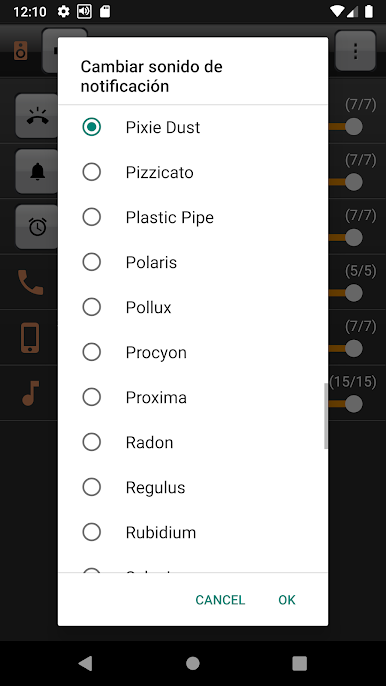
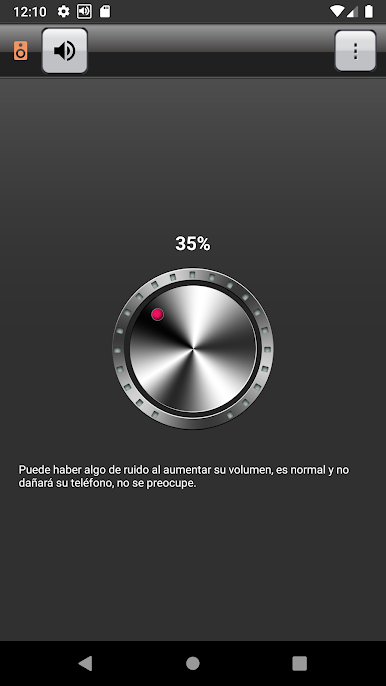
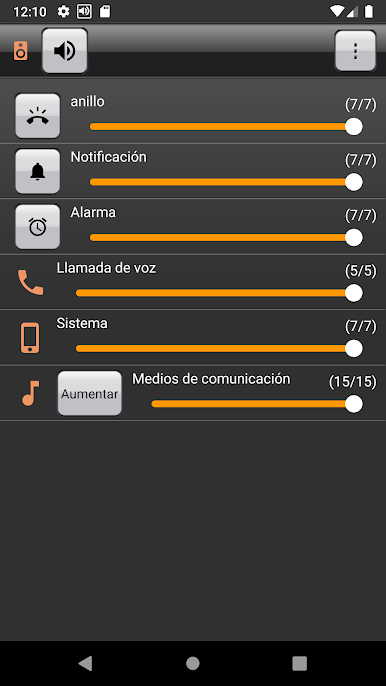
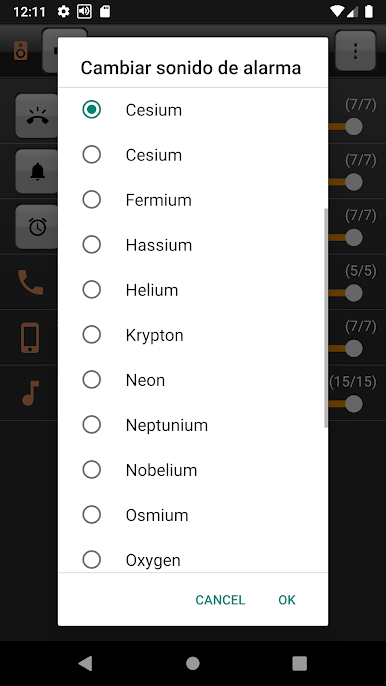
Juega Amplificador de sonido en la PC. Es fácil comenzar.
-
Descargue e instale BlueStacks en su PC
-
Complete el inicio de sesión de Google para acceder a Play Store, o hágalo más tarde
-
Busque Amplificador de sonido en la barra de búsqueda en la esquina superior derecha
-
Haga clic para instalar Amplificador de sonido desde los resultados de búsqueda
-
Complete el inicio de sesión de Google (si omitió el paso 2) para instalar Amplificador de sonido
-
Haz clic en el ícono Amplificador de sonido en la pantalla de inicio para comenzar a jugar

