


Send Anywhere (File Transfer)
Gioca su PC con BlueStacks: la piattaforma di gioco Android, considerata affidabile da oltre 500 milioni di giocatori.

Pagina modificata il: Jun 18, 2026
Gioca Send Anywhere (File Transfer) per PC
▶ Caratteristiche
• Trasferimento di qualsiasi tipo di file senza alterare l'originale
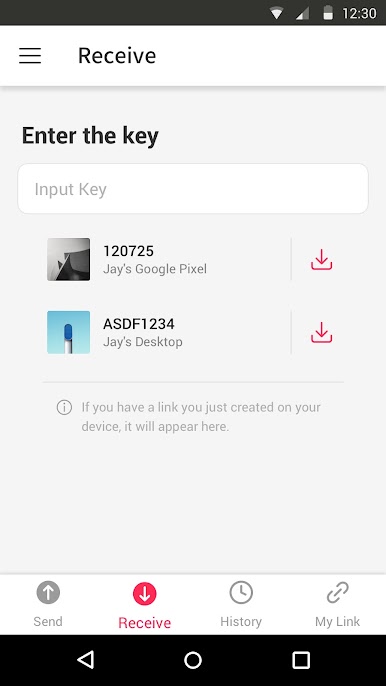
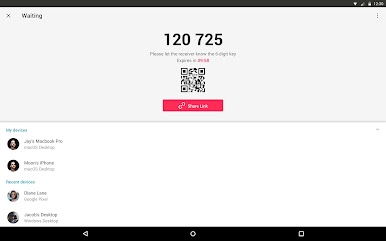
• Tutto ciò che serve è una password di 6 cifre una tantum per un facile trasferimento
• Wi-Fi Direct: trasferisci senza utilizzare la rete dati o Internet
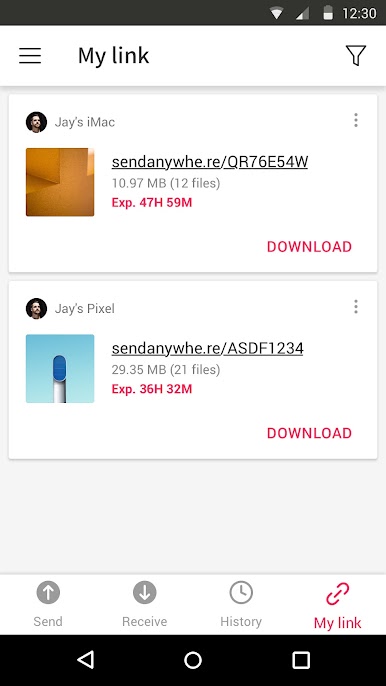
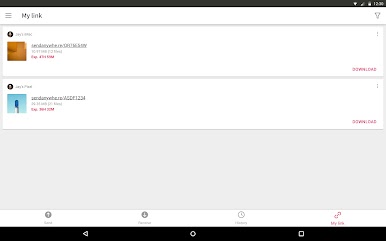
• Collegamento per una facile condivisione su tutti i social e Messenger
• Crittografia dei file rinforzata (256-bit)
▶ Quando utilizzare Send Anywhere!
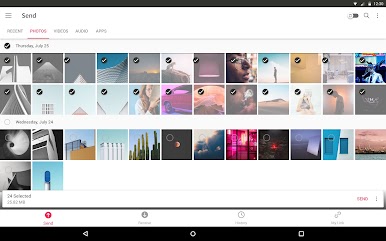
• Quando si spostano foto, video e musica sul PC!
• Quando si dispone una connessione dati o Internet debole
• Ogni volta che si desidera inviare file in un attimo!
* Informateci di ogni problema o errore riscontrato durante l'utilizzo dell'applicazione, facendo clic su "Invia Feedback" in Impostazioni
-
APK File
• The copyright of applications sent through Send Anywhere belong to the application’s developer. If sharing an APK file conflicts with current copyright laws then all responsibility falls upon the user.
• Typically, you will not be able to share APK files between OS and Android. First check with application’s developer before cross-platform transfers.
Video Files
• Depending on the video type received, the video may not be pushed into the phone’s gallery. In this case, using a file management application will play the video.
• If you can’t play the videos received, download a different video player that is compatible with the video format.
-
To best use Send Anywhere’s convenient file sharing service, we ask user’s permissions listed below
• Write External Storage : To store files that are received through Send Anywhere in external storage (SD Card).
• Read External Storage : To send files stored in external storage through Send Anywhere.
• Record Audio : To recognize a sound wave and receive files.
• Get Accounts : To set default profile name when using Send Anywhere for the first time.
• Read Contacts : To send contacts stored in your phone.
• Camera : For being able to receive files via a QR Code.
For more information about our terms and policies, please visit our site.
https://send-anywhere.com/terms
https://send-anywhere.com/mobile-privacy/privacy.html
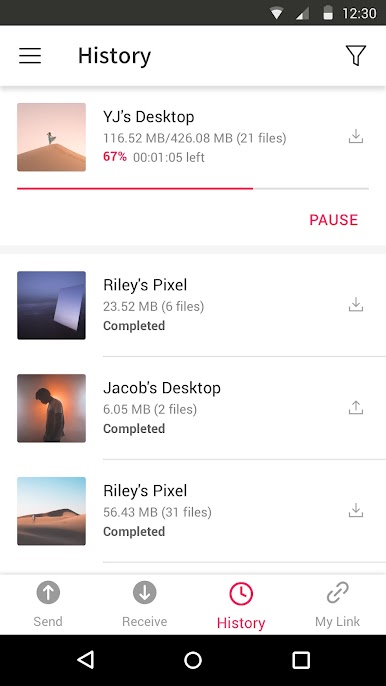
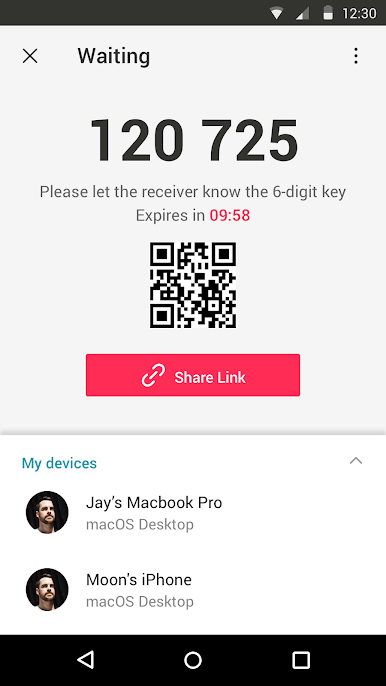
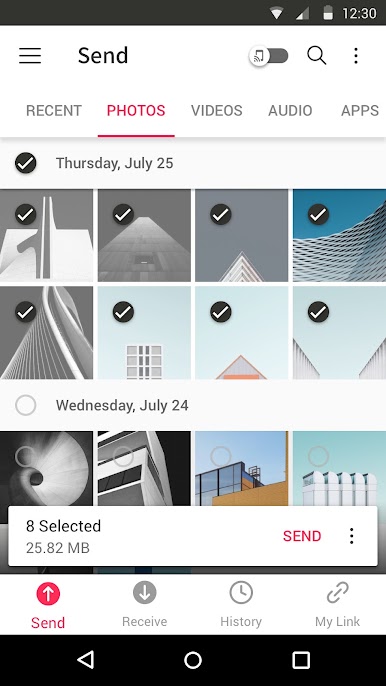
Gioca Send Anywhere (File Transfer) su PC. È facile iniziare.
-
Scarica e installa BlueStacks sul tuo PC
-
Completa l'accesso a Google per accedere al Play Store o eseguilo in un secondo momento
-
Cerca Send Anywhere (File Transfer) nella barra di ricerca nell'angolo in alto a destra
-
Fai clic per installare Send Anywhere (File Transfer) dai risultati della ricerca
-
Completa l'accesso a Google (se hai saltato il passaggio 2) per installare Send Anywhere (File Transfer)
-
Fai clic sull'icona Send Anywhere (File Transfer) nella schermata principale per iniziare a giocare

