


Busca las diferencias
Juega en PC con BlueStacks: la plataforma de juegos Android, en la que confían más de 500 millones de jugadores.

Página modificada el: Aug 30, 2023
Play Find The Difference - Spot It on PC or Mac
Find The Difference – Spot It brings the Puzzle genre to life, and throws up exciting challenges for gamers. Developed by exglabs, this Android game is best experienced on BlueStacks, the World’s #1 app player for PC and Mac users.
About the Game
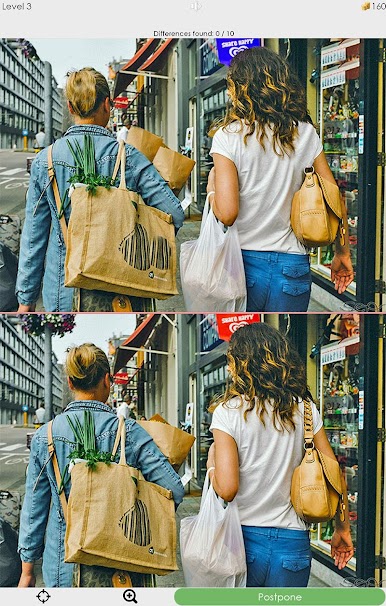
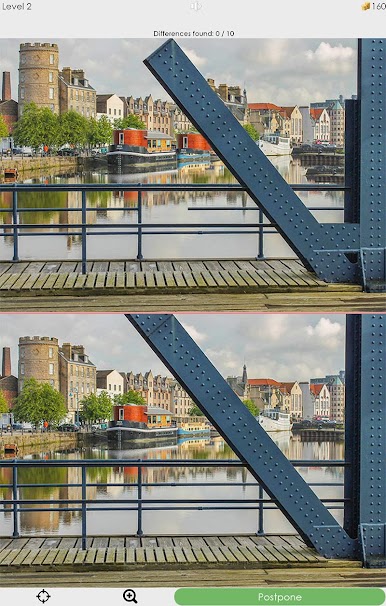
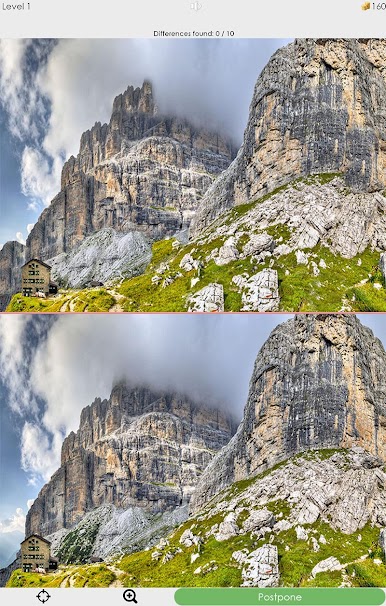
Find The Difference – Spot It from exglabs is a laid-back Puzzle game where two pictures sit side by side and your job is to catch what’s changed. It’s simple, oddly satisfying, and perfect when you want a quick mental reset or a longer challenge. You’ll hunt for small details, tap to confirm your finds, and feel that little spark each time you nail a tricky one. Prefer a bigger screen? It plays nicely on PC with BlueStacks, too.
Game Features
- Classic spot-the-difference: Compare two images and track down what’s not the same. No fluff—just clean, straightforward fun.
- Ten finds per scene: Each pair typically hides 10 differences, from easy wins to blink-and-you-miss-it changes that test your focus.
- Lots of levels: Work through a hefty selection of picture sets so there’s always another scene waiting.
- Fresh content to grab: Download additional image packs to keep your list of challenges growing over time.
- Pick-up-and-play controls: Tap to mark a difference and move on. No complicated menus or learning curve.
- Relaxing but engaging: Short bursts or longer sessions both feel great, whether you’re unwinding or sharpening your attention.
- Built for all ages: Clear visuals and straightforward rules make it enjoyable for anyone who likes a clean, classic puzzle.
Slay your opponents with your epic moves. Play it your way on BlueStacks and dominate the battlefield.






Juega Busca las diferencias en la PC. Es fácil comenzar.
-
Descargue e instale BlueStacks en su PC
-
Complete el inicio de sesión de Google para acceder a Play Store, o hágalo más tarde
-
Busque Busca las diferencias en la barra de búsqueda en la esquina superior derecha
-
Haga clic para instalar Busca las diferencias desde los resultados de búsqueda
-
Complete el inicio de sesión de Google (si omitió el paso 2) para instalar Busca las diferencias
-
Haz clic en el ícono Busca las diferencias en la pantalla de inicio para comenzar a jugar

