


Facebook Lite
Mainkan di PC dengan BlueStacks – platform Game-Game Android, dipercaya oleh lebih dari 500 juta gamer.

Jalankan Facebook Lite di PC atau Mac
Facebook Lite merupakan Sosial game yang dikembangkan oleh Meta Platforms, Inc.. App Player BlueStacks adalah platform terbaik untuk memainkan game Android ini di PC atau Mac kamu dan memberikan pengalaman bermain game yang mengesankan.
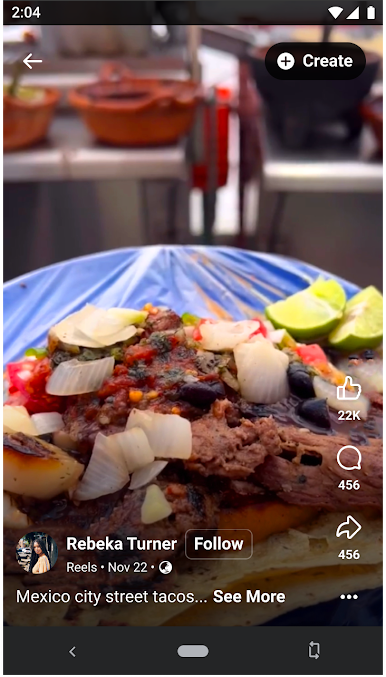
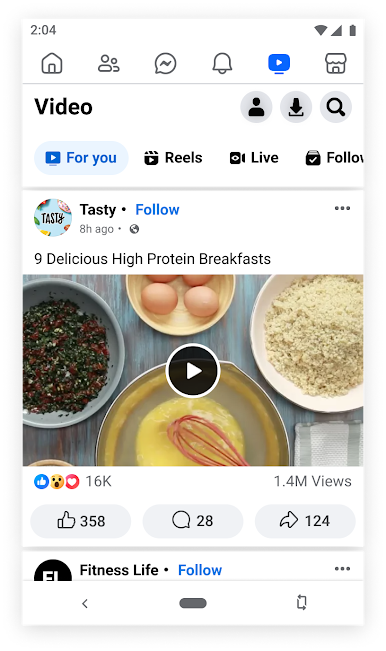
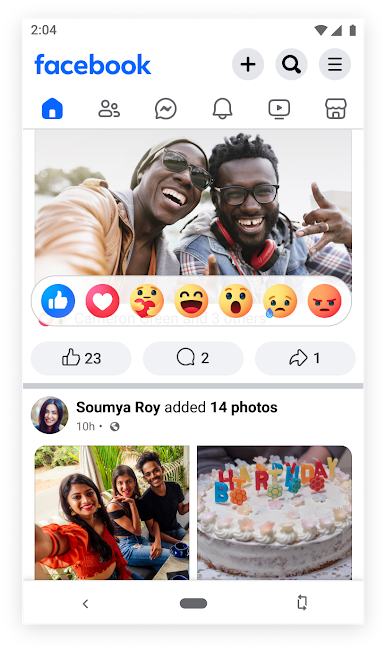
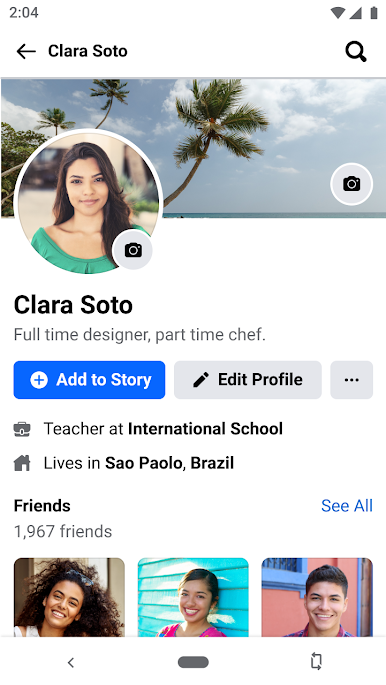
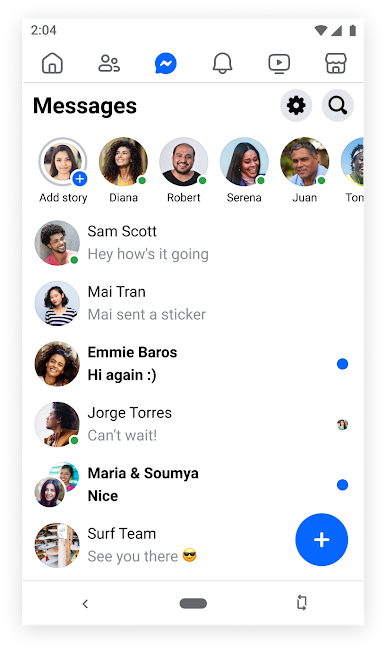
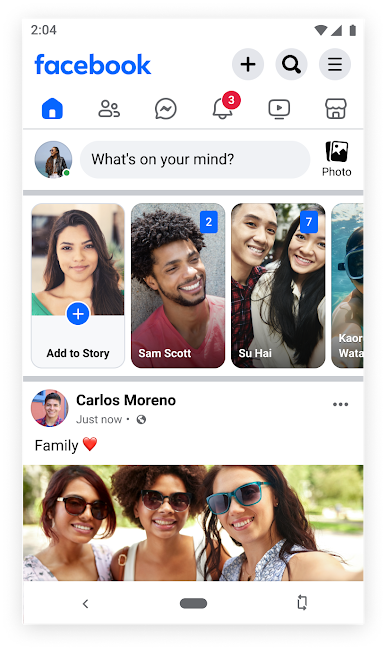
Download Facebook Lite di PC dengan BlueStacks. Facebook Lite dibuat khusus untuk devais dengan RAM kurang dari 2GB dan menggunakan jaringan 2G atau 3G. Nikmati serunya ber-Facebook bahkan di devais Android tuamu.
Dunia ini begitu luas; temukan penggunakan yang memiliki minat dan hobi sama sepertimu di Facebook. Dengan lebih dari 2.7 milyar akun, Facebook merupakan platform dan komunitas di mana kamu dapat berbahas ide, berbagi cerita, dan belajar hal-hal baru yang seru!
Temukan produk yang kamu inginkan di pasar Facebook. Pasar Facebook menghubungkan penjual dan pembeli dari seluruh penjuru dunia.
Jangan melewatkan berita dan peristiwa terkini! Ketahui hal-hal terbaru yang terjadi di dunia dan di dalam komunitas dan kota kamu sendiri dengan Facebook.
Download Facebook Lite di PC dengan BlueStacks dan temukan komunitas dengan minat yang sama denganmu!
Mainkan Facebook Lite di PC Mudah saja memulainya.
-
Unduh dan pasang BlueStacks di PC kamu
-
Selesaikan proses masuk Google untuk mengakses Playstore atau lakukan nanti
-
Cari Facebook Lite di bilah pencarian di pojok kanan atas
-
Klik untuk menginstal Facebook Lite dari hasil pencarian
-
Selesaikan proses masuk Google (jika kamu melewati langkah 2) untuk menginstal Facebook Lite
-
Klik ikon Facebook Lite di layar home untuk membuka gamenya

