


Cambiar Cara: Editor De Fotos
Juega en PC con BlueStacks: la plataforma de juegos Android, en la que confían más de 500 millones de jugadores.

Página modificada el: Sep 25, 2025
Run Face Swap - AI Photo Editor on PC or Mac
Get freedom from your phone’s obvious limitations. Use Face Swap – AI Photo Editor, made by AMOBEAR TECHNOLOGY GROUP, a Photography app on your PC or Mac with BlueStacks, and level up your experience.
About the App
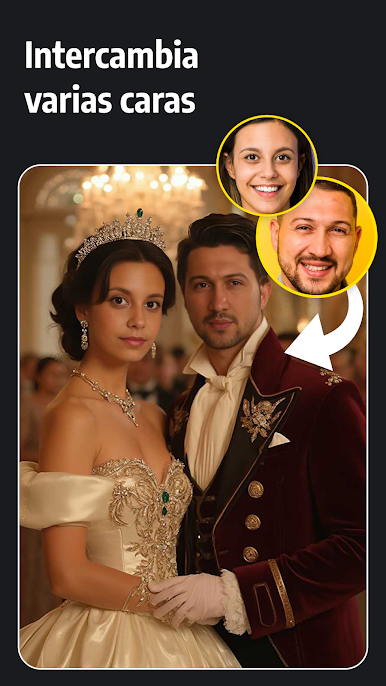
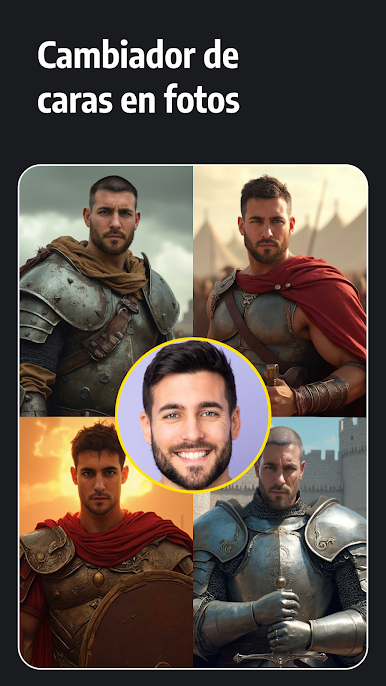
Ever wondered what you’d look like as a famous movie star, historical figure, or athlete? With Face Swap – AI Photo Editor, you can play around with your photos and videos in ways that are way more fun than just adding a filter. This Photography app from AMOBEAR TECHNOLOGY GROUP turns face swapping into a pretty entertaining (and sometimes hilarious) creative adventure. Whether you want to experiment with different styles or just make your friends laugh, you’ll find yourself coming back for more.
App Features
-
Face Swapping in Photos
Choose from a huge selection of images—think vintage styles, sports icons, or elegant wedding looks. Instantly switch your face with these photos or use your personal pics for a totally custom transformation. -
Video Face Swaps
Ever wanted to see your face starring in a trending TikTok or fairy-tale scene? Pick from a packed video library and easily put your face right in the middle of the action. -
Smart AI Editing Tools
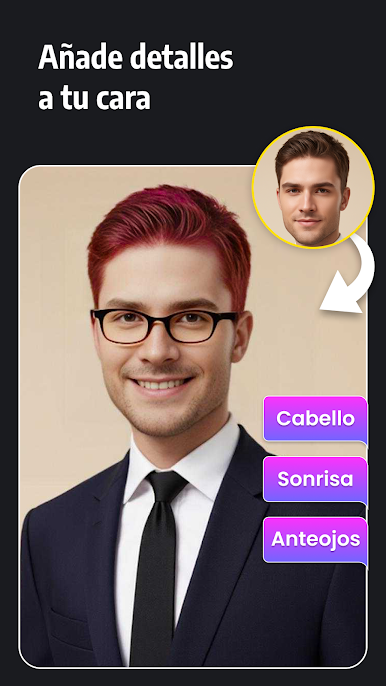
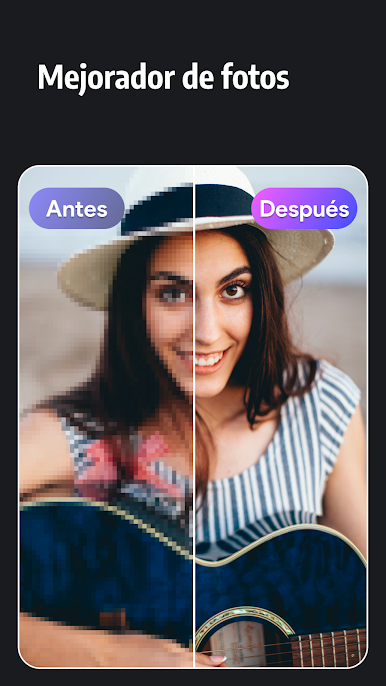
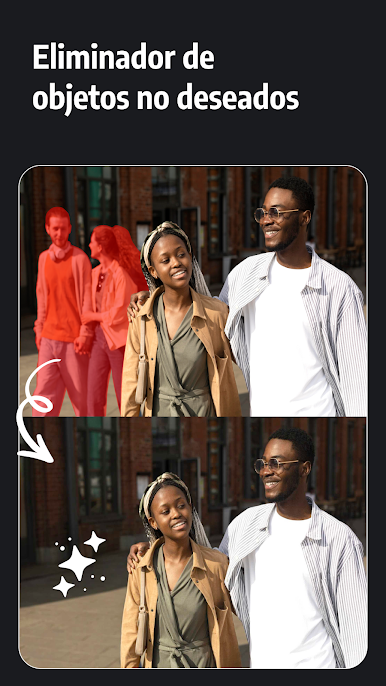
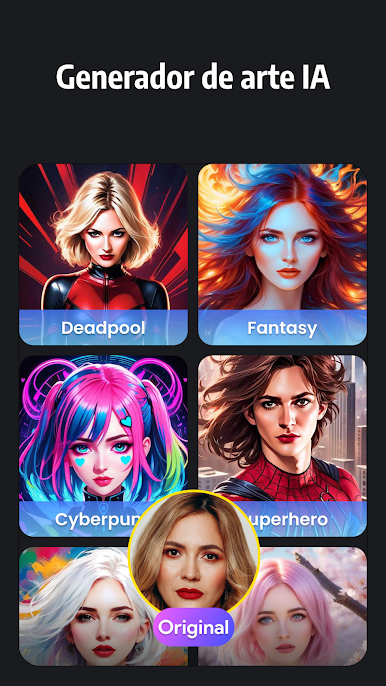
Beyond just swapping faces, you can sharpen blurry shots, experiment with AI-generated art, or adjust your appearance—smile tweaks, new hairdos, glasses, beards, the works. Cleanup tools help you remove unwanted objects, so your edits look well put together. -
Realistic Results
Thanks to advanced AI, the app lines up faces and details so everything looks smooth and fits naturally—no weird glitches or mismatched lighting. Your creative edits come out way more believable. -
Easy Sharing & Saving
Once you’ve whipped up a masterpiece, saving or sharing it takes barely any effort. Whether you want that photo on your social feed, sent to your friends, or just stored in your gallery, you’re covered.
Face Swap – AI Photo Editor works well whether you’re snapping pics on your phone or playing around with photos on BlueStacks. Try it out and see what unexpected looks you can create!
BlueStacks brings your apps to life on a bigger screen—seamless and straightforward.


Juega Cambiar Cara: Editor De Fotos en la PC. Es fácil comenzar.
-
Descargue e instale BlueStacks en su PC
-
Complete el inicio de sesión de Google para acceder a Play Store, o hágalo más tarde
-
Busque Cambiar Cara: Editor De Fotos en la barra de búsqueda en la esquina superior derecha
-
Haga clic para instalar Cambiar Cara: Editor De Fotos desde los resultados de búsqueda
-
Complete el inicio de sesión de Google (si omitió el paso 2) para instalar Cambiar Cara: Editor De Fotos
-
Haz clic en el ícono Cambiar Cara: Editor De Fotos en la pantalla de inicio para comenzar a jugar

