


Biblia
Juega en PC con BlueStacks: la plataforma de juegos Android, en la que confían más de 500 millones de jugadores.

Página modificada el: Nov 12, 2025
Play Bible - Audio & Video Bibles on PC
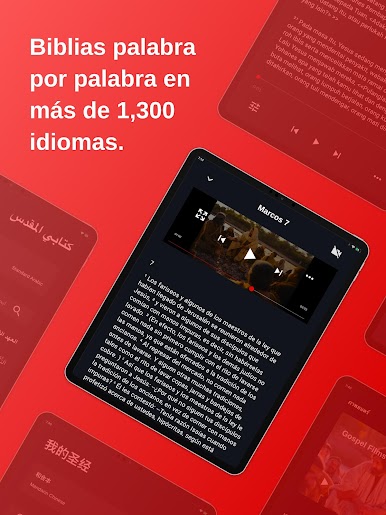
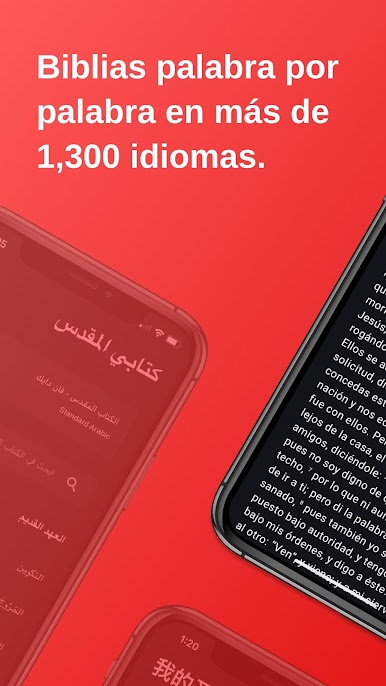
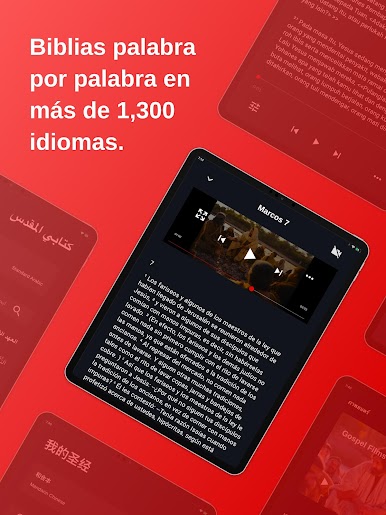
- Freely access the Bible in 1,300+ languages. New languages are added monthly.
- Listen to beautifully dramatized Scripture at home, at work, or in the car.
- Easily create custom Plans and Playlists for personal, family, or church Bible study.
- Discover and follow Plans made by others to engage the Bible.
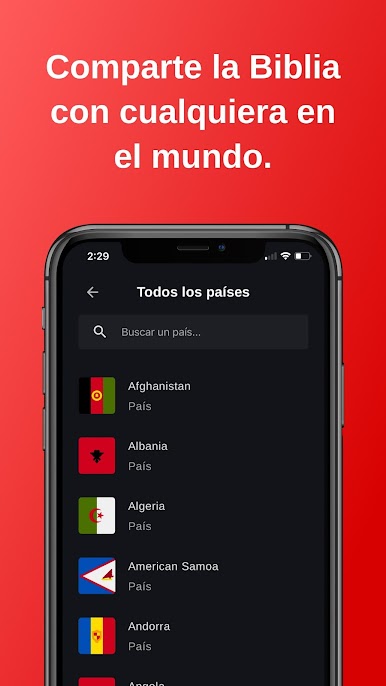
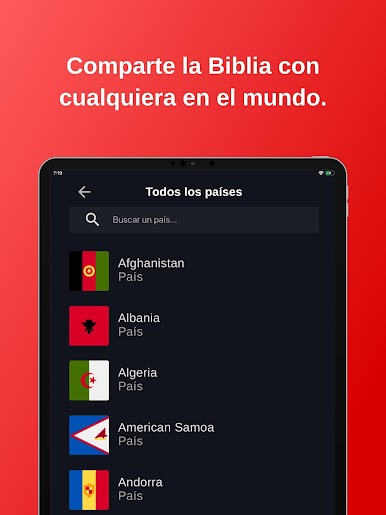
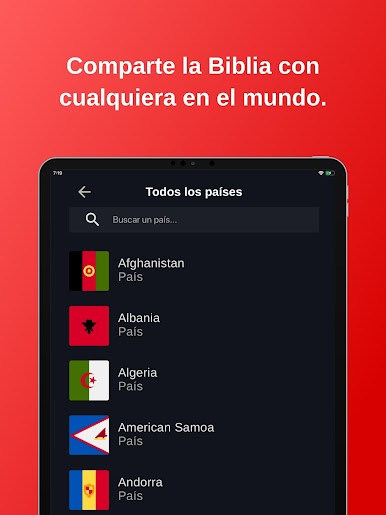
- Search Bible passages by language or country.
- Navigate in your language—Bible.is detects the language your phone uses and automatically adjusts its text, or you can select your preferred language.
- Look up keywords, book names, or specific verses.
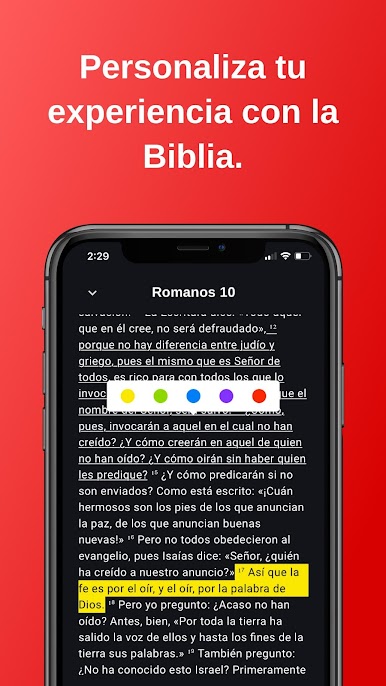
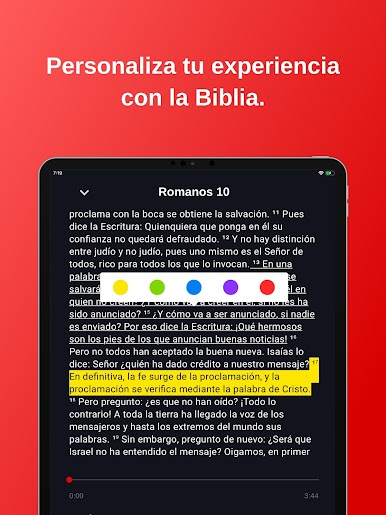
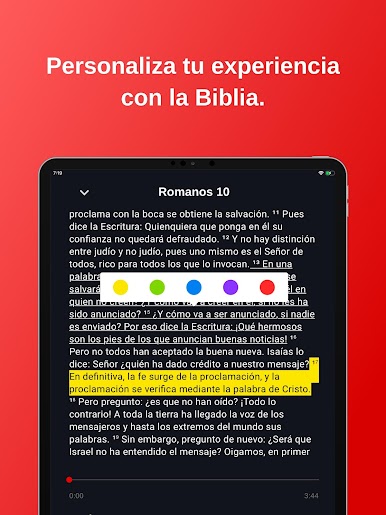
- Bookmark, highlight, and add notes for Scripture memorization and inspiration.
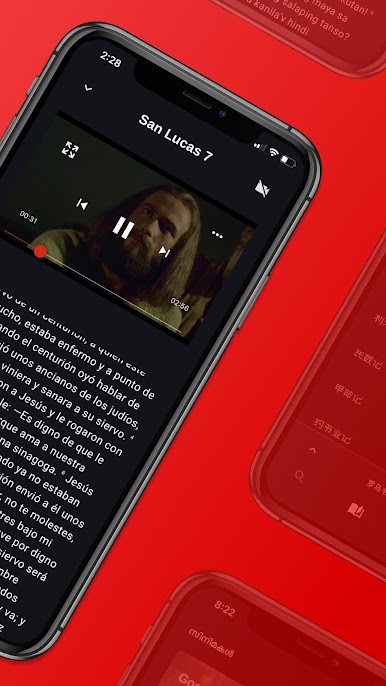
- See the ministry of Jesus come to life in Gospel Films and the JESUS film.
- Share any Bible verse via social media or email with one tap.
Bible.is, a ministry of Faith Comes By Hearing, a 501(c)(3) non-profit ministry dedicated to getting God's Word to everyone, everywhere. All U.S. donations are tax deductible.
—JOIN THE BIBLE.IS COMMUNITY—
Follow Faith Comes By Hearing’s custom-made Plans and Playlists within the app. Chat with support inside your Bible.is app, or email ideas and concerns: support@bible.is
Join our growing international community on Facebook: www.facebook.com/Bibleis
Follow us on Twitter: www.twitter.com/Bibleis
See what our ministry is up to at www.FaithComesByHearing.com

Juega Biblia en la PC. Es fácil comenzar.
-
Descargue e instale BlueStacks en su PC
-
Complete el inicio de sesión de Google para acceder a Play Store, o hágalo más tarde
-
Busque Biblia en la barra de búsqueda en la esquina superior derecha
-
Haga clic para instalar Biblia desde los resultados de búsqueda
-
Complete el inicio de sesión de Google (si omitió el paso 2) para instalar Biblia
-
Haz clic en el ícono Biblia en la pantalla de inicio para comenzar a jugar

