


Flashlight
Gioca su PC con BlueStacks: la piattaforma di gioco Android, considerata affidabile da oltre 500 milioni di giocatori.

Pagina modificata il: Sep 30, 2025
Play Flashlight on PC
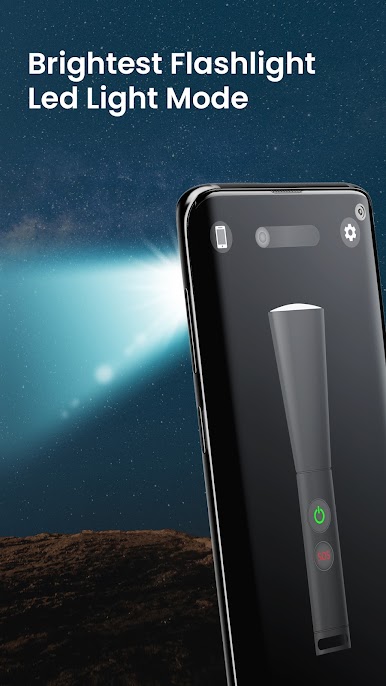
Download Free Flashlight App to instantly convert your device into Bright Environment.
Features:
• Flashlight
• Screen Light
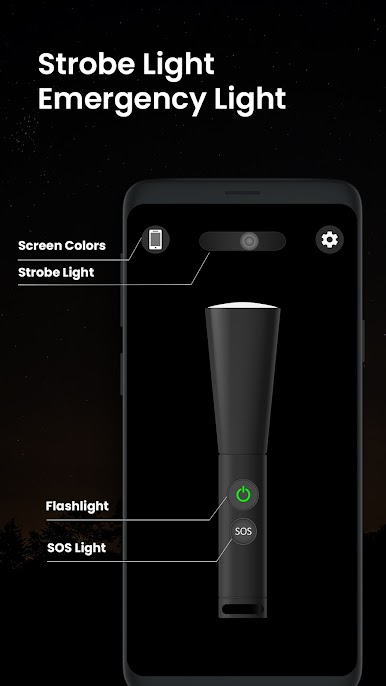
• Strobe Light
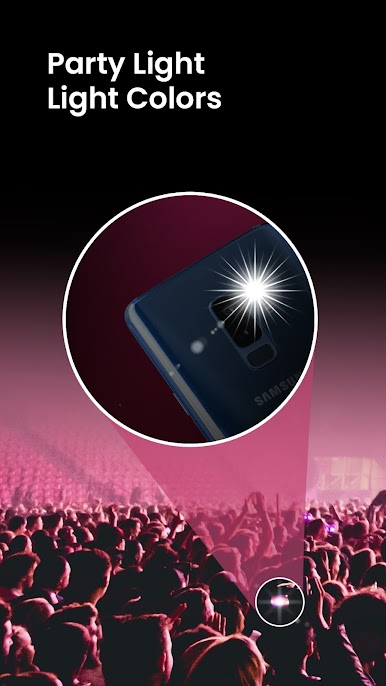
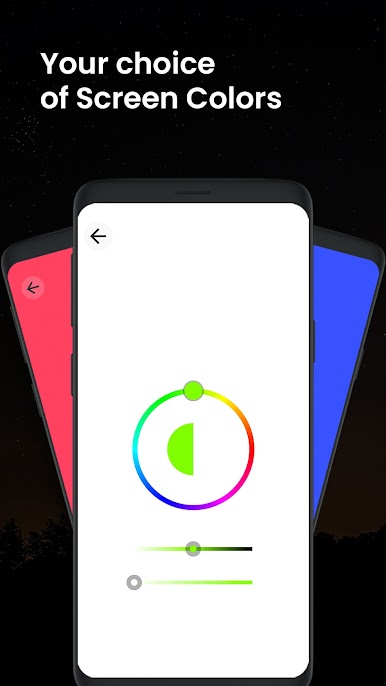
• Colors Light
• Vibration and Sound
• SOS Light for Emergency
It helps you achieving:
+ It automatically converts into light source
+ Use screen light if device lacks a flash
+ Customize your lighting with Flash, SOS, and Strobe
+ Enjoy the free Led Torch Light App
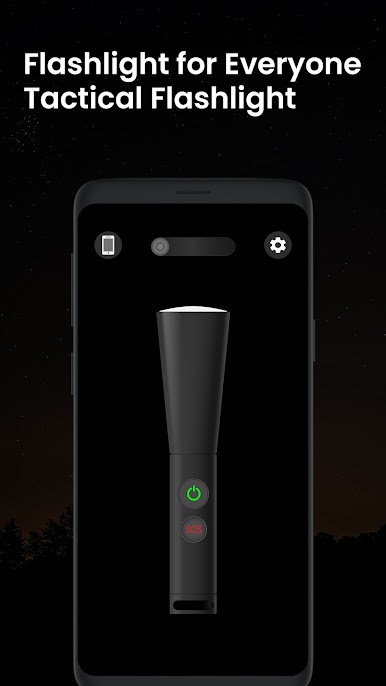
Flashlight Widget - Turn on flashlight on any device easily by using widget.
Strobe Light – Strobe Light frequency is adjustable with frequency controller. You can swipe the strobe light in order to adjust the light blinking mode.
SOS Flashlight – SOS Flashlight to give you emergency SOS led light. Strobe light can also be used for emergencies.
Screen Light – Colorful Screen light uses screen to display bright light with different colours.
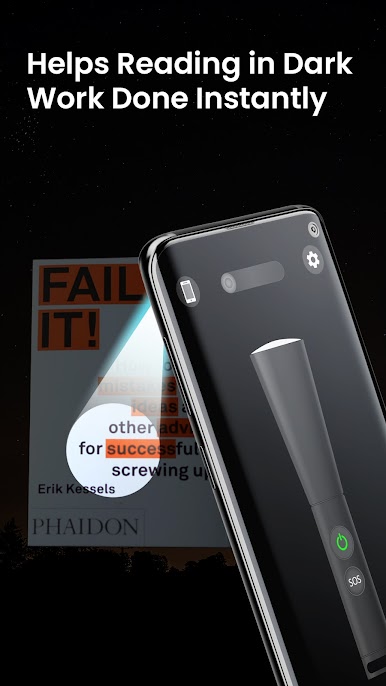
Ultimate Flashlight App tool does work when you require some productivity like reading in dark and working in night with flash light.
For further queries, reach us at:
support@falnesc.com
Gioca Flashlight su PC. È facile iniziare.
-
Scarica e installa BlueStacks sul tuo PC
-
Completa l'accesso a Google per accedere al Play Store o eseguilo in un secondo momento
-
Cerca Flashlight nella barra di ricerca nell'angolo in alto a destra
-
Fai clic per installare Flashlight dai risultati della ricerca
-
Completa l'accesso a Google (se hai saltato il passaggio 2) per installare Flashlight
-
Fai clic sull'icona Flashlight nella schermata principale per iniziare a giocare

