


Star Wars™ Dice
Mainkan di PC dengan BlueStacks – platform Game-Game Android, dipercaya oleh lebih dari 500 juta gamer.

Run Star Wars™ Dice on PC or Mac
Get freedom from your phone’s obvious limitations. Use Star Wars™ Dice, made by Fantasy Flight Games, a Entertainment app on your PC or Mac with BlueStacks, and level up your experience.
About the App
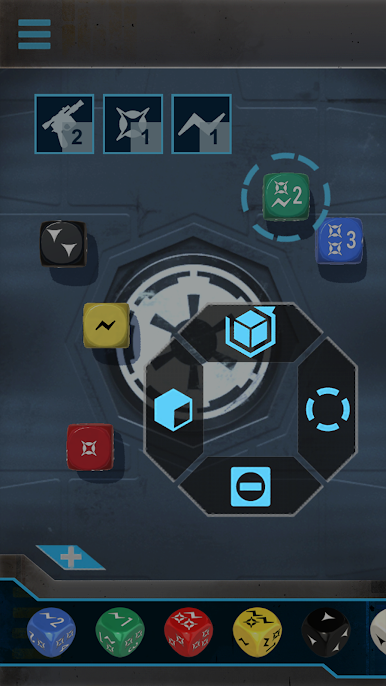
Ever wish you had the perfect set of dice right at your fingertips for all your Star Wars tabletop adventures? Star Wars™ Dice from Fantasy Flight Games is here for just that. Whether you’re deep into an epic battle or just getting started with a new roleplaying mission, this app lets you roll those special dice digitally—no need to chase physical dice under the couch.
App Features
-
Ready for Every Star Wars Game
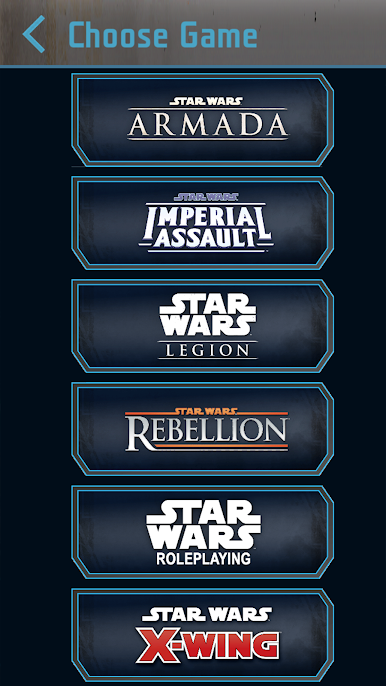
Works with all your favorite Fantasy Flight Games Star Wars titles, from Armada and Legion to X-Wing and Rebellion. No matter what’s on your table—or computer screen if you’re using BlueStacks—you’ll have the right dice at hand. -
Physics-Based Dice Roller
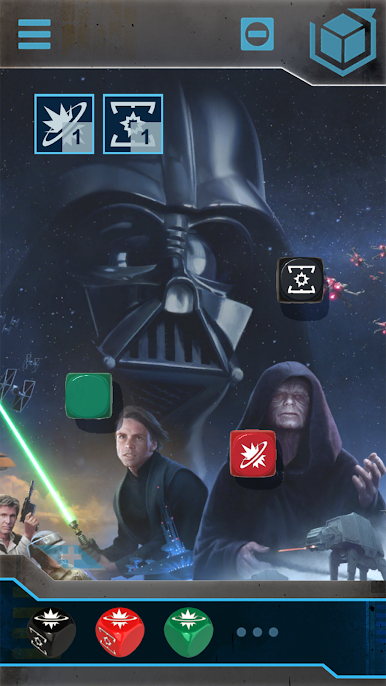
Want rolls that feel real? Each toss of the digital dice reacts with natural physics. Shake your device or tap to get the roll going; it’s quick and surprisingly satisfying. -
Custom Presets
Save your most-used dice setups for different characters or games. It’s simple to hop between scenarios without wasting time fiddling with your selections. -
Background Variety
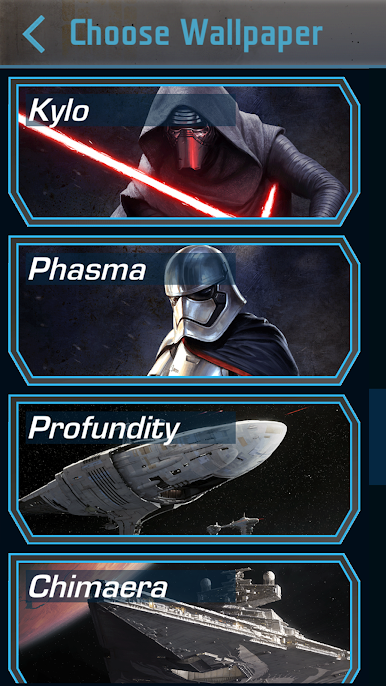
Over 20 different Star Wars-themed backgrounds keep things fresh—you can set the perfect galactic vibe while you play. -
Interface Flexibility
Choose between the classic look or the sleek updated version. If you’ve got a style preference, there’s an option for you. -
Shake Sensitivity Adjustment
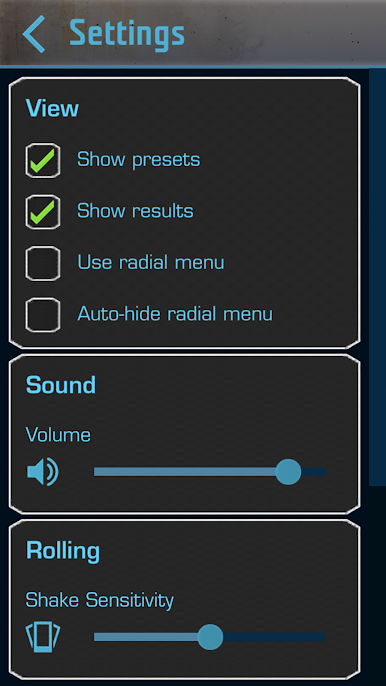
Like to roll with flair or just a gentle shake? Adjust how sensitive the app is to your gestures, so it works the way you do.
BlueStacks gives you the much-needed freedom to experience your favorite apps on a bigger screen. Get it now.
Mainkan Star Wars™ Dice di PC Mudah saja memulainya.
-
Unduh dan pasang BlueStacks di PC kamu
-
Selesaikan proses masuk Google untuk mengakses Playstore atau lakukan nanti
-
Cari Star Wars™ Dice di bilah pencarian di pojok kanan atas
-
Klik untuk menginstal Star Wars™ Dice dari hasil pencarian
-
Selesaikan proses masuk Google (jika kamu melewati langkah 2) untuk menginstal Star Wars™ Dice
-
Klik ikon Star Wars™ Dice di layar home untuk membuka gamenya

