


League of Lords
Gioca su PC con BlueStacks: la piattaforma di gioco Android, considerata affidabile da oltre 500 milioni di giocatori.

Pagina modificata il: Dec 14, 2025
Panoramica
Game features:
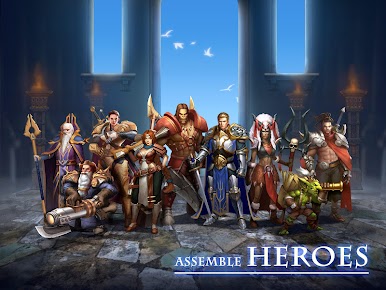
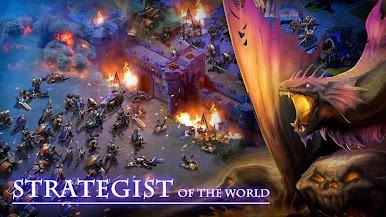
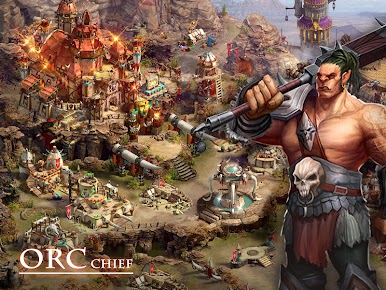
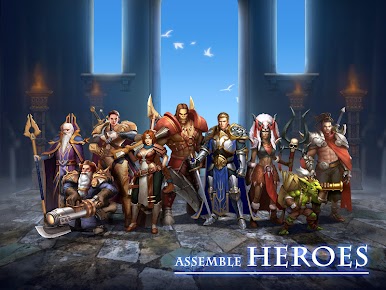
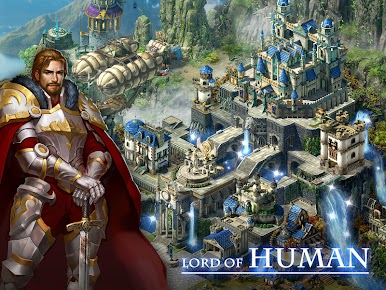
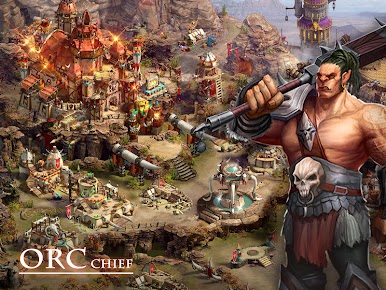
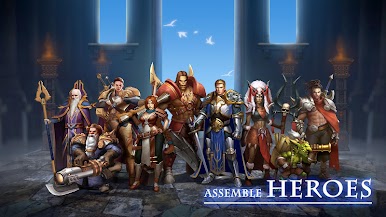
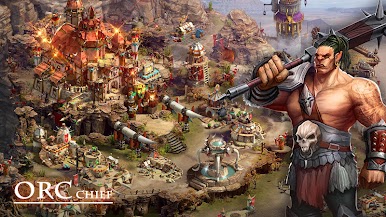
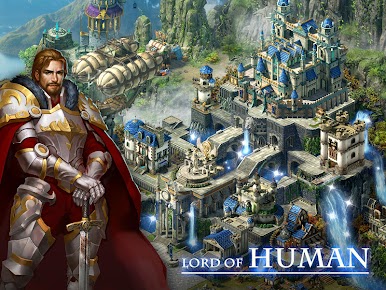
-Choose a race, recruit race-featured troops, and form your magnificent forces.
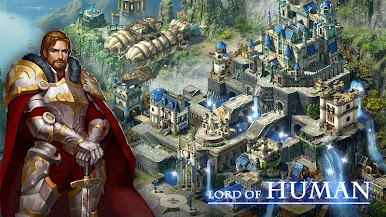
-Build your own city, develop strategies and policies, and fulfill your hegemonic ambitions.
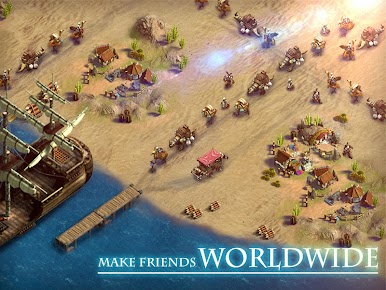
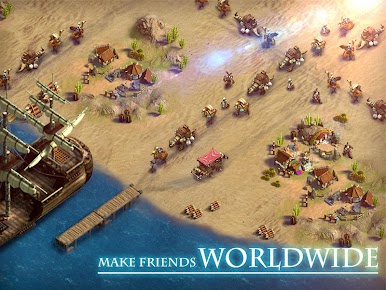
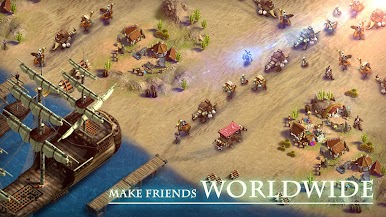
-Together with your allies, expand sphere of influence, establish relationships with other alliances, plan and meditate wars, and conquer the whole continent!
-View battles in real time, craft luxurious equipment, collect gems to improve battling capabilities, and direct every manoeuvre.
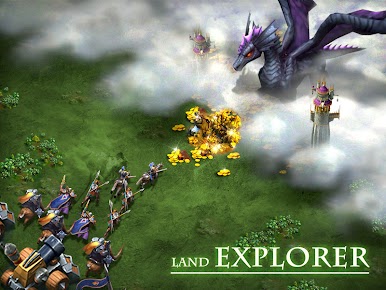
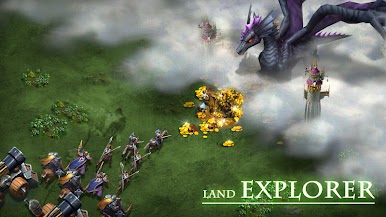
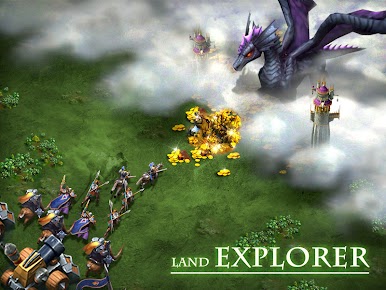
-Explore continent, unlock mist, occupy towns, and fully employ your tactical wisdom.
-Compete with global players for the kingship, protect kingdom relic, and fight for your glory!
Please note:
1. The game is free to play, but some of the items in the game can be purchased with real money.
2. The game requires networking.




Gioca League of Lords su PC. È facile iniziare.
-
Scarica e installa BlueStacks sul tuo PC
-
Completa l'accesso a Google per accedere al Play Store o eseguilo in un secondo momento
-
Cerca League of Lords nella barra di ricerca nell'angolo in alto a destra
-
Fai clic per installare League of Lords dai risultati della ricerca
-
Completa l'accesso a Google (se hai saltato il passaggio 2) per installare League of Lords
-
Fai clic sull'icona League of Lords nella schermata principale per iniziare a giocare

