


Perekam Suara
Mainkan di PC dengan BlueStacks – platform Game-Game Android, dipercaya oleh lebih dari 500 juta gamer.

Run Voice Recorder on PC or Mac
Let BlueStacks turn your PC, Mac, or laptop into the perfect home for Voice Recorder, a fun Music & Audio app from Smart Mobi Tools.
So Voice Recorder is one of those apps that does exactly what it says — you hit record, and it just works, whether you’re trying to save a quick idea, record a class, or, honestly, just mess around with sounds. Running it on PC using BlueStacks actually feels pretty natural because you get all the usual controls, but on a bigger screen and with way easier file management. There’s nothing complicated about it, which is pretty appealing for anyone who just wants to get going.
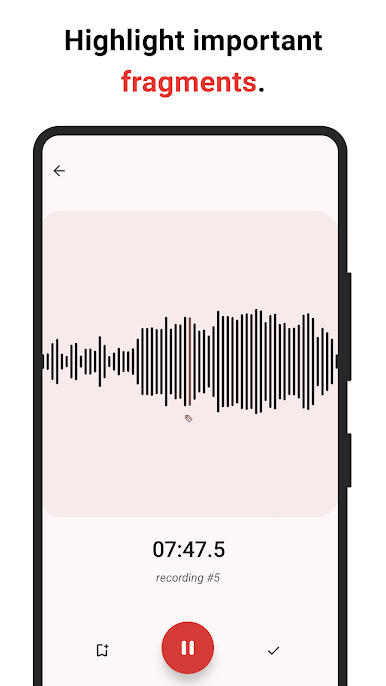
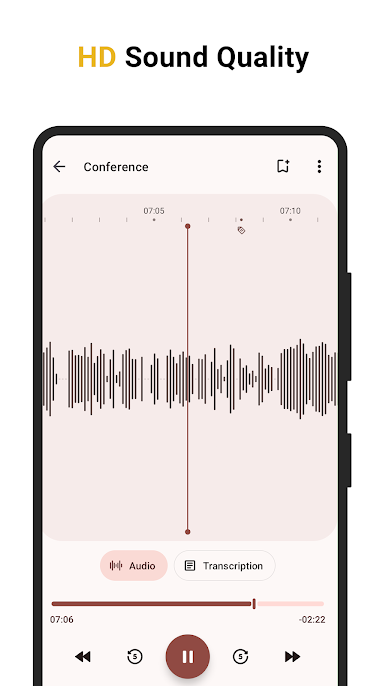
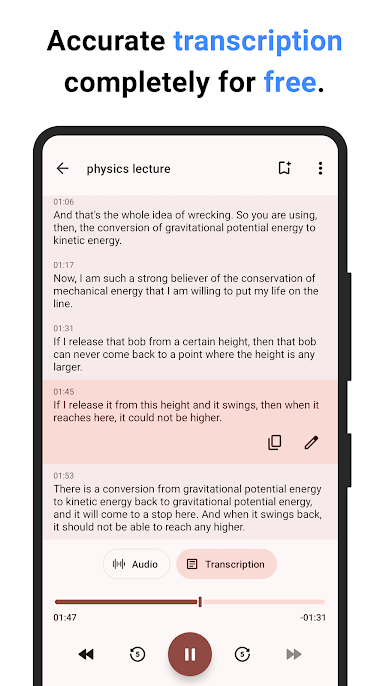
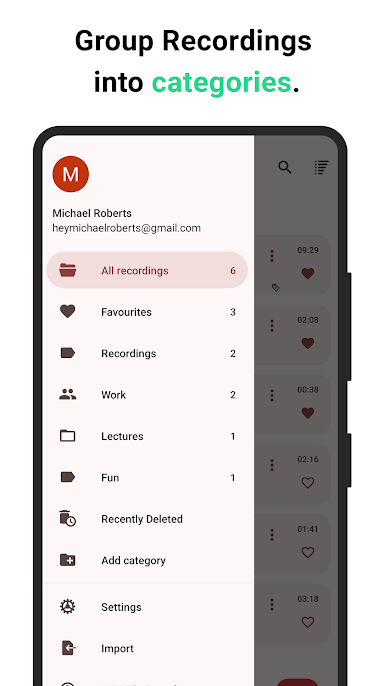
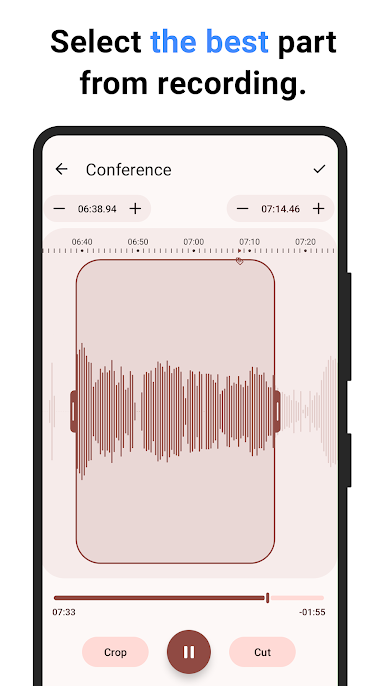
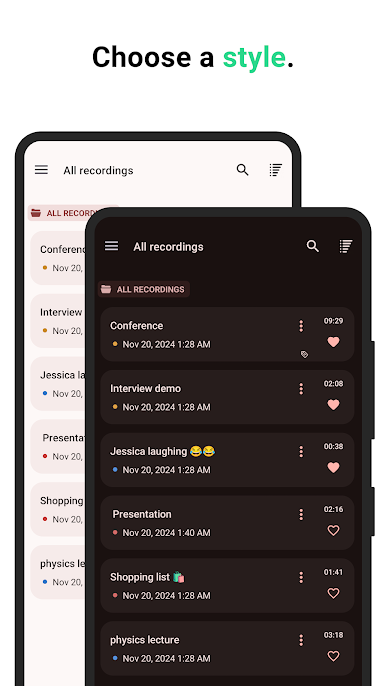
What stands out is how organized everything can be. Recordings can be tagged, grouped, or color-coded, so nothing gets lost in a pile. There’s a tidy way to mark favorite bits, add bookmarks, or even pop in stickers, which makes finding things later way less of a hassle. Throw in high-quality sound options, silence skipping, and a built-in way to cut or trim bits for ringtones — it’s like the app thought of everything people actually want from a voice recorder. You can export stuff wirelessly to your computer (no cables), and there’s automatic upload to cloud storage if that’s your style. Plus, there’s a neat transcription tool that just listens and spits out the words, which is actually pretty quick and doesn’t need an internet connection. It won’t record calls, but it does work with Bluetooth mics, so it’s pretty flexible for whatever setup. It just takes something as basic as recording your voice and packs in features that make everything a little smoother and a lot more useful, especially with the convenience of using it on PC through BlueStacks.
Big screen. Bigger performance. Use BlueStacks on your PC or Mac to run your favorite apps.
Mainkan Perekam Suara di PC Mudah saja memulainya.
-
Unduh dan pasang BlueStacks di PC kamu
-
Selesaikan proses masuk Google untuk mengakses Playstore atau lakukan nanti
-
Cari Perekam Suara di bilah pencarian di pojok kanan atas
-
Klik untuk menginstal Perekam Suara dari hasil pencarian
-
Selesaikan proses masuk Google (jika kamu melewati langkah 2) untuk menginstal Perekam Suara
-
Klik ikon Perekam Suara di layar home untuk membuka gamenya

