


flynas
Juega en PC con BlueStacks: la plataforma de juegos Android, en la que confían más de 500 millones de jugadores.

Página modificada el: Nov 25, 2025
Play flynas on PC
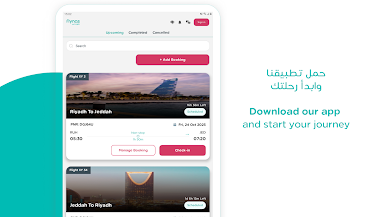
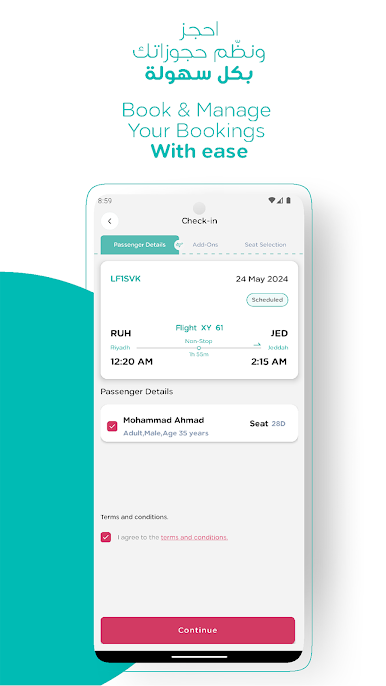
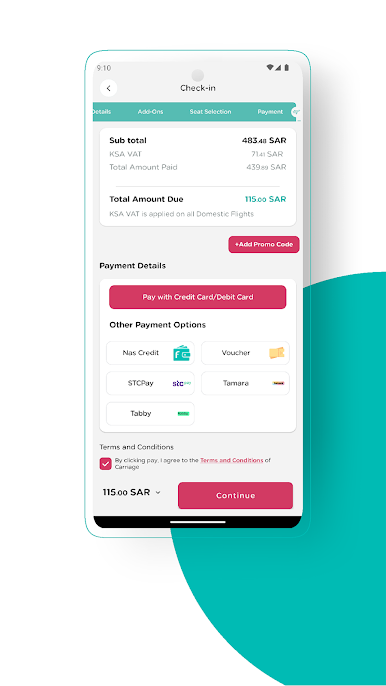
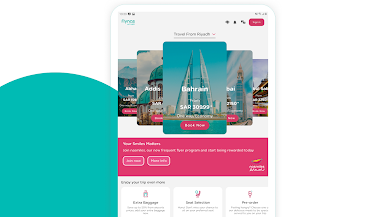
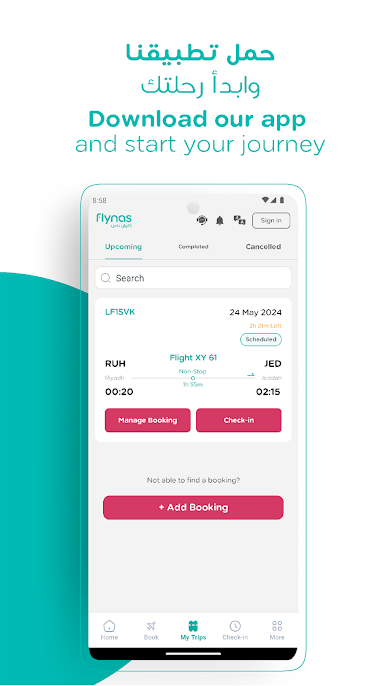
Whether it's booking a flight to your favorite destinations, managing your trips, checking-in online or accessing exclusive services, everything you need is just a tap away.
With flynas app, embark on a seamless journey that combines comfort, convenience, and affordability.
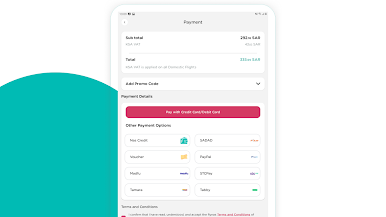
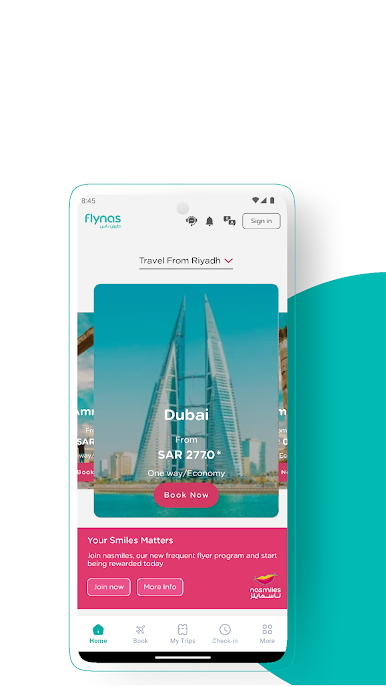
Effortless Booking: Dive into a user-friendly booking process, securing your next adventure with ease.
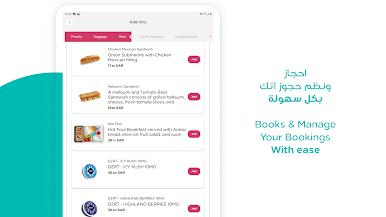
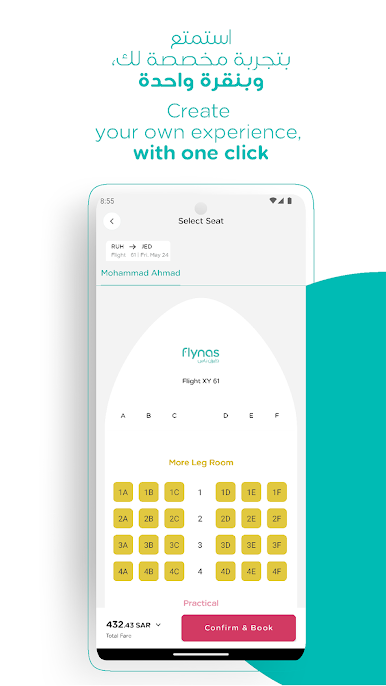
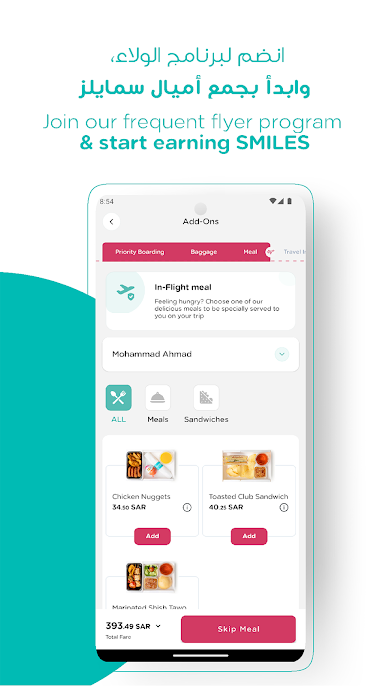
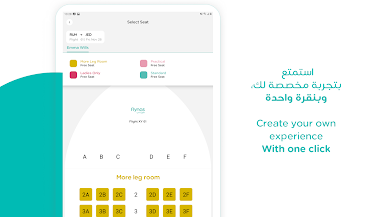
Customized Travel Experience: : Select your favorite seat, pre-order food, purchase extra baggage and more.
Exclusive Services: From priority boarding to lounge access, enjoy a range of benefits designed for the discerning traveler.
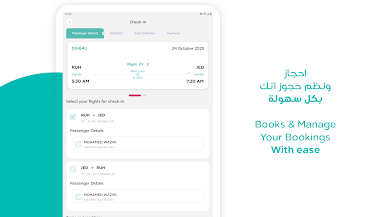
Check-in online: Save precious time and issue your boarding pass with just a few clicks.
Stay Informed: Get real-time flight updates and learn about our destinations
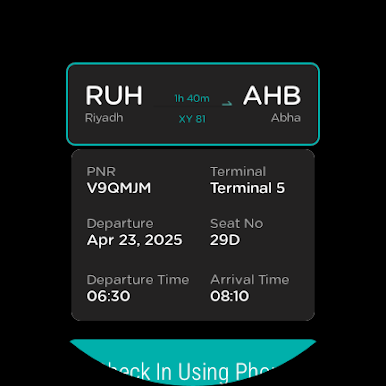
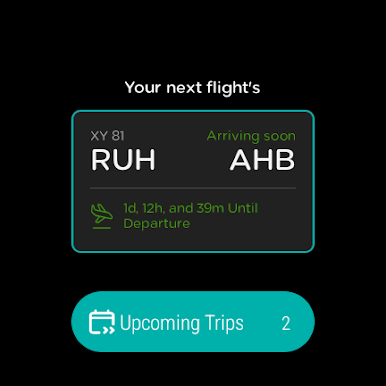
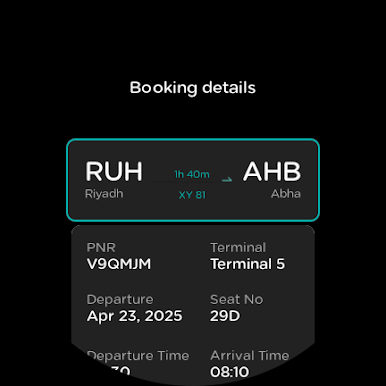
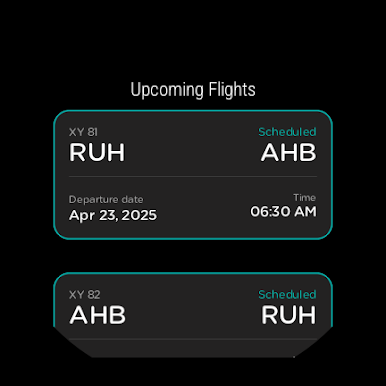
Smart Watch sync – access your boarding pass and booking details on your wrist with your Wear OS
Available in both English and Arabic, the flynas app is your companion for a hassle-free journey from start to finish.
اهلاَ بك في تطبيق طيران ناس الجديد،
حيث يمكنك حجز وإدارة رحلاتك، وشراء خدمات إضافية، وإكمال إجراءات السفر عبر الإنترنت بكل سهولة.
الحجز: يمكنك إتمام عملية الحجز على رحلات طيران ناس لأي وجهة من الوجهات التي نسافر إليها.
تجربة سفرة مخصصة لك: يمكنك اختيار مقعدك المفضل وطلب وجباتك مسبقاً وشراء وزن إضافي لأمتعتك والمزيد.
خدمات حصرية: من خدمة أولوية الصعود الى خدمة الدخول الى الصالات الخاصة في المطار وغيرها.
إكمال إجراءات السفر: يمكنك إصدار بطاقة الصعود إلى الطائرة وتوفير وقتك في المطار.
عرض جدول الرحلات: يمكنك استعراض حالة الرحلات ومعرفة المزيد عن جميع وجهاتنا
Wear OS مزامنة الساعة الذكية – يمكنك الوصول إلى بطاقة الصعود إلى الطائرة وتفاصيل الحجز من معصمك باستخدام نظام
يتوفر التطبيق باللغتين العربية والإنجليزية.




Juega flynas en la PC. Es fácil comenzar.
-
Descargue e instale BlueStacks en su PC
-
Complete el inicio de sesión de Google para acceder a Play Store, o hágalo más tarde
-
Busque flynas en la barra de búsqueda en la esquina superior derecha
-
Haga clic para instalar flynas desde los resultados de búsqueda
-
Complete el inicio de sesión de Google (si omitió el paso 2) para instalar flynas
-
Haz clic en el ícono flynas en la pantalla de inicio para comenzar a jugar

