


iLearn: Alphabet for Preschool
Gioca su PC con BlueStacks: la piattaforma di gioco Android, considerata affidabile da oltre 500 milioni di giocatori.

Pagina modificata il: Sep 3, 2024
Play iLearn: Alphabet for Preschool on PC
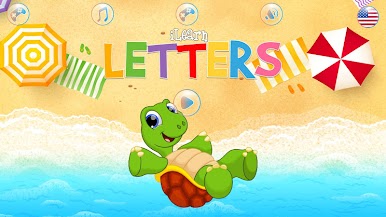
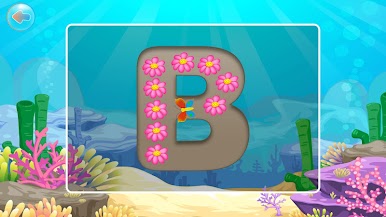
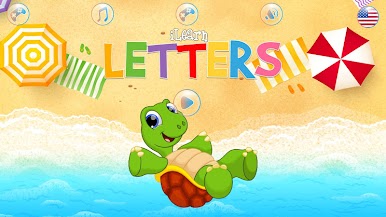
The application contains 5 fun and very educational sections which help the small kids to know the alphabet while enjoying:
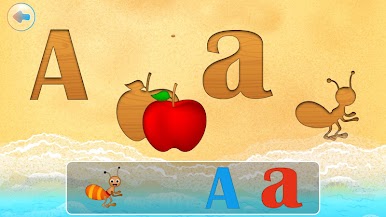
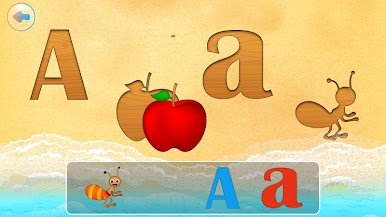
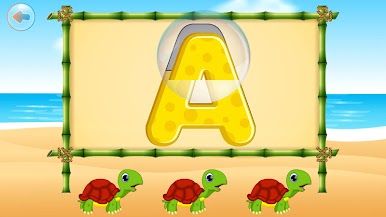
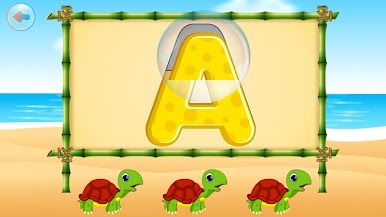
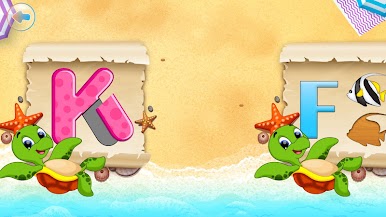
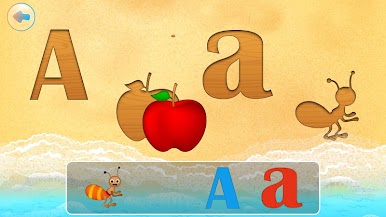
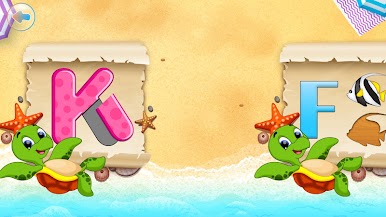
1) Match the letter and images starts with the letters to its wooden shadow.
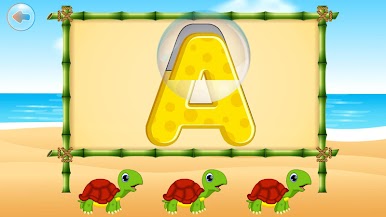
2) Letter Puzzles: create the letters from small pieces.
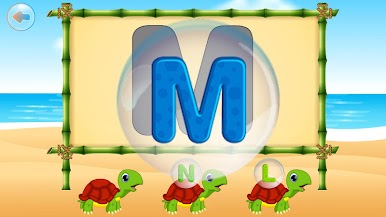
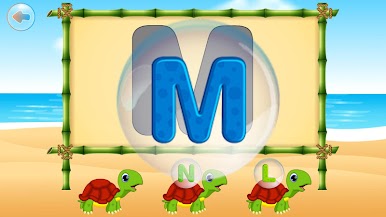
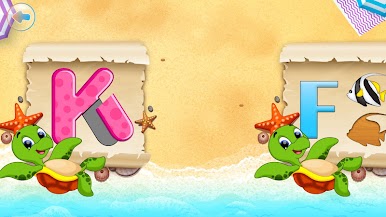
3) Match letters
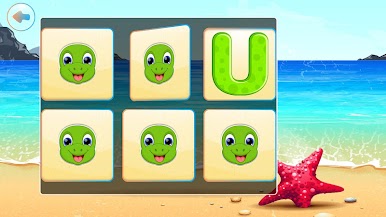
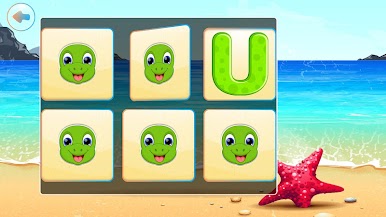
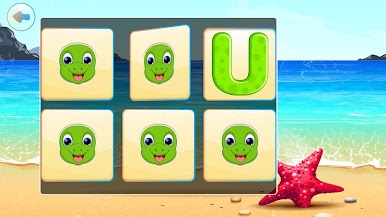
4) Letters memory game
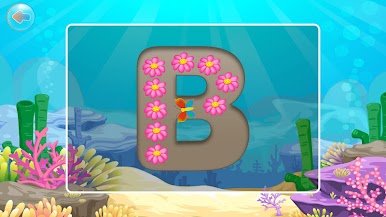
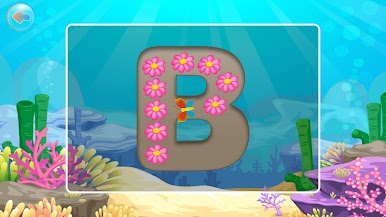
5) Letters tracing.
The application support 7 different languages: English, Spanish, Russian, Portuguese, Arabic, German and French.
In addition to the above 2 sections, the application contains 3 different activities which also help the small kiddos learn the letters:
1) Fisherman: the kid is asked to fish the fish who have specific letters from an aquarium.
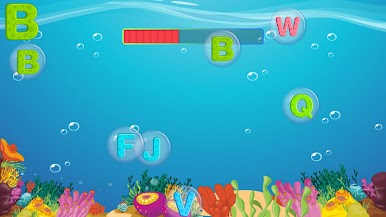
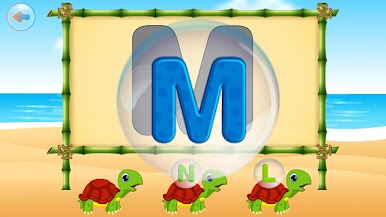
2) Bubbles The kids is asked to pop the bubbles which contain a specific letter.
And The application has a fun balloon popping activity so the small kids will have fun and time for rest while learning.
Adults can enjoy this app to learn letters in 7 different languages including English, Spanish and Arabic.
Enjoy!



Gioca iLearn: Alphabet for Preschool su PC. È facile iniziare.
-
Scarica e installa BlueStacks sul tuo PC
-
Completa l'accesso a Google per accedere al Play Store o eseguilo in un secondo momento
-
Cerca iLearn: Alphabet for Preschool nella barra di ricerca nell'angolo in alto a destra
-
Fai clic per installare iLearn: Alphabet for Preschool dai risultati della ricerca
-
Completa l'accesso a Google (se hai saltato il passaggio 2) per installare iLearn: Alphabet for Preschool
-
Fai clic sull'icona iLearn: Alphabet for Preschool nella schermata principale per iniziare a giocare

