

FRANCE 24 - Android TV
Gioca su PC con BlueStacks: la piattaforma di gioco Android, considerata affidabile da oltre 500 milioni di giocatori.

Pagina modificata il: May 9, 2025
Run FRANCE 24 - Android TV on PC or Mac
Get freedom from your phone’s obvious limitations. Use FRANCE 24 – Android TV, made by France Médias Monde, a News & Magazines app on your PC or Mac with BlueStacks, and level up your experience.
About the App
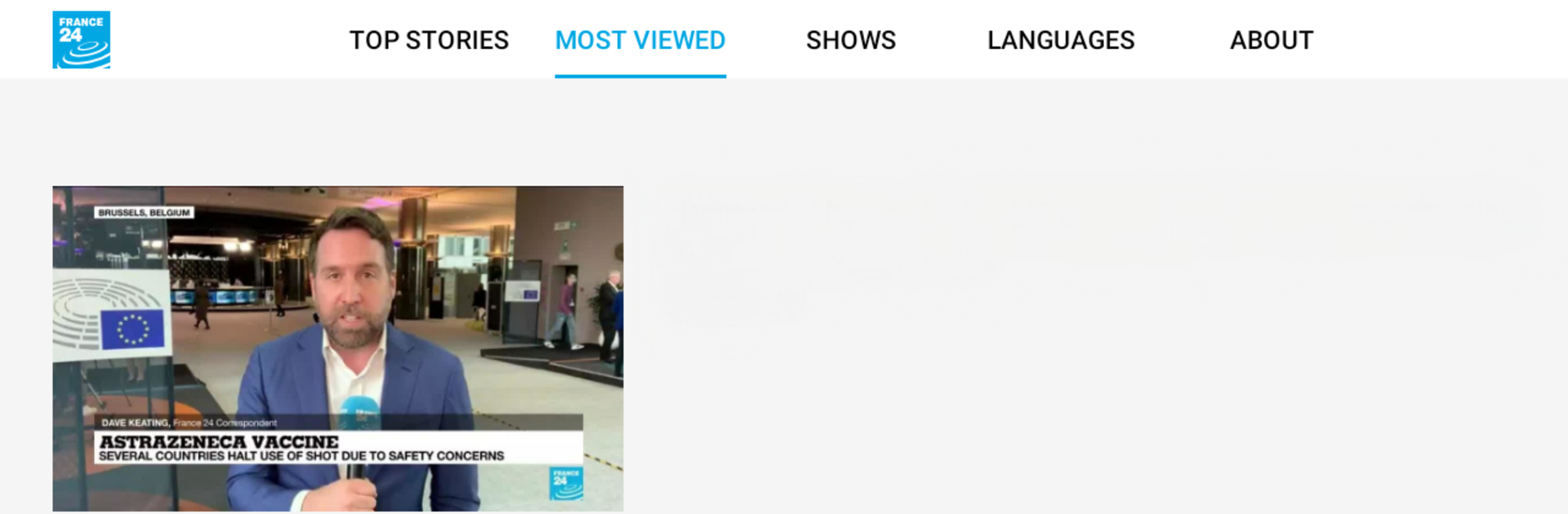
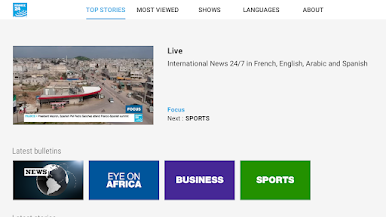
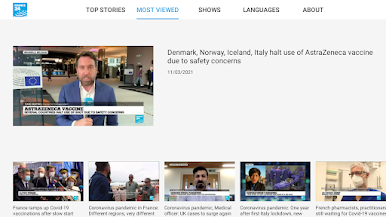
Looking to keep up with what’s happening around the world, right from your living room? FRANCE 24 – Android TV makes it easy to follow international stories, live or whenever you want. Whether you lean back on your couch or flip through quick headlines in between shows, this News & Magazines app from France Médias Monde puts a global perspective front and center on your TV. Expect crisp streams, multiple language options, and effortless access to breaking news.
App Features
-
Live Global News:
Stream FRANCE 24 live, anytime. The news rolls in 24/7, so you won’t miss a big moment no matter what time zone you’re in. -
Multilingual Experience:
Switch between four languages whenever you want. French, English, Arabic, or Spanish—the choice is yours for a more personalized viewing session. -
Latest Bulletins:
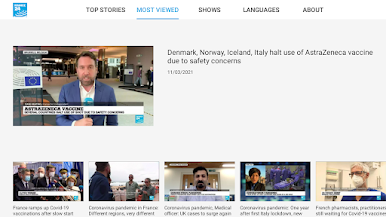
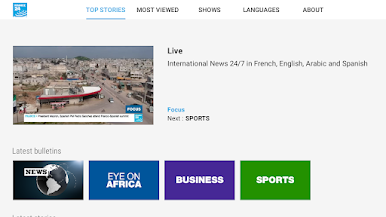
Catch up on what’s happening across World news, Africa updates, Business developments, or even Sports—all just a click away. -
On-Demand TV Shows:
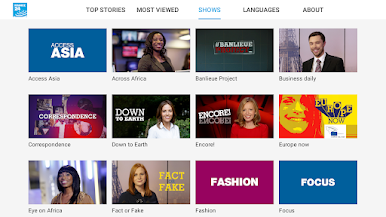
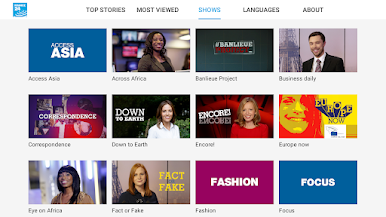
Want something beyond the headlines? Dig into a wide selection of FRANCE 24’s original programs and specials, ready for you to watch whenever you’re in the mood. -
Simple Navigation:
No complex menus here. Finding the news and shows you want is super straightforward, perfect for when you just want to get to the good stuff quickly. -
Smooth TV Experience:
Designed for Android TV, everything’s tweaked for the big screen. And if you’re using BlueStacks, you can even bring that TV news vibe to your desktop.
Stay informed with a global point of view—FRANCE 24 – Android TV keeps it fresh and accessible.
Ready to experience FRANCE 24 – Android TV on a bigger screen, in all its glory? Download BlueStacks now.
Gioca FRANCE 24 - Android TV su PC. È facile iniziare.
-
Scarica e installa BlueStacks sul tuo PC
-
Completa l'accesso a Google per accedere al Play Store o eseguilo in un secondo momento
-
Cerca FRANCE 24 - Android TV nella barra di ricerca nell'angolo in alto a destra
-
Fai clic per installare FRANCE 24 - Android TV dai risultati della ricerca
-
Completa l'accesso a Google (se hai saltato il passaggio 2) per installare FRANCE 24 - Android TV
-
Fai clic sull'icona FRANCE 24 - Android TV nella schermata principale per iniziare a giocare

