


FreshBooks Invoicing App
Juega en PC con BlueStacks: la plataforma de juegos Android, en la que confían más de 500 millones de jugadores.

Página modificada el: Nov 4, 2025
Play FreshBooks Invoicing App on PC
FreshBooks is a comprehensive invoicing and accounting software designed for business owners and their clients. It helps you manage your books, client relationships, and overall business more efficiently.
Key Features:
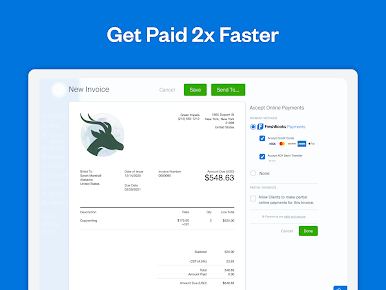
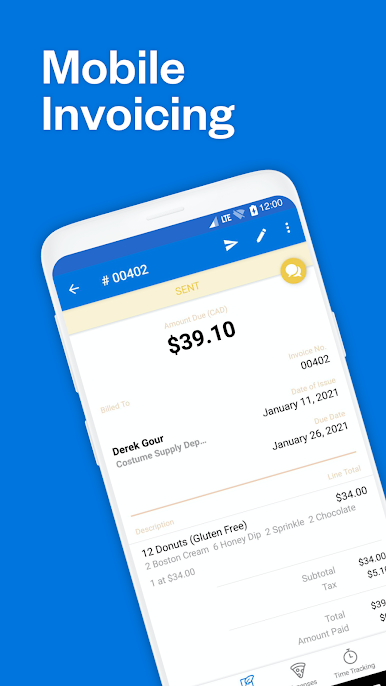
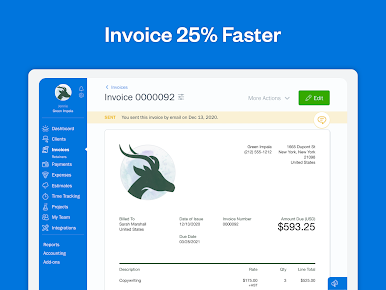
Creating Invoice (Invoice Maker) - FreshBooks also offers easy and professional invoicing, allowing you to impress your clients with invoices that clearly show all the work you've done, and follow up with automated payment reminders if needed.
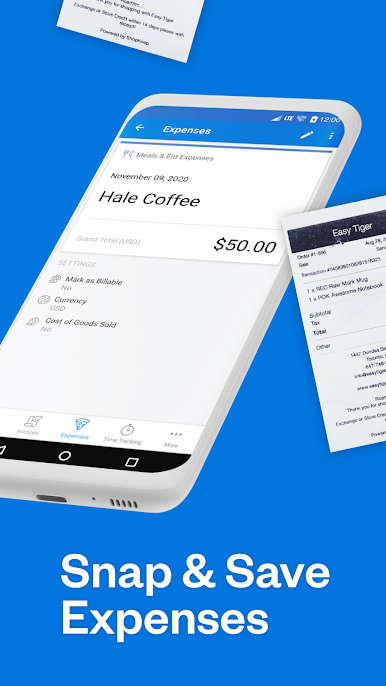
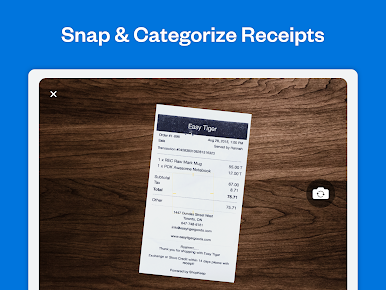
Expense Tracking - Expense tracking is also made easy with FreshBooks. You can snap photos of receipts on the go or import expenses from your bank account, then organize and assign them to clients, so you're always ready for tax time.
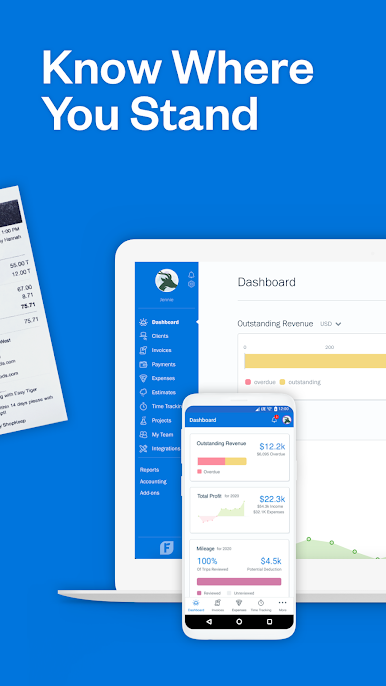
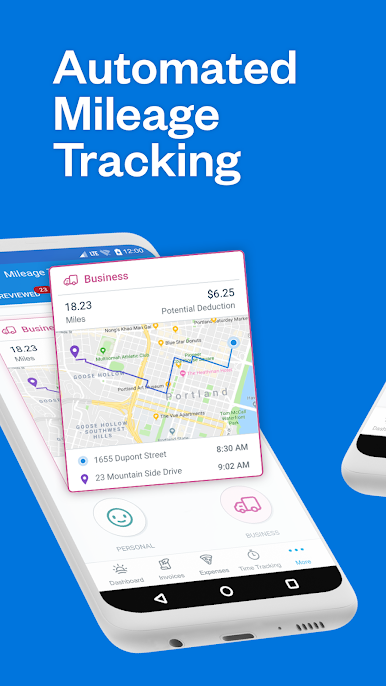
Mileage Tracking - One of the key features of FreshBooks is its mileage tracking, which automatically tracks your business trips as you drive and categorizes them for potential tax deductions.
Time Tracking - Time tracking in FreshBooks makes it easy for your team to log billable minutes, so you don't miss any billable time that can be costly. You can also automatically add billable time to invoices, ensuring all time is accounted for.
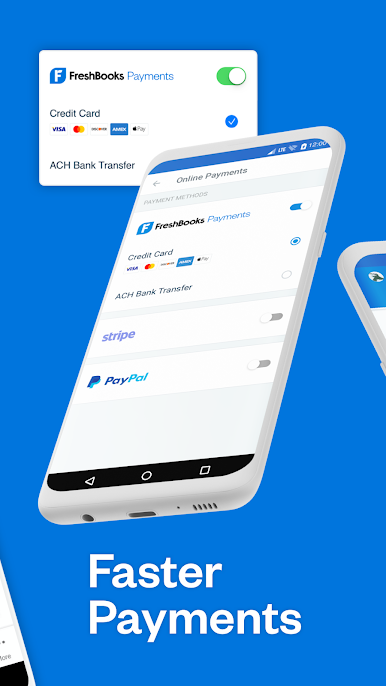
Online Payment Options - FreshBooks offers automated online payments, providing your clients with many different ways to pay and making it easier for you to get paid faster. It can help improve your cash flow and turn a trickle of payments into a waterfall.
Manage Your Clients - With FreshBooks, you can stay connected to your clients and manage your business on-the-go through its mobile app, so you're not tied to your computer all the time.
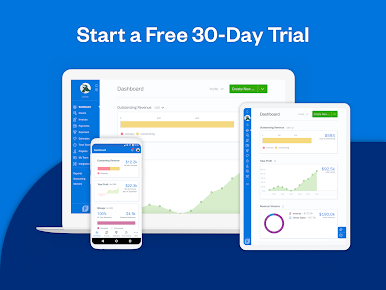
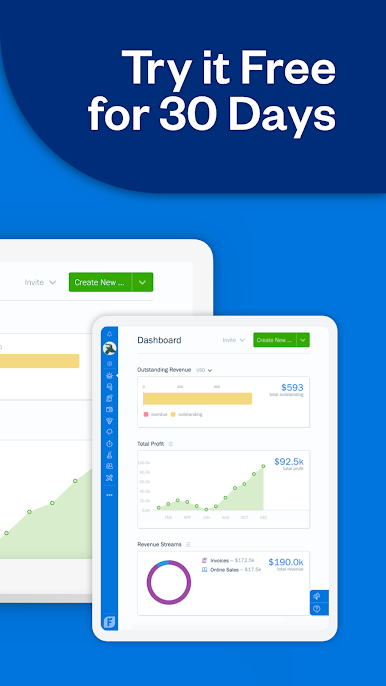
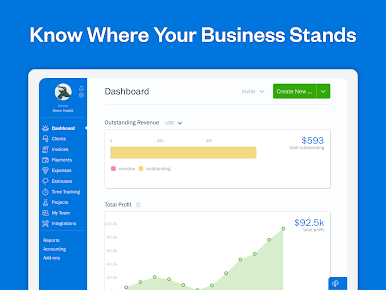
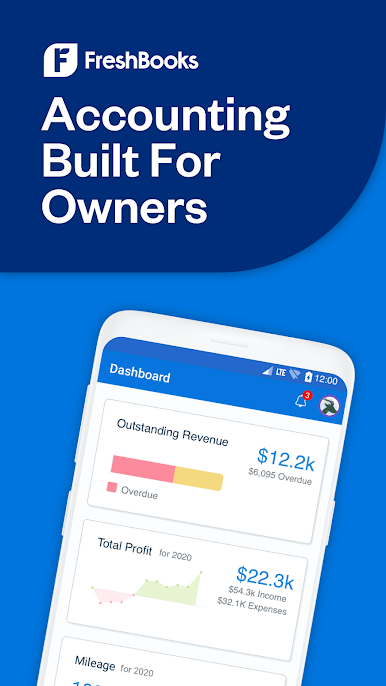
Generate Reports - You can run reports in FreshBooks anytime to see how your business is doing. It tracks every dollar in and out of your business, and with its easy-to-use double-entry accounting tools and reports, you can see your profitability, cash flow, and spending habits.
Great Customer Support - FreshBooks also has an award-winning customer support team that's always ready to help you with any questions or issues you might have. You can speak to a real human within three rings, making it easy to get the help you need.
1-866-303-6061
support@freshbooks.com
Privacy Policy: https://www.freshbooks.com/policies/privacy
Terms of Service: https://www.freshbooks.com/policies/terms-of-service

Juega FreshBooks Invoicing App en la PC. Es fácil comenzar.
-
Descargue e instale BlueStacks en su PC
-
Complete el inicio de sesión de Google para acceder a Play Store, o hágalo más tarde
-
Busque FreshBooks Invoicing App en la barra de búsqueda en la esquina superior derecha
-
Haga clic para instalar FreshBooks Invoicing App desde los resultados de búsqueda
-
Complete el inicio de sesión de Google (si omitió el paso 2) para instalar FreshBooks Invoicing App
-
Haz clic en el ícono FreshBooks Invoicing App en la pantalla de inicio para comenzar a jugar

