


FtpCafe FTP Client Pro
Gioca su PC con BlueStacks: la piattaforma di gioco Android, considerata affidabile da oltre 500 milioni di giocatori.

Pagina modificata il: Oct 15, 2023
Run FtpCafe FTP Client Pro on PC or Mac
Let BlueStacks turn your PC, Mac, or laptop into the perfect home for FtpCafe FTP Client Pro, a fun Tools app from Droidware UK.
About the App
If you’re looking for a solid way to manage your files between devices, FtpCafe FTP Client Pro might just make your life a whole lot simpler. This handy tool from Droidware UK is all about moving, uploading, or downloading files using a straightforward interface that gets out of your way. Forget complicated setups or clunky menus—here, it’s all about quick, secure access and getting files where you need them, whether you’re using your device on the go or on BlueStacks for that big-screen convenience.
App Features
-
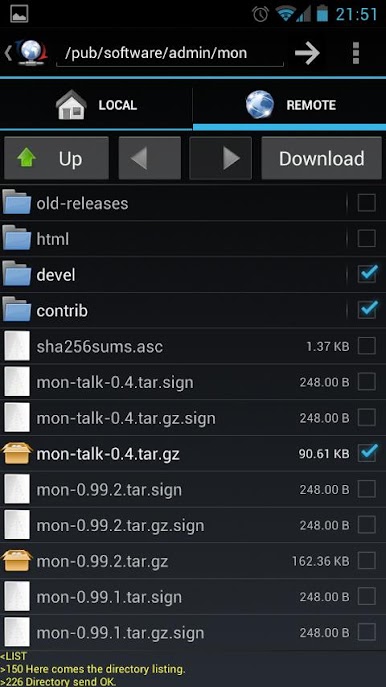
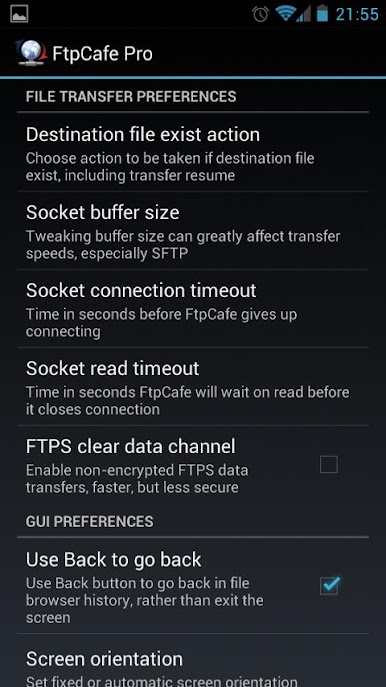
Supports All the File Transfer Basics
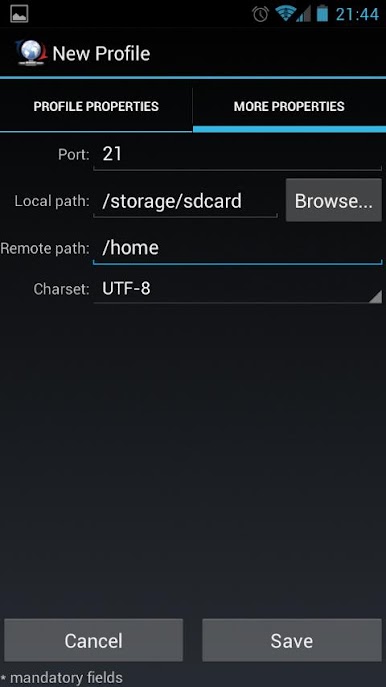
Move your files using FTP, FTPS (both Implicit and Explicit), or SFTP. Compatibility’s not an issue—just choose what you need for the job. -
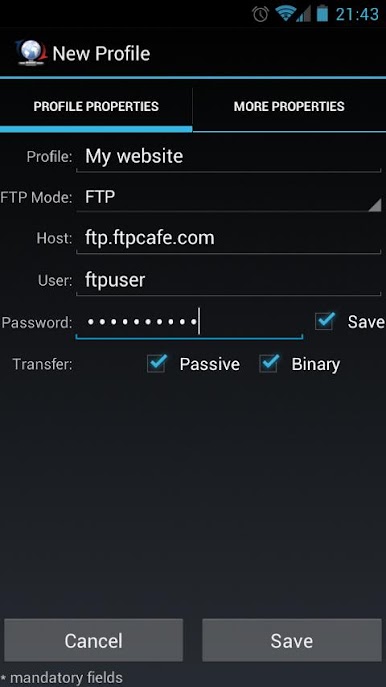
Flexible Login Methods
Sign in with your standard password or take an extra step with private key logins (RSA/DSA, OpenSSL, or ConnectBot). Great for those who want that added layer of security. -
Batch Transfers Made Easy
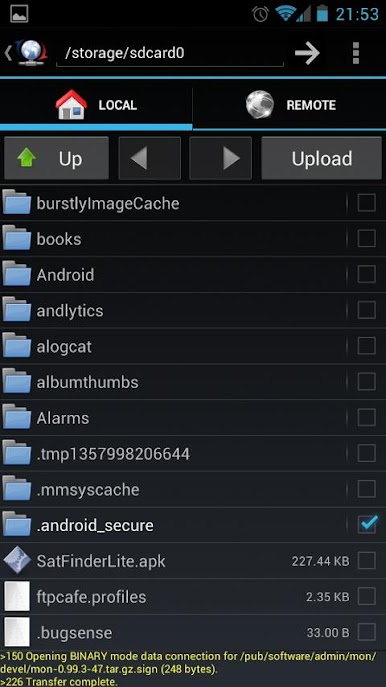
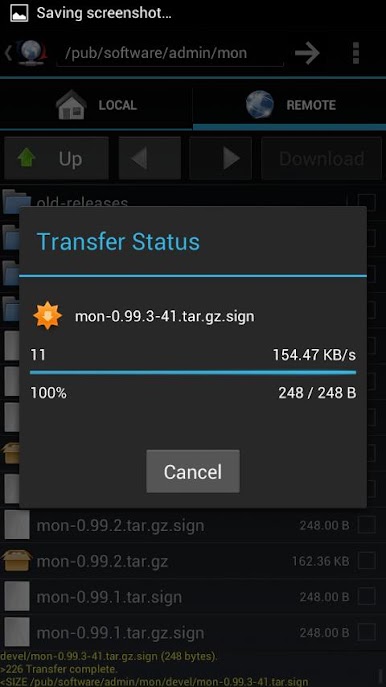
No need to fuss with files one at a time. Transfer multiple files or entire folders, making those bigger moves far less of a headache. -
Resumes Interrupted Transfers
Don’t sweat it if your connection drops unexpectedly; your transfers can resume where they left off without forcing you to start from scratch. -
Simple, Clean Design
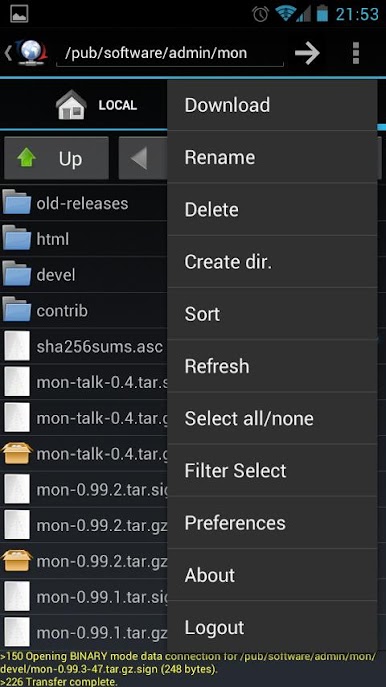
The interface stays clutter-free, so you’ll never get lost in unnecessary details. Use the system menu for extras, or just long-press a file for quick actions. -
Versatile Across Devices
Works smoothly whether you’re on your phone or feeling like a multitasking pro using FtpCafe FTP Client Pro with BlueStacks on your desktop.
Big screen. Bigger performance. Use BlueStacks on your PC or Mac to run your favorite apps.
Gioca FtpCafe FTP Client Pro su PC. È facile iniziare.
-
Scarica e installa BlueStacks sul tuo PC
-
Completa l'accesso a Google per accedere al Play Store o eseguilo in un secondo momento
-
Cerca FtpCafe FTP Client Pro nella barra di ricerca nell'angolo in alto a destra
-
Fai clic per installare FtpCafe FTP Client Pro dai risultati della ricerca
-
Completa l'accesso a Google (se hai saltato il passaggio 2) per installare FtpCafe FTP Client Pro
-
Fai clic sull'icona FtpCafe FTP Client Pro nella schermata principale per iniziare a giocare

