


Inglés Hablando y Escuchando
Juega en PC con BlueStacks: la plataforma de juegos Android, en la que confían más de 500 millones de jugadores.

Página modificada el: Nov 12, 2025
Run English Listening and Speaking on PC or Mac
Multitask effortlessly on your PC or Mac as you try out English Listening and Speaking, a Education app by Miracle FunBox on BlueStacks.
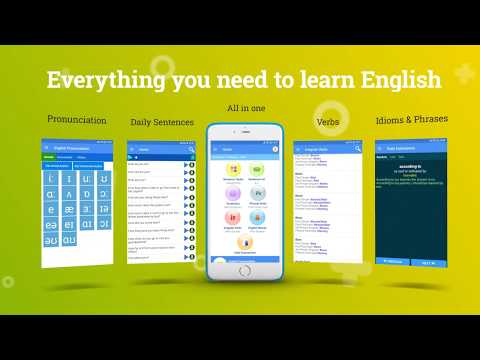
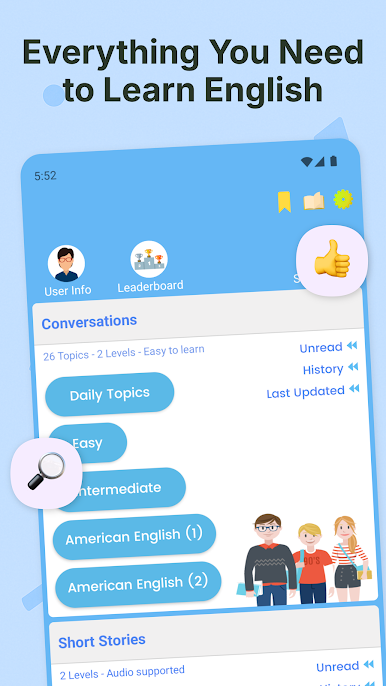
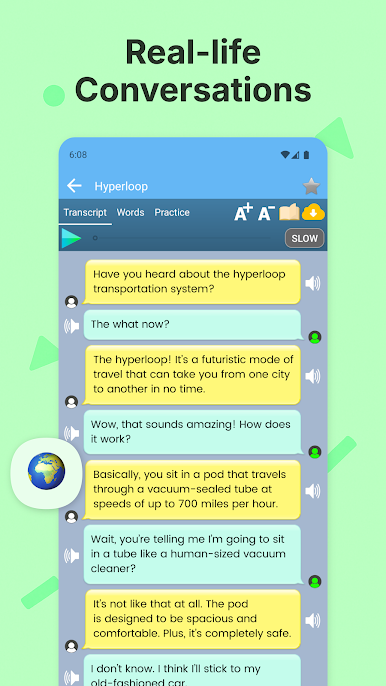
So with English Listening and Speaking on a PC, it’s like suddenly having English lessons laid out in such an easy way—everything at your own pace, whether you’re just getting started or pushing yourself a bit further. There are tons of short conversations, stories, and even games, which actually makes practicing a little fun. The whole thing’s split into levels, so nobody’s rushed or left behind, and swapping between online streaming or offline audio really helps if you’re not always connected.
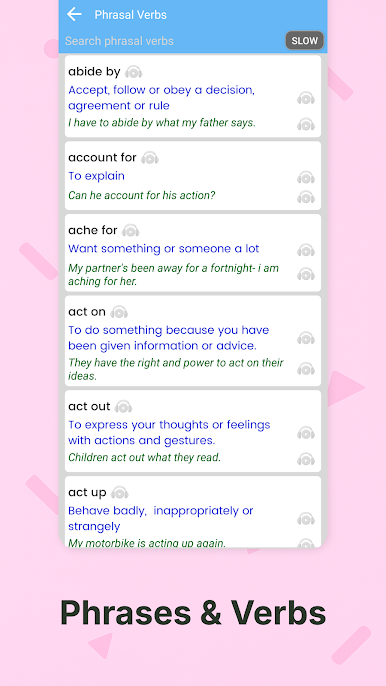
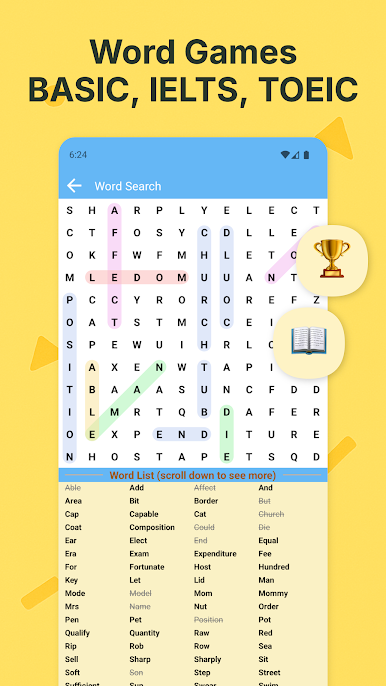
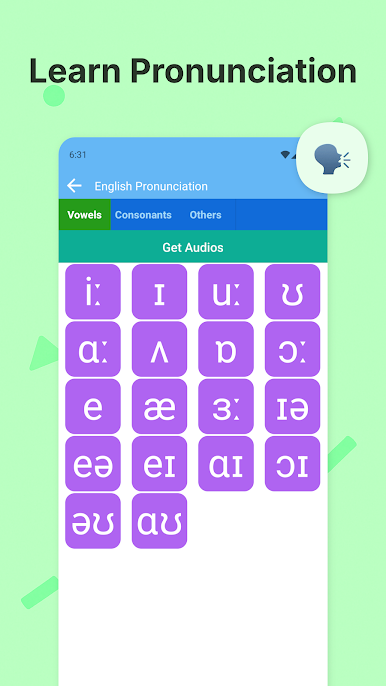
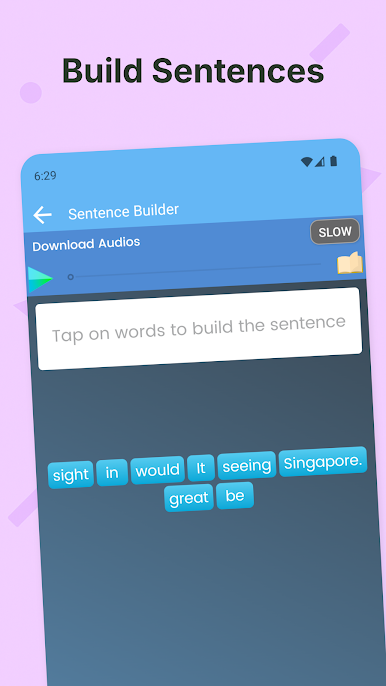
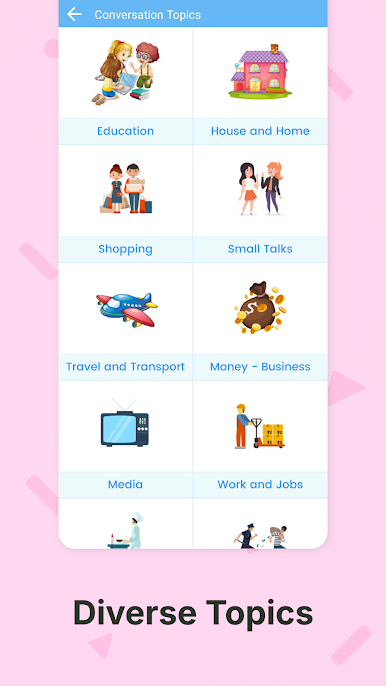
The app tosses in loads of English idioms and phrases that people actually use, so it’s not just textbook stuff. Vocabulary isn’t just a list—you get topics that come up all the time, and it even covers major testing vocab like IELTS or TOEIC. There’s this section that listens to your pronunciation and gives you feedback, which is surprisingly helpful (and sometimes a little humbling). If remembering verbs messes anyone up, irregulars are right there with how they sound, so no more guessing. For anyone who learns by playing, the games that build sentences or chain words together are a nice touch—sort of tricks your brain into learning while you play. On PC with BlueStacks, it really feels more like a handy toolkit than a chore, since it’s all organized and you can bookmark the stuff you want to come back to later. The listening tests get a little challenging, but that’s probably the point—they stretch your ears and your word bank at the same time.
BlueStacks gives you the much-needed freedom to experience your favorite apps on a bigger screen. Get it now.

Juega Inglés Hablando y Escuchando en la PC. Es fácil comenzar.
-
Descargue e instale BlueStacks en su PC
-
Complete el inicio de sesión de Google para acceder a Play Store, o hágalo más tarde
-
Busque Inglés Hablando y Escuchando en la barra de búsqueda en la esquina superior derecha
-
Haga clic para instalar Inglés Hablando y Escuchando desde los resultados de búsqueda
-
Complete el inicio de sesión de Google (si omitió el paso 2) para instalar Inglés Hablando y Escuchando
-
Haz clic en el ícono Inglés Hablando y Escuchando en la pantalla de inicio para comenzar a jugar

