

fyn ግዕዝ 2
Gioca su PC con BlueStacks: la piattaforma di gioco Android, considerata affidabile da oltre 500 milioni di giocatori.

Pagina modificata il: Oct 4, 2024
Run fyn ግዕዝ 2 on PC or Mac
Why limit yourself to your small screen on the phone? Run fyn ግዕዝ 2, an app by fyn systems (Yohannes Ejigu), best experienced on your PC or Mac with BlueStacks, the world’s #1 Android emulator.
About the App
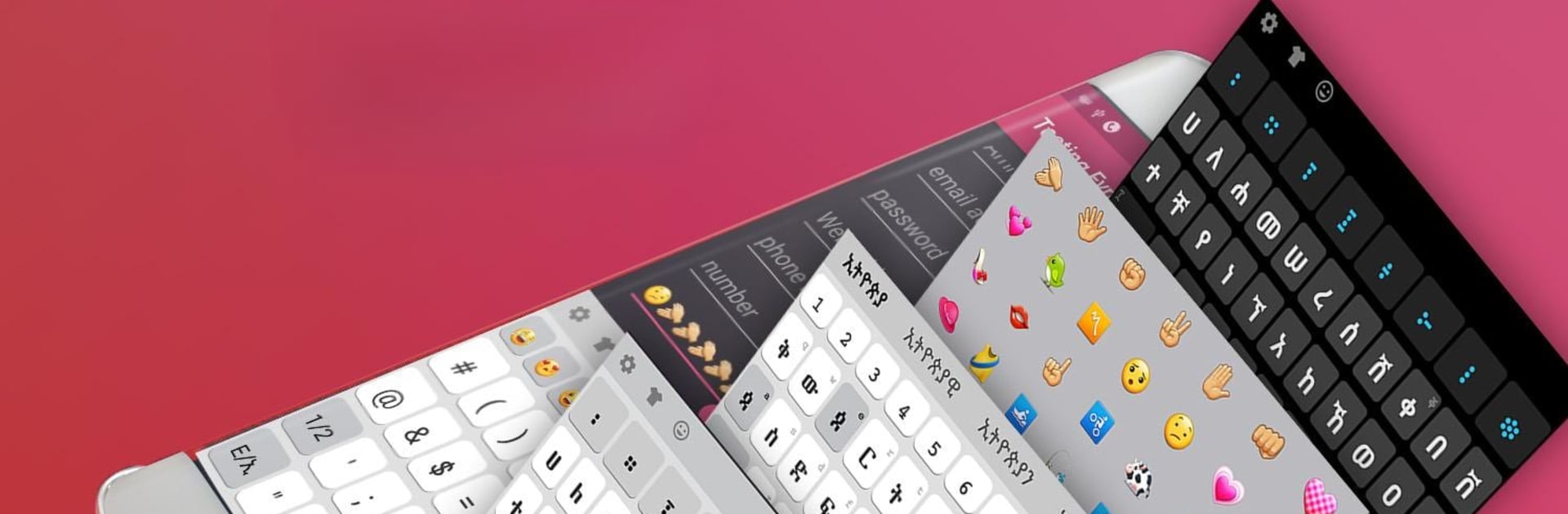
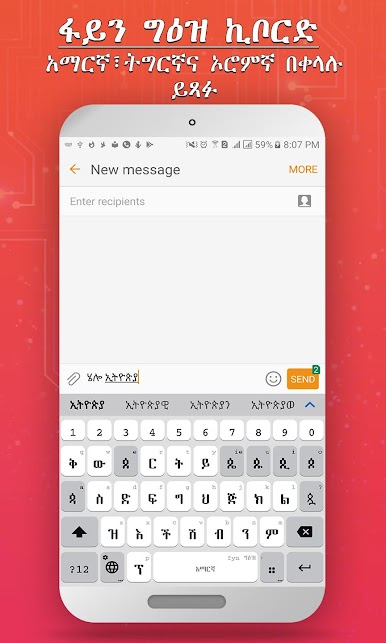
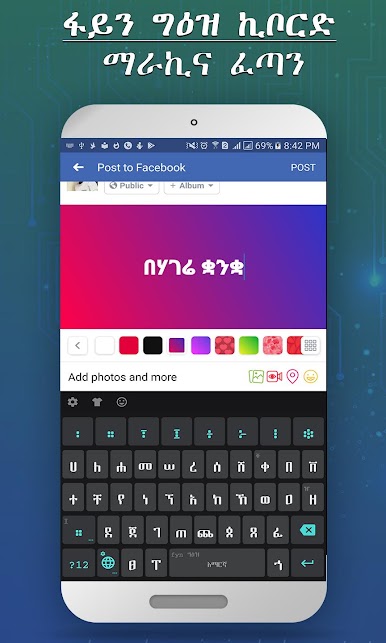
fyn ግዕዝ 2 makes it really easy for anyone who speaks Amharic, Tigrigna, or Afaan Oromoo to type right from their phone—wherever you are. Whether you’re texting friends in Ethiopia, writing an email in Tigrigna, or switching back to English, this keyboard app from fyn systems (Yohannes Ejigu) is designed for flexibility and comfort. From quick word suggestions to fun ways to personalize your keyboard, you’ll notice it’s more than just a simple input tool.
App Features
-
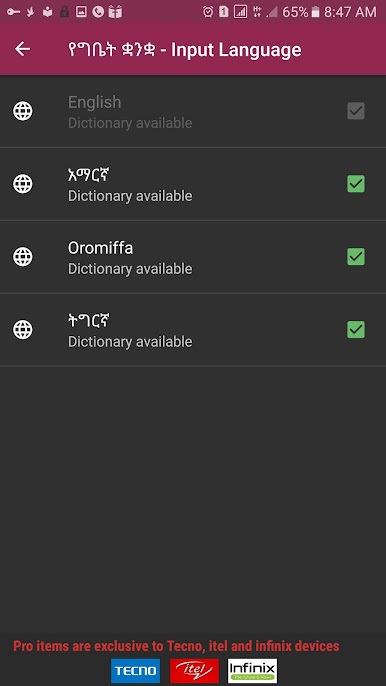
Multi-Language Support
Type in Amharic, Tigrigna, Afaan Oromoo, and English—no need to keep switching apps just to find the right characters or script. -
Word Prediction
Don’t want to type out every long word? The app guesses what you’re going for, speeding things up and cutting down on typos. -
Emoji & Voice Typing
Spice up your chats with a library of emojis, or just use voice typing (in English) if you don’t feel like tapping out a message. -
Personal Dictionary
Add words you use often (maybe an uncommon name or place), and fyn ግዕዝ 2 will remember them for smoother and faster suggestions next time. -
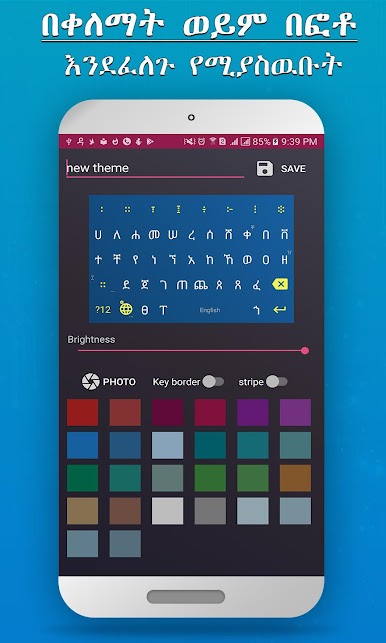
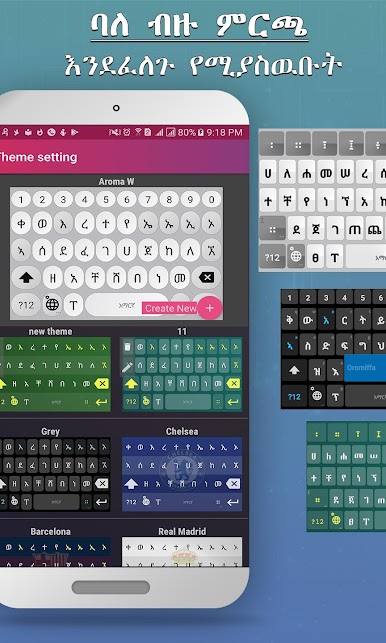
Colorful Themes and Theme Maker
Personalize the whole look—pick from lots of color themes, or get creative and design your own. -
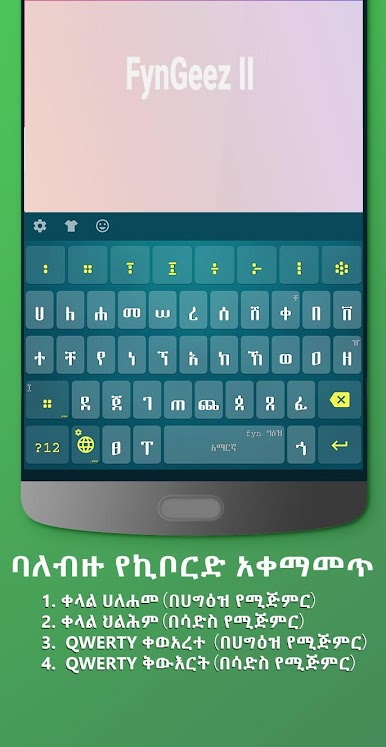
Flexible Keyboard Layouts
Choose between four different Geez layouts for Amharic and Tigrigna so you can stick with what feels familiar. -
Custom Fonts & Adjustable Size
Like a certain style or need bigger (or smaller) keys? Change the font and tweak the keyboard’s height for extra comfort. -
Multiple Keyboards Available
Fyn ግዕዝ 2 is ready with dedicated keyboards for each supported language, making switching between languages simple. -
Smooth on BlueStacks
You can also use fyn ግዕዝ 2 with BlueStacks for those times when you want to type comfortably from your computer.
BlueStacks brings your apps to life on a bigger screen—seamless and straightforward.

Gioca fyn ግዕዝ 2 su PC. È facile iniziare.
-
Scarica e installa BlueStacks sul tuo PC
-
Completa l'accesso a Google per accedere al Play Store o eseguilo in un secondo momento
-
Cerca fyn ግዕዝ 2 nella barra di ricerca nell'angolo in alto a destra
-
Fai clic per installare fyn ግዕዝ 2 dai risultati della ricerca
-
Completa l'accesso a Google (se hai saltato il passaggio 2) per installare fyn ግዕዝ 2
-
Fai clic sull'icona fyn ግዕዝ 2 nella schermata principale per iniziare a giocare

