


dino: gioco di trasformazione
Gioca su PC con BlueStacks: la piattaforma di gioco Android, considerata affidabile da oltre 500 milioni di giocatori.

Pagina modificata il: May 14, 2025
Play Cruise Robot Ship -Robot Games on PC
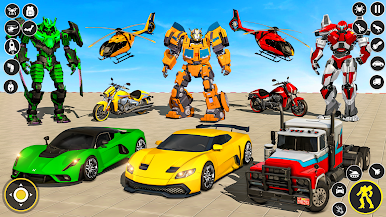
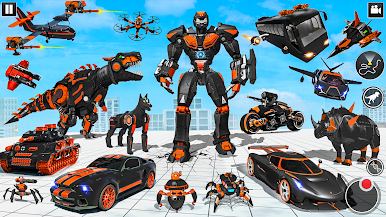
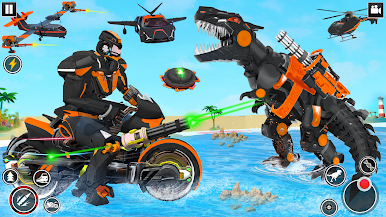
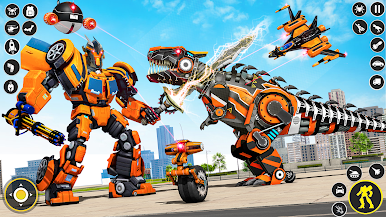
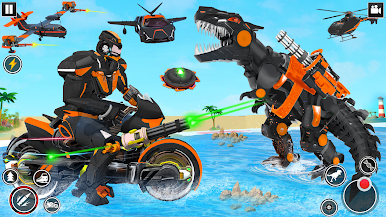
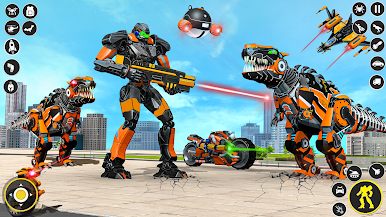
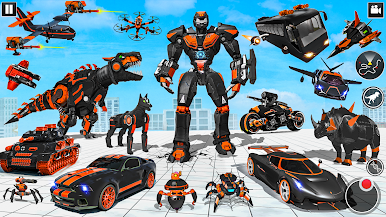
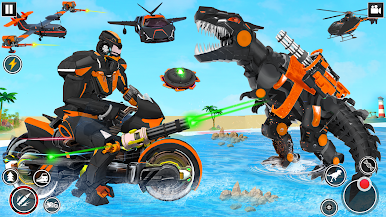
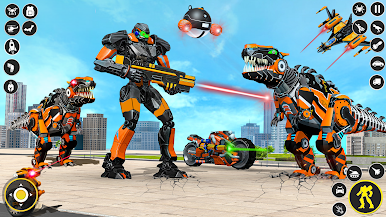
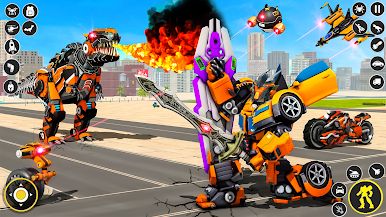
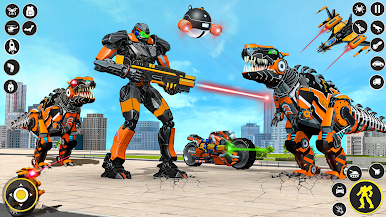
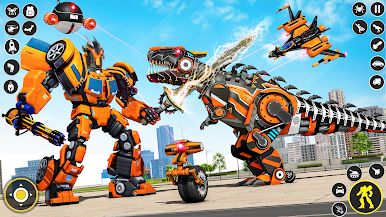
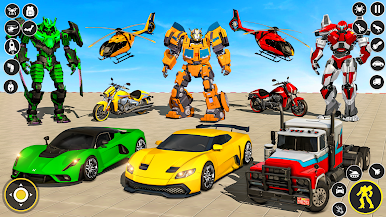
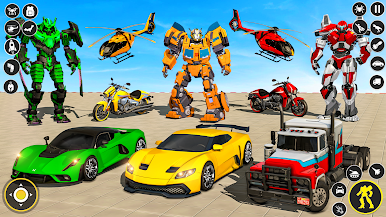
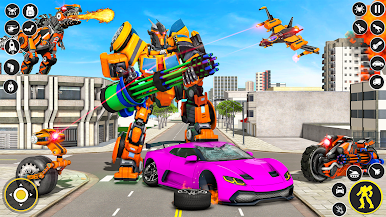
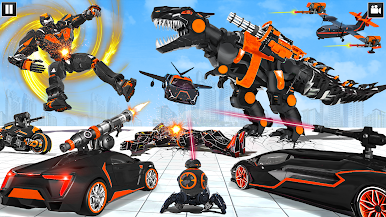
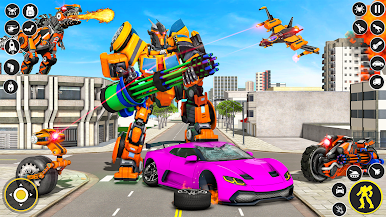
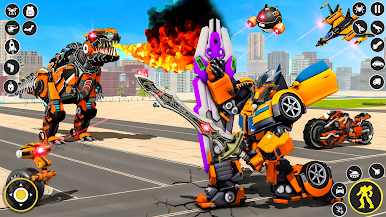
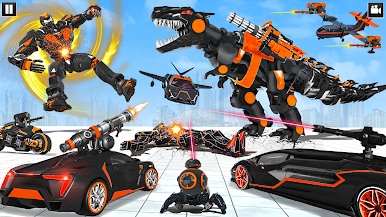
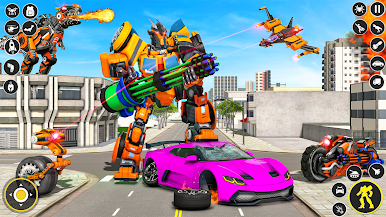
Welcome to the world of moto robot war games where evil robot cruise ships are attacking the futuristic city and now the futuristic robot battle is going to start. You have grand robot cruise ship transform robot that has been made to demolish the enemy’s robot ship wave coming to ruin the city peace. Enemy robot cruise ship warriors are against the humans that are in robot battle city to rescue innocent peoples. In robot cruise ship transform robot shooting game become a real robot transform cruise ship superhero to fight against robot ships with animal robot simulator & mech robots in animal robot games. You have multi robot transforming ship and cruise ship driving simulator skill with shooting combo, and futuristic robot transform cruise ship driving simulator games 2021. Cruise Ship Robot shooting games & robot transforming ship games are mostly played in European countries. You might have played multiple robot games such as real moto robot hero, superhero robot, and other animal robot fighting games but I am sure you never played such cruise ship robot transforming: ship robot games. Your country needs the monster robot fighter against the alien robot to win futuristic robot battle. Have you ever played robot shooting games where you will have to perform a robot cruise ship transform into iron robot? We offer you flying robot war as Futuristic Robot Ship Game: Robot Transformation Games. In futuristic robot games, start tackle mech warrior robots or combat ship robots in mech city battle. Enjoy robot transformation with robotic cruise ship and start fighting futuristic robot battle with enemies.



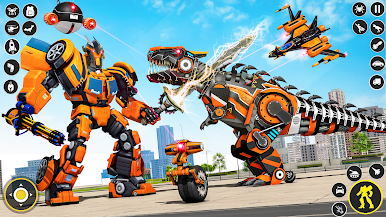
Gioca dino: gioco di trasformazione su PC. È facile iniziare.
-
Scarica e installa BlueStacks sul tuo PC
-
Completa l'accesso a Google per accedere al Play Store o eseguilo in un secondo momento
-
Cerca dino: gioco di trasformazione nella barra di ricerca nell'angolo in alto a destra
-
Fai clic per installare dino: gioco di trasformazione dai risultati della ricerca
-
Completa l'accesso a Google (se hai saltato il passaggio 2) per installare dino: gioco di trasformazione
-
Fai clic sull'icona dino: gioco di trasformazione nella schermata principale per iniziare a giocare

