


盖雅企业版
Gioca su PC con BlueStacks: la piattaforma di gioco Android, considerata affidabile da oltre 500 milioni di giocatori.

Pagina modificata il: Dec 12, 2025
Play GaiaWorks Server on PC
With Workforce App, you can
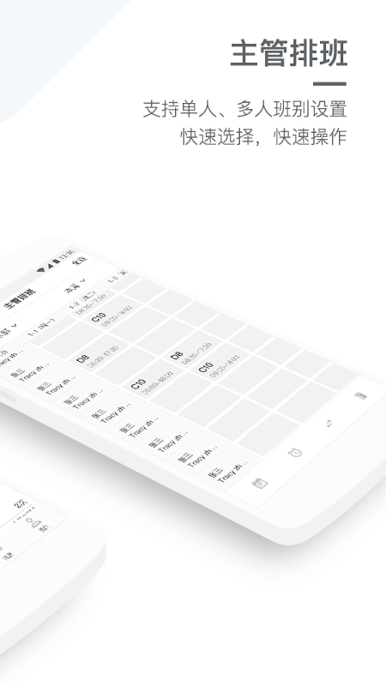
1.Check schedules and shift status in real-time
2.Clock in / out by mobile directly with Bluetooth, QR code, GPS, etc.
3.Request for leave, overtime, or business trip, etc. in 10 seconds
4.Get alert for late arrival, early leave, missed punches and other abnormal attendance scenarios, the employee can appeal and get approval in real-time, the manager can get a real-time view for better field control.
5.Check attendance and accruals status and vacation quotas anytime, anywhere
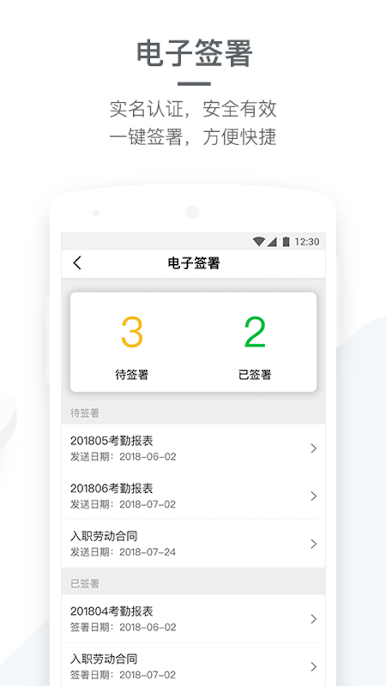
6.Quickly view your payslips
7.Avoid buddy punching by account binding, and the employee needs to get approval to replace a new device.
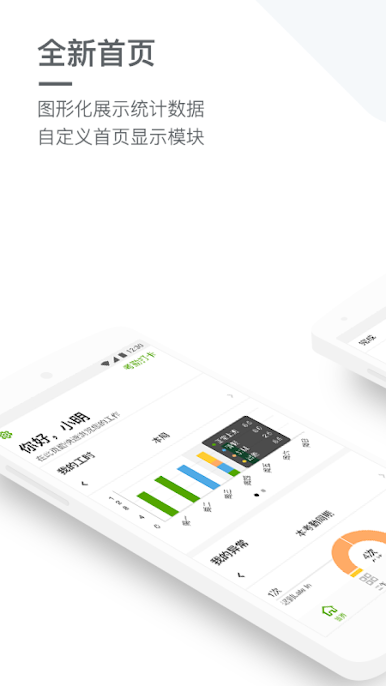
8.Manage Dashboards, visually check the department's working hours and abnormals
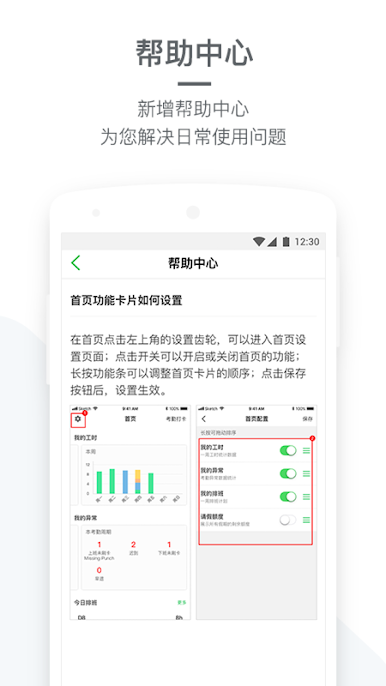
Workforce App now supports multiple languages including Chinese, English, Korean, Japanese, German, French, and Thai.
Gioca 盖雅企业版 su PC. È facile iniziare.
-
Scarica e installa BlueStacks sul tuo PC
-
Completa l'accesso a Google per accedere al Play Store o eseguilo in un secondo momento
-
Cerca 盖雅企业版 nella barra di ricerca nell'angolo in alto a destra
-
Fai clic per installare 盖雅企业版 dai risultati della ricerca
-
Completa l'accesso a Google (se hai saltato il passaggio 2) per installare 盖雅企业版
-
Fai clic sull'icona 盖雅企业版 nella schermata principale per iniziare a giocare

