


Arrow Go! Tap to Escape
Juega en PC con BlueStacks: la plataforma de juegos Android, en la que confían más de 500 millones de jugadores.

Página modificada el: Feb 7, 2026
Juega Arrow Go! Tap to Escape en PC
Ready for the ultimate Arrow Out challenge?
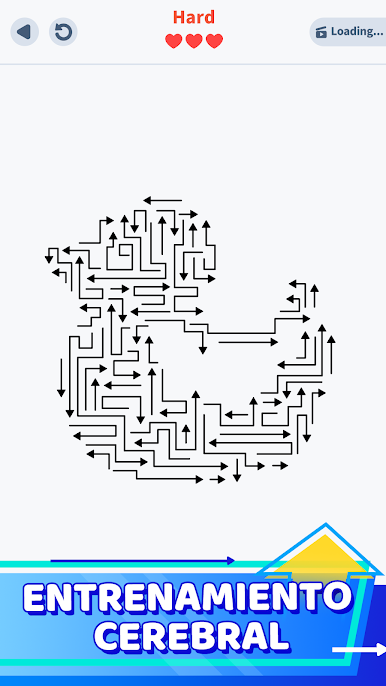
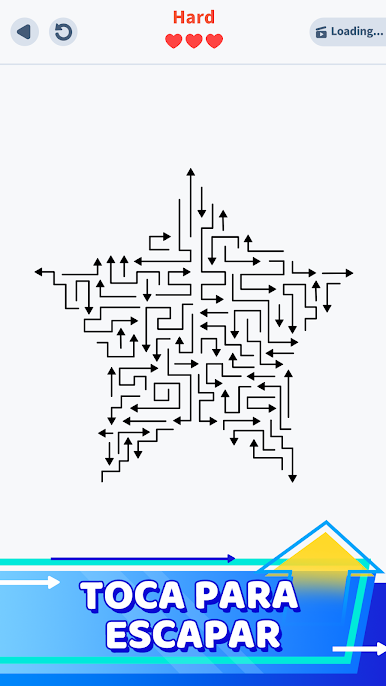
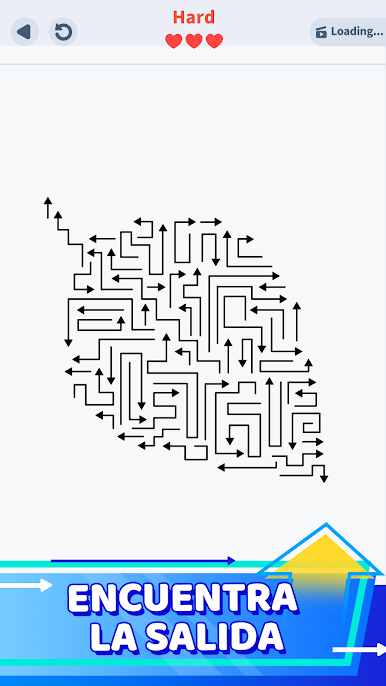
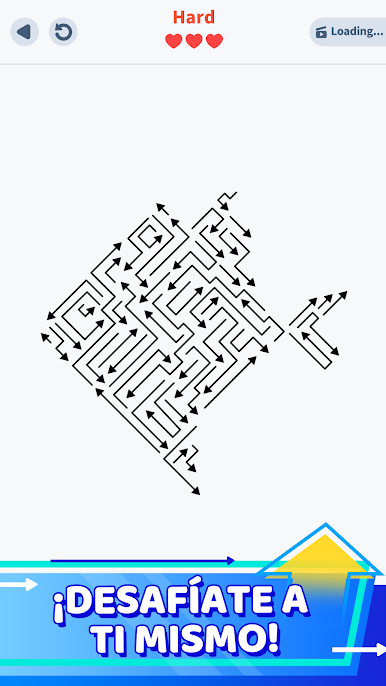
Arrow Go! Tap to Escape is a minimalist logic puzzle designed to test your brain and spatial thinking. If you love arrowscapes, brain games, and satisfying puzzles for adults, this is your next addiction.
Your goal is simple: Tap the arrows in the correct order to clear the grid. But watch out! One wrong move leads to a collision. Can you untangle the maze and find the perfect flow?
🧠 STIMULATE YOUR MIND
- Solve clever logic puzzles that get trickier with every level.
- Train your brain with spatial reasoning and tactical planning.
- A perfect IQ test disguised as a relaxing arrow game.
🎯 PRECISION TAP GAMEPLAY
- Use intuitive controls to tap away arrows and guide them to freedom.
- Experience smooth animations and a satisfying "pop" with every escape.
- No timers, no stress—just pure focus and problem-solving.
✨ WHY YOU'LL LOVE IT:
- Minimalist Design: A clean dark-mode interface that’s easy on the eyes.
- Satisfying Flow: Every level feels like a compact brain teaser with a rewarding finish.
- Offline Play: No wifi? No problem. Enjoy these brain training games anywhere.
- Free to Play: One of the best free logic puzzles for adults who love to think.
Whether you are a fan of classic "unblock" games or modern directional puzzles like Arrowscapes, Arrow Go! offers a unique blend of calm and challenge.
Can you clear the grid and master the maze? Download now and start your arrow out journey today!
Juega Arrow Go! Tap to Escape en la PC. Es fácil comenzar.
-
Descargue e instale BlueStacks en su PC
-
Complete el inicio de sesión de Google para acceder a Play Store, o hágalo más tarde
-
Busque Arrow Go! Tap to Escape en la barra de búsqueda en la esquina superior derecha
-
Haga clic para instalar Arrow Go! Tap to Escape desde los resultados de búsqueda
-
Complete el inicio de sesión de Google (si omitió el paso 2) para instalar Arrow Go! Tap to Escape
-
Haz clic en el ícono Arrow Go! Tap to Escape en la pantalla de inicio para comenzar a jugar

