

Brisca
Juega en PC con BlueStacks: la plataforma de juegos Android, en la que confían más de 500 millones de jugadores.

Página modificada el: Nov 19, 2025
Play Brisca on PC or Mac
From the innovators and creators at Melele, Brisca is another fun addition to the World of Card games. Go beyond your mobile screen and play it bigger and better on your PC or Mac. An immersive experience awaits you.
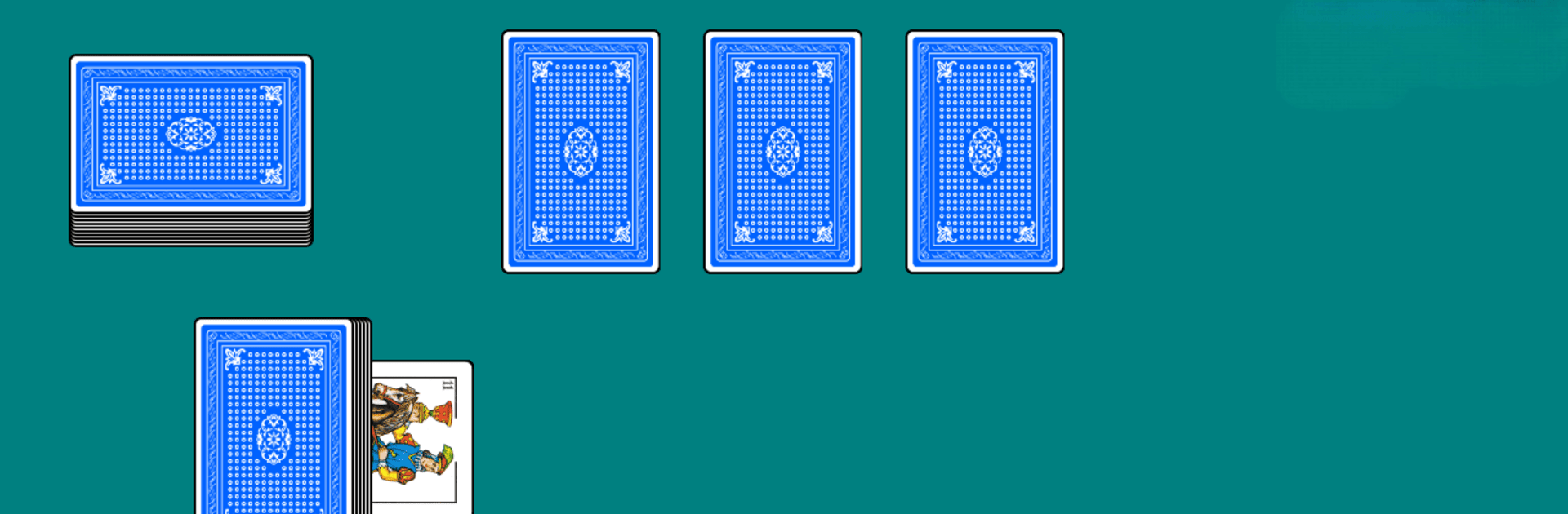
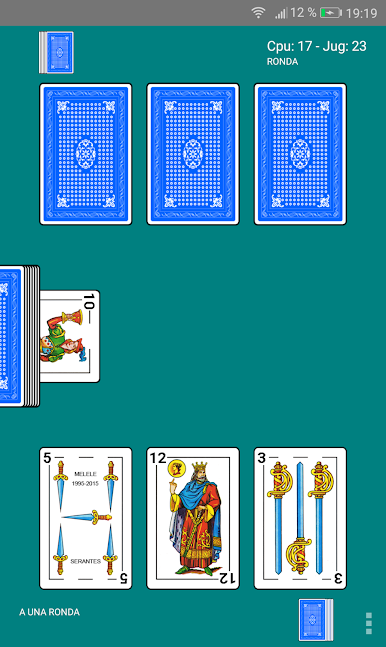
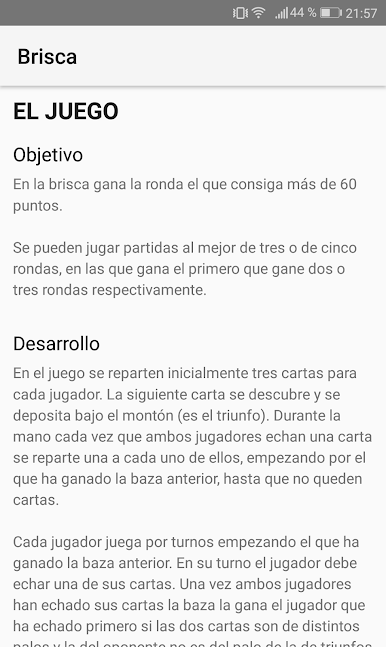
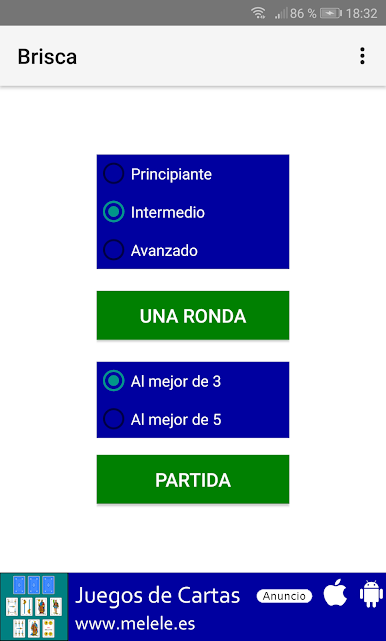
Brisca here feels like a straight-up, no fuss way to play a classic trick-taking card game against a smart CPU. Players pick how long they want a session to be, either a single round or best of three or five, then choose a difficulty that actually changes how careful they need to play. Beginner is gentle, advanced punishes sloppy throws. The rules are explained clearly inside the app, so anyone who has never touched brisca can get up to speed without digging around online. On PC with BlueStacks, the HD deck looks crisp and the table is easy to read, which helps when eyes are jumping between suits and point cards.
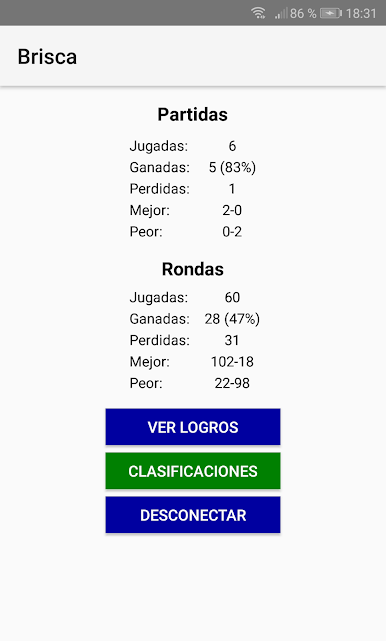
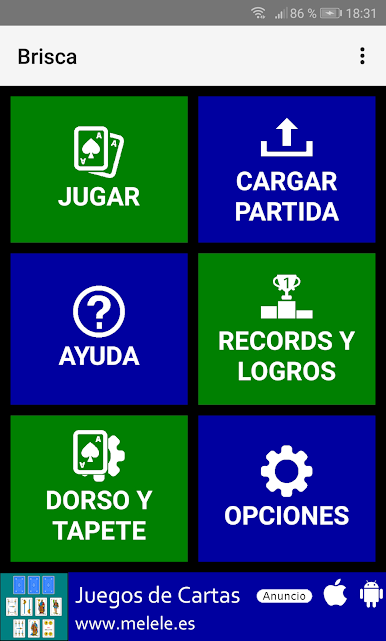
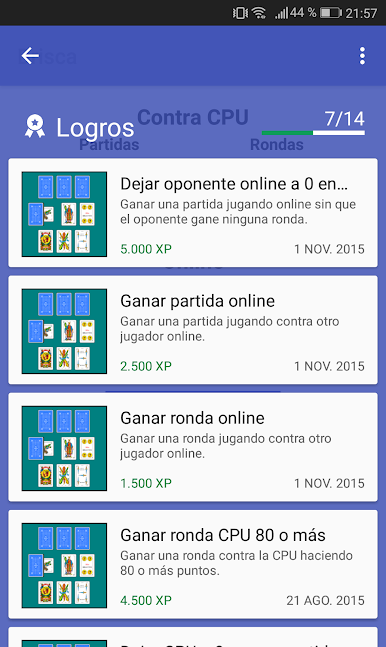
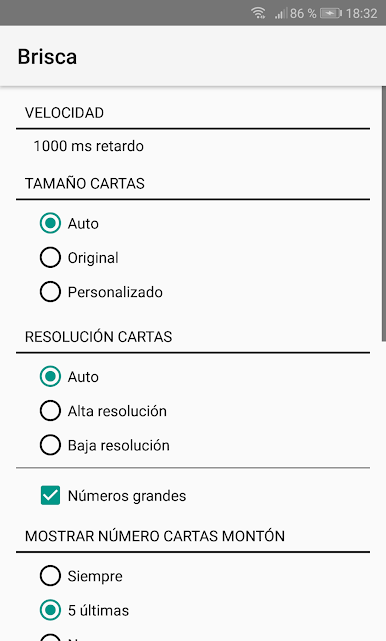
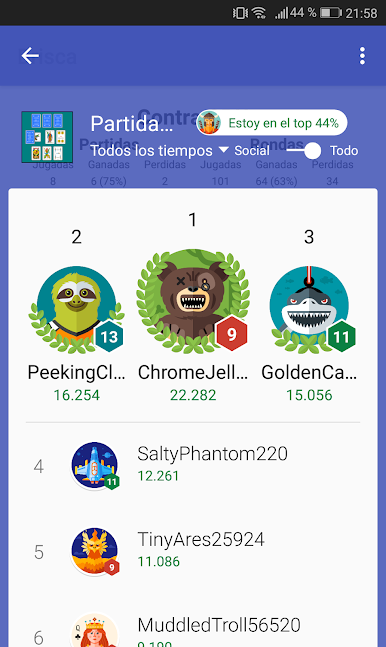
The scoring is simple to track but tight. Rounds are won by getting more than 60 points. At the end of a round, both sides add up their piles. Card values matter a lot here: the ace is worth 11, the three is 10, king is 4, horse is 3, and jack is 2. Everything else is just filler, so players start hunting those point cards fast. There is a ton to tweak too. Card size, number size, deck color, mat color, speed, sounds, resolution, markers, even portrait or landscape. It saves and loads games, keeps records, and there is a world ranking plus a pile of achievements that feed out experience points. It is the kind of setup that lets someone play quick hands on a lunch break or settle into a longer best-of set without anything getting in the way.
Get ready for a buttery smooth, high-performance gaming action only on BlueStacks.



Juega Brisca en la PC. Es fácil comenzar.
-
Descargue e instale BlueStacks en su PC
-
Complete el inicio de sesión de Google para acceder a Play Store, o hágalo más tarde
-
Busque Brisca en la barra de búsqueda en la esquina superior derecha
-
Haga clic para instalar Brisca desde los resultados de búsqueda
-
Complete el inicio de sesión de Google (si omitió el paso 2) para instalar Brisca
-
Haz clic en el ícono Brisca en la pantalla de inicio para comenzar a jugar

