
Bad Girls IDLE RPG
Juega en PC con BlueStacks: la plataforma de juegos Android, en la que confían más de 500 millones de jugadores.

Página modificada el: Jul 24, 2024
Play Bad Girl's Adventure! on PC or Mac
Bad Girl’s Adventure! is a Role Playing game developed by Gamepub. BlueStacks app player is the best platform to play this Android game on your PC or Mac for an immersive gaming experience.
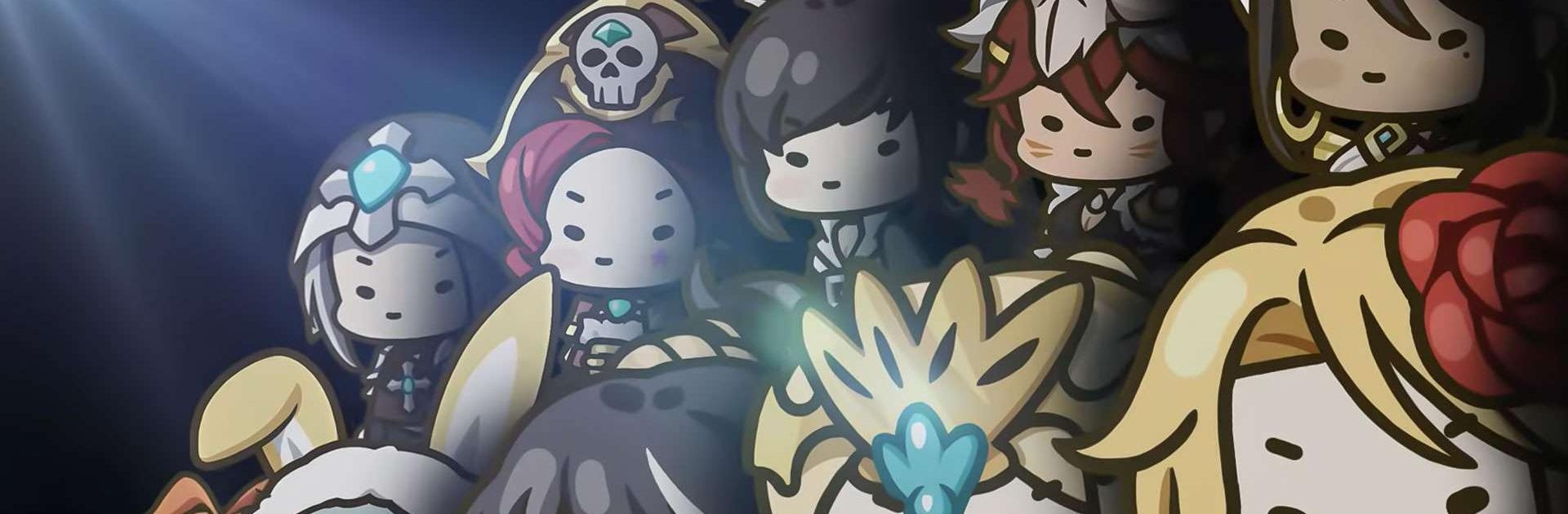
Join Rina, a rebellious princess with god-like powers, as she fights her way to the top of the Princess War to claim the Golden Die. This action-packed idle RPG is filled with adorable, unique, and rebellious characters ready to win your heart.
Unleash Your Inner Bad Girl
Break the rules and embrace the chaos in this action-packed adventure.
- Meet a cast of rebellious princesses with unique abilities.
- Experience thrilling hack-and-slash combat with easy controls.
- Unleash Rina’s devastating Avatar form to dominate battles.
Build the Ultimate Princess Squad
Assemble a team of powerful companions to fight by your side. Bluestacks makes it easy to play games on pc or laptop using a gamepad, keyboard and mouse.
- Collect and level up a diverse cast of characters.
- Create strategic combinations to maximize your combat potential.
- Challenge colossal bosses in epic battles.
Power Up with Ease
Become the strongest princess without the grind.
- Earn rewards even when you’re not playing.
- Explore 12 unique dungeons for valuable loot.
- Level up quickly and easily with minimal effort.


Juega Bad Girls IDLE RPG en la PC. Es fácil comenzar.
-
Descargue e instale BlueStacks en su PC
-
Complete el inicio de sesión de Google para acceder a Play Store, o hágalo más tarde
-
Busque Bad Girls IDLE RPG en la barra de búsqueda en la esquina superior derecha
-
Haga clic para instalar Bad Girls IDLE RPG desde los resultados de búsqueda
-
Complete el inicio de sesión de Google (si omitió el paso 2) para instalar Bad Girls IDLE RPG
-
Haz clic en el ícono Bad Girls IDLE RPG en la pantalla de inicio para comenzar a jugar