


Balls Out 3D
Juega en PC con BlueStacks: la plataforma de juegos Android, en la que confían más de 500 millones de jugadores.

Página modificada el: Oct 12, 2022
Play Balls Out 3D on PC or Mac
From the innovators and creators at CASUAL AZUR GAMES, Balls Out 3D is another fun addition to the World of Casual games. Go beyond your mobile screen and play it bigger and better on your PC or Mac. An immersive experience awaits you.
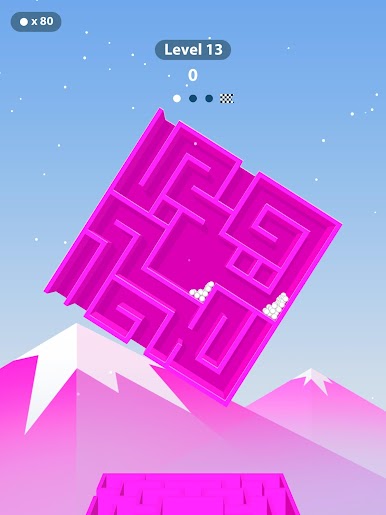
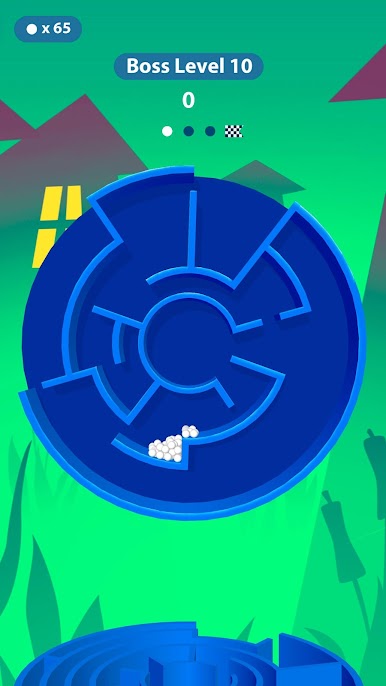
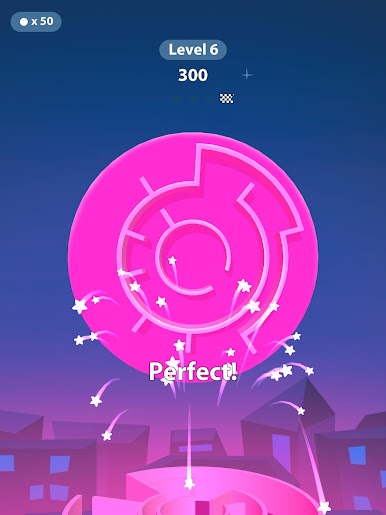
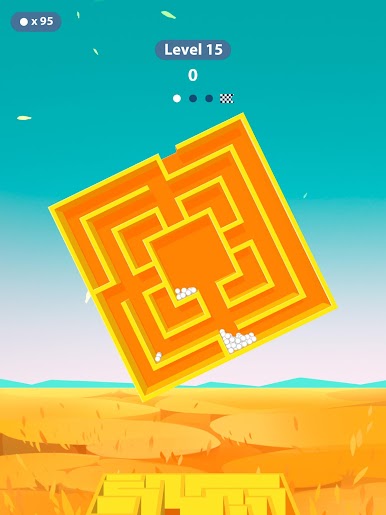
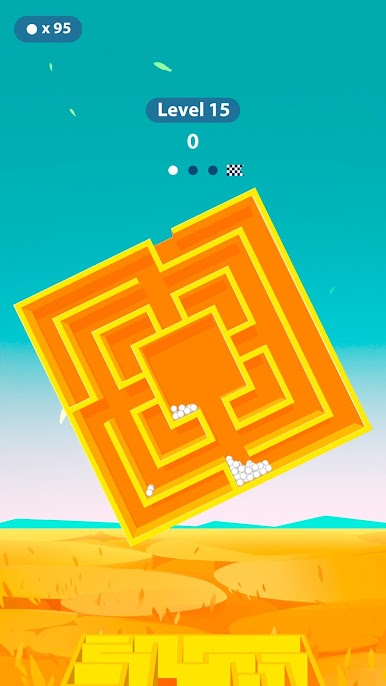
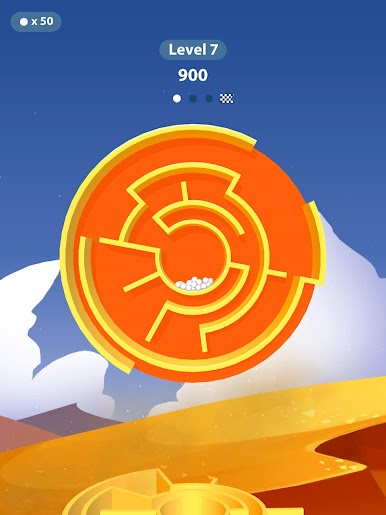
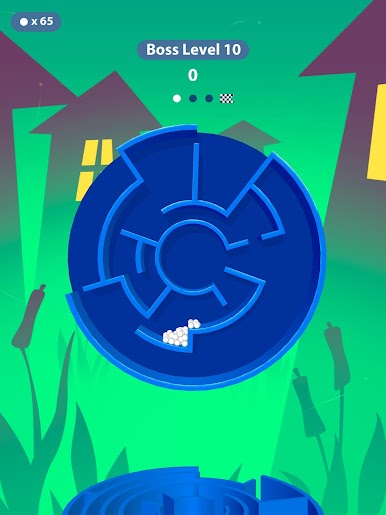
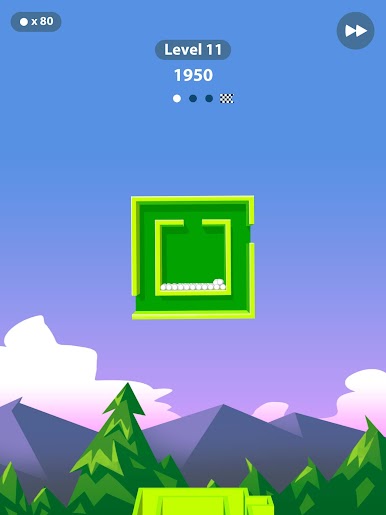
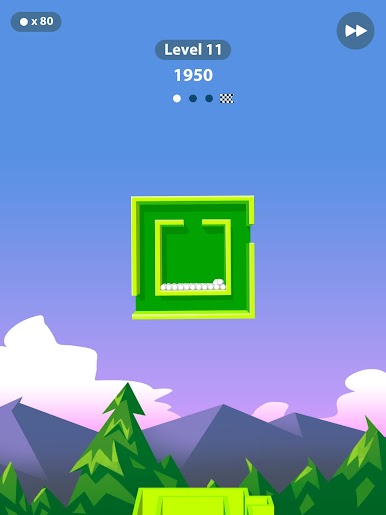
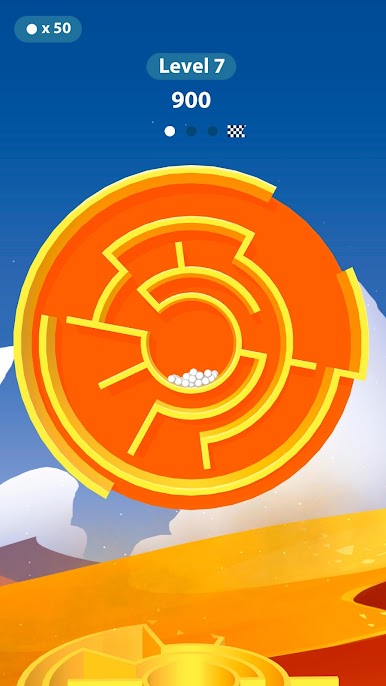
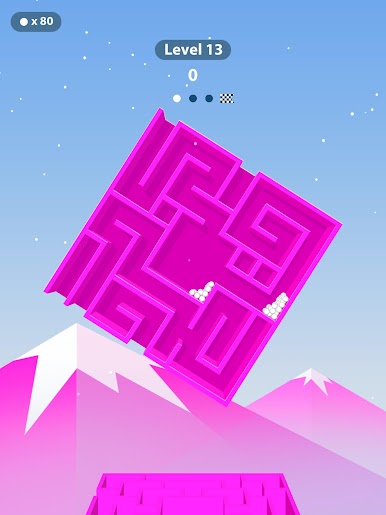
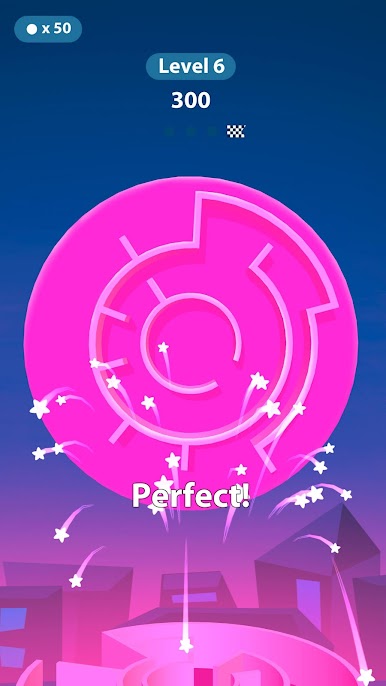
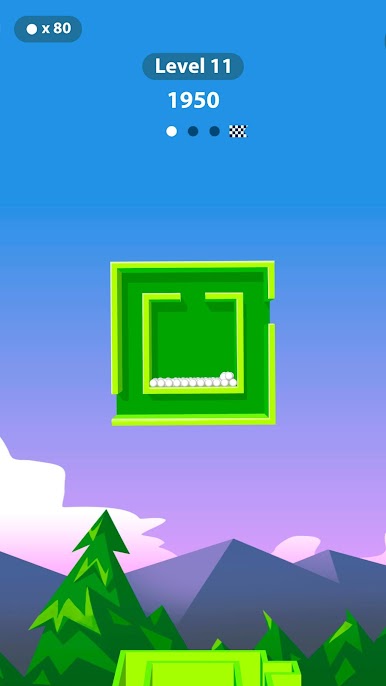
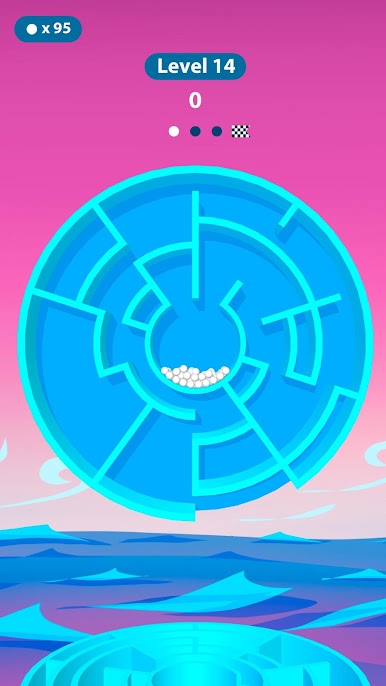
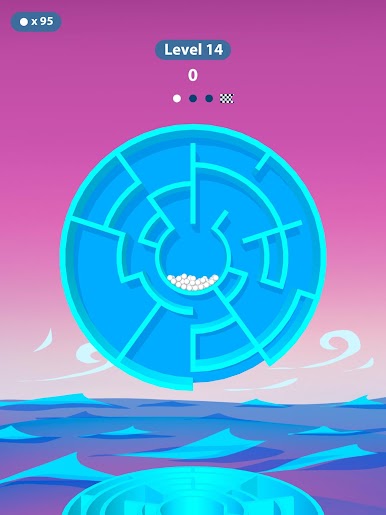
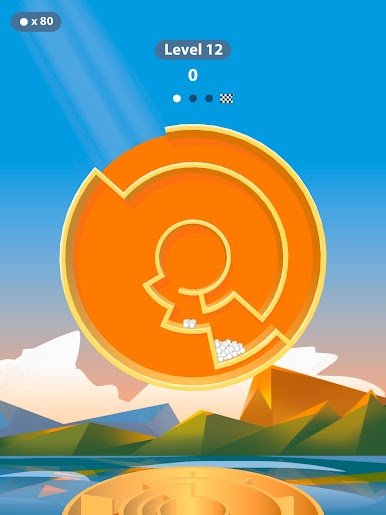
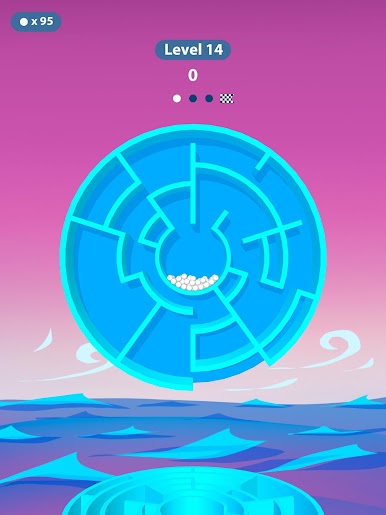
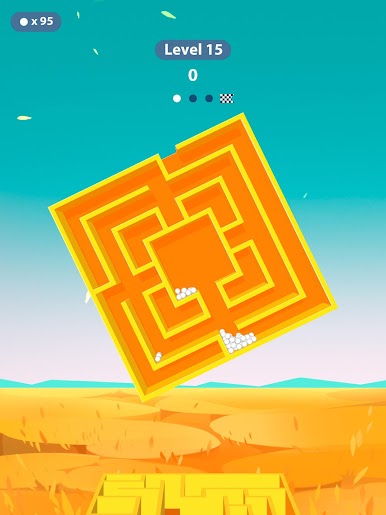
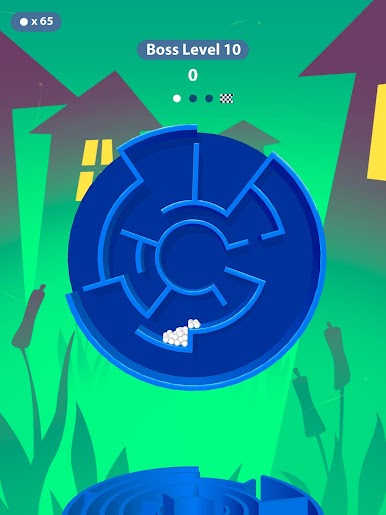
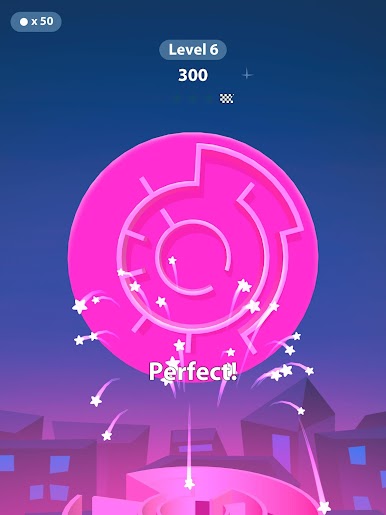
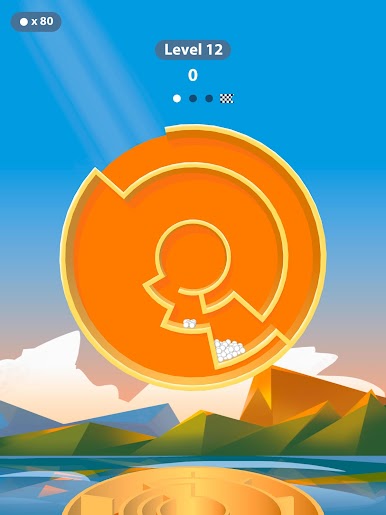
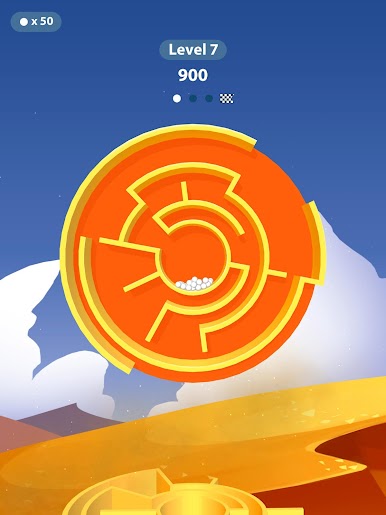
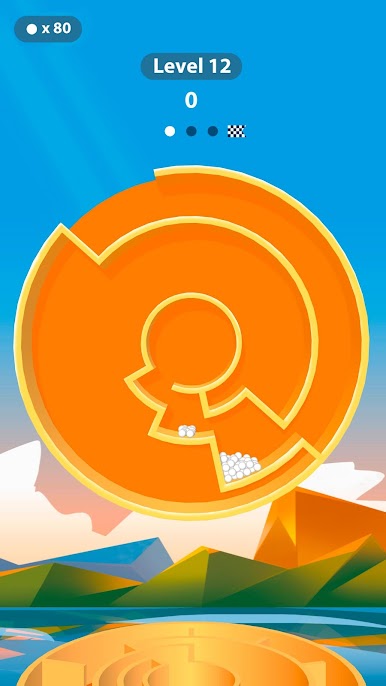
So, Balls Out 3D is all about working these little mazes that you rotate around to get a bunch of balls from one area into another connected maze. The way it works is super simple — you basically use a single finger (or the mouse if you’re on PC with BlueStacks) to twist and move the maze, and then gravity kind of does its thing, rolling the balls along. The more you play, the more balls you end up juggling at once, and it actually gets trickier the further you go. It feels surprisingly satisfying when you finally line things up just right and all the balls drop into place.
What stands out is how bright and clean everything looks. There isn’t a ton of complicated stuff going on — it’s just straightforward, almost soothing, but still keeps you interested, especially when you keep noticing a new challenge popping up as you move up in difficulty. People who like those focused, puzzle-ish games that you can pick up for a few minutes here and there would get what’s good about it. Playing on a bigger screen with BlueStacks makes it even easier to see where everything is going, especially once things speed up a bit and there’s more going on at once. It’s got this easygoing challenge that makes it hard to play just once, and honestly, it’s the kind of game that can quietly eat up more time than you expect.
Slay your opponents with your epic moves. Play it your way on BlueStacks and dominate the battlefield.
Juega Balls Out 3D en la PC. Es fácil comenzar.
-
Descargue e instale BlueStacks en su PC
-
Complete el inicio de sesión de Google para acceder a Play Store, o hágalo más tarde
-
Busque Balls Out 3D en la barra de búsqueda en la esquina superior derecha
-
Haga clic para instalar Balls Out 3D desde los resultados de búsqueda
-
Complete el inicio de sesión de Google (si omitió el paso 2) para instalar Balls Out 3D
-
Haz clic en el ícono Balls Out 3D en la pantalla de inicio para comenzar a jugar

