


Garmin Connect™
Juega en PC con BlueStacks: la plataforma de juegos Android, en la que confían más de 500 millones de jugadores.

Página modificada el: Nov 18, 2025
Play Garmin Connect™ on PC
Once you pair your phone (1) with a Forerunner®, Venu®, fēnix or another compatible Garmin device (2), you can review your tracked activities and health metrics. Plus, you can create workouts, build courses and challenge your friends on the leaderboard.
With Garmin Connect you can:
- Personalize your home screen, so the most helpful information is instantly visible
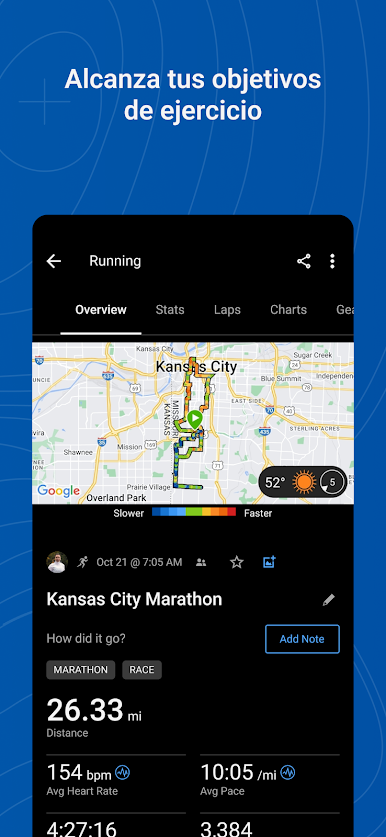
- Analyze your activities with detailed statistics(3)
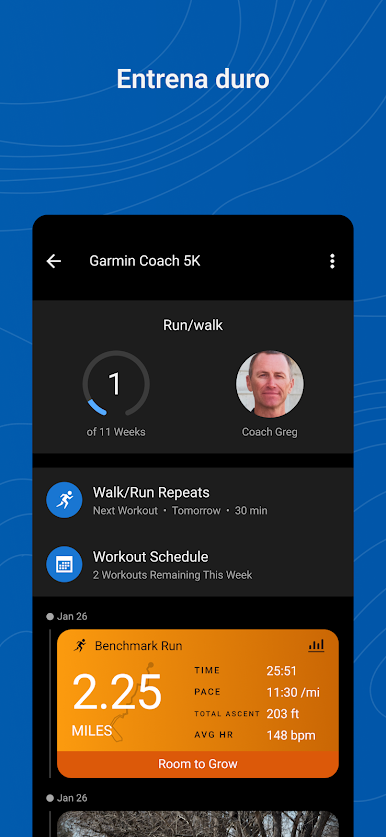
- Create customized workouts and courses
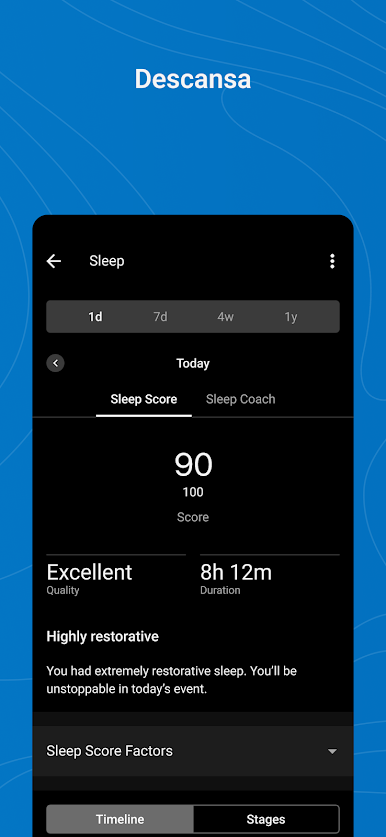
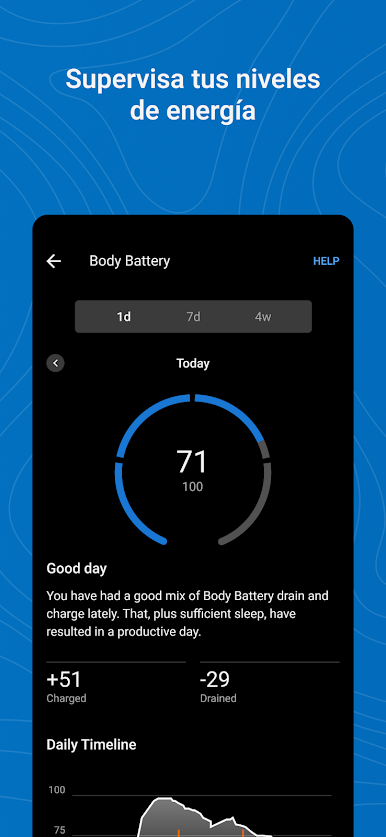
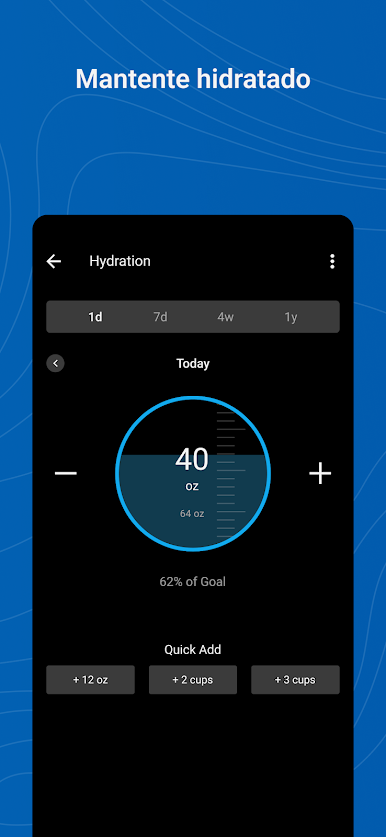
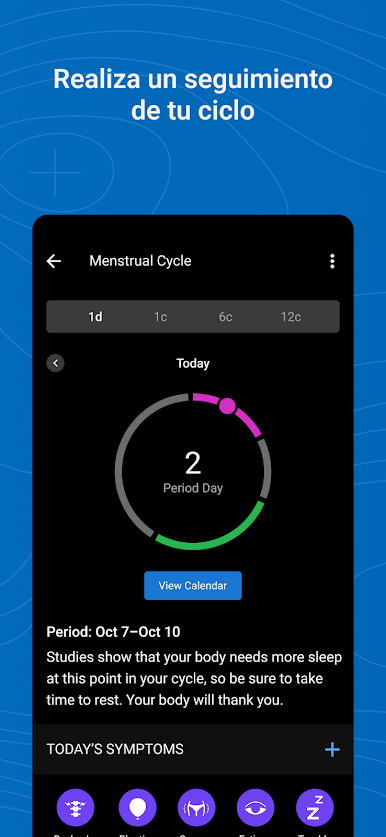
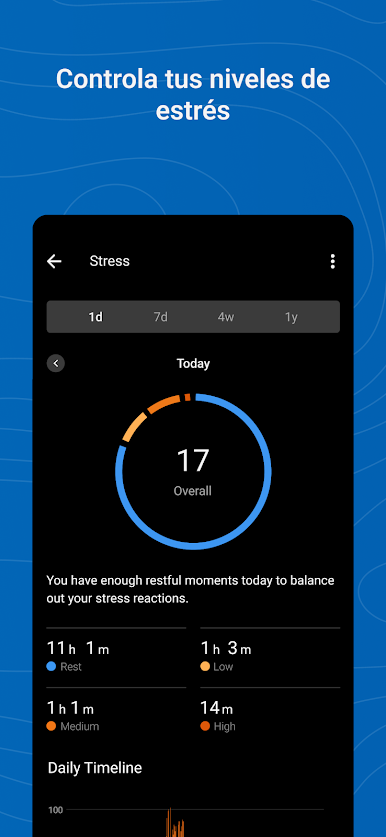
- Review trends in health metrics like your heart rate, steps, sleep, stress, menstrual cycle, weight, calories and more
- Earn badges for accomplishments
- Sync with other apps like MyFitnessPal and Strava
- Get support for Garmin devices and their features
Learn more about Garmin devices and how they work with the Garmin Connect app at Garmin.com.
(1) See compatible devices at Garmin.com/BLE
(2) See a full list of compatible devices at Garmin.com/devices
(3) See Garmin.com/ataccuracy
Notes: Continued use of GPS running in the background can dramatically decrease battery life.
Garmin Connect needs SMS permission to allow you to receive and send SMS text messages from your Garmin devices. We also need call log permission to display incoming calls on your devices.

Juega Garmin Connect™ en la PC. Es fácil comenzar.
-
Descargue e instale BlueStacks en su PC
-
Complete el inicio de sesión de Google para acceder a Play Store, o hágalo más tarde
-
Busque Garmin Connect™ en la barra de búsqueda en la esquina superior derecha
-
Haga clic para instalar Garmin Connect™ desde los resultados de búsqueda
-
Complete el inicio de sesión de Google (si omitió el paso 2) para instalar Garmin Connect™
-
Haz clic en el ícono Garmin Connect™ en la pantalla de inicio para comenzar a jugar

