


Bochas 3D
Juega en PC con BlueStacks: la plataforma de juegos Android, en la que confían más de 500 millones de jugadores.

Página modificada el: Dec 1, 2025
Play Bocce 3D - Online Sports Game on PC or Mac
Bocce 3D – Online Sports Game brings the Sports genre to life, and throws up exciting challenges for gamers. Developed by Giraffe Games Limited, this Android game is best experienced on BlueStacks, the World’s #1 app player for PC and Mac users.
About the Game
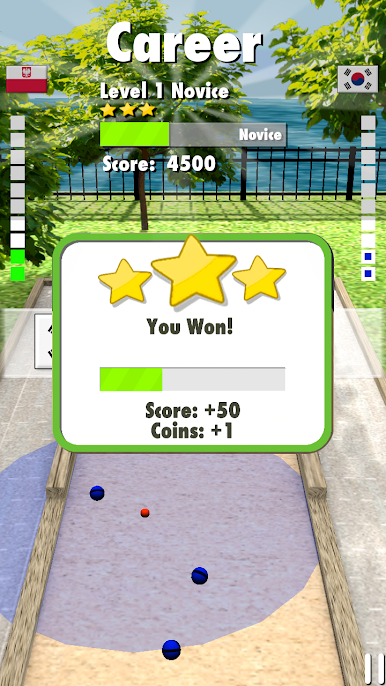
Bocce 3D – Online Sports Game brings the classic Italian game right to your screen, with a fresh 3D twist. Whether you’re totally new or already a bocce buff, this game feels easy to pick up but tough to master. Roll the balls, aim for the target, and outplay your rivals online while kicking back on your phone—or on BlueStacks if you’d rather play from your PC.
Game Features
-
Solo Career Mode
Tackle a bunch of unique challenges designed to sharpen your bocce skills. Every level is a chance to test your strategy and see how accurate your throws can be. -
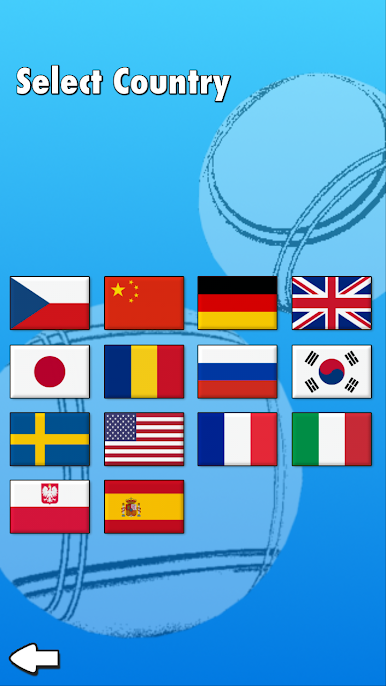
Real-time Online Multiplayer
Up for some competition? Jump into online matches against other real players. The lobby’s usually buzzing, so there’s always someone new to outsmart and outscore. -
True 3D Bocce Experience
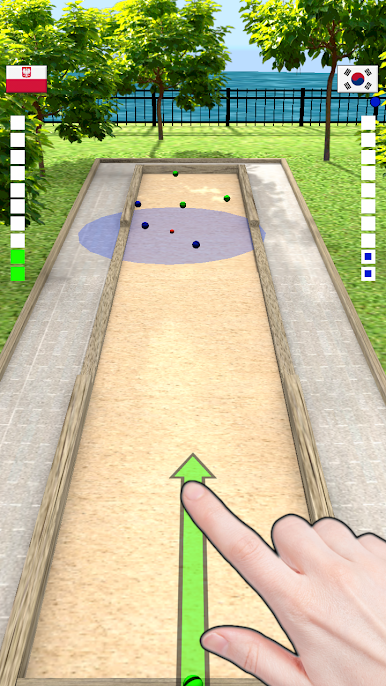
All the action happens in 3D, so lining up your shots feels satisfying, and every angle matters. You can almost feel the ball rolling across the sand. -
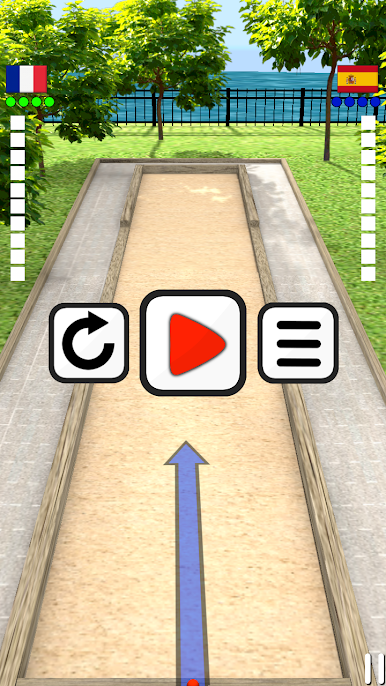
Simple, Responsive Controls
Drag, aim, and release. The controls are super intuitive—no need for complicated instructions. It’s all about skill and timing. -
Smooth Performance
Whether you’re on your phone or using BlueStacks to play on your computer, gameplay stays smooth and snappy. No glitches getting in the way of your celebration dance. -
Free to Play
All of this bocce action comes at zero cost, so you can jump in and start playing without worrying about breaking the bank.
Get ready for a buttery smooth, high-performance gaming action only on BlueStacks.
Juega Bochas 3D en la PC. Es fácil comenzar.
-
Descargue e instale BlueStacks en su PC
-
Complete el inicio de sesión de Google para acceder a Play Store, o hágalo más tarde
-
Busque Bochas 3D en la barra de búsqueda en la esquina superior derecha
-
Haga clic para instalar Bochas 3D desde los resultados de búsqueda
-
Complete el inicio de sesión de Google (si omitió el paso 2) para instalar Bochas 3D
-
Haz clic en el ícono Bochas 3D en la pantalla de inicio para comenzar a jugar

