


gpskin
Gioca su PC con BlueStacks: la piattaforma di gioco Android, considerata affidabile da oltre 500 milioni di giocatori.

Pagina modificata il: Sep 24, 2024
Play gpskin on PC
Main Functions
1) Measurement
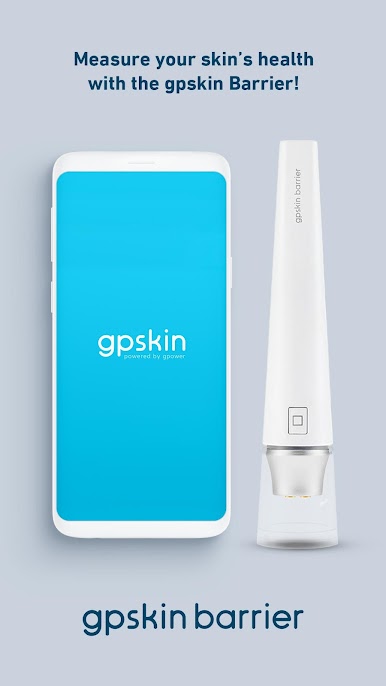
- The gpskin Barrier device connects to your phone and gpskin App via Bluetooth and
accurately measures and analyzes your skin barrier.
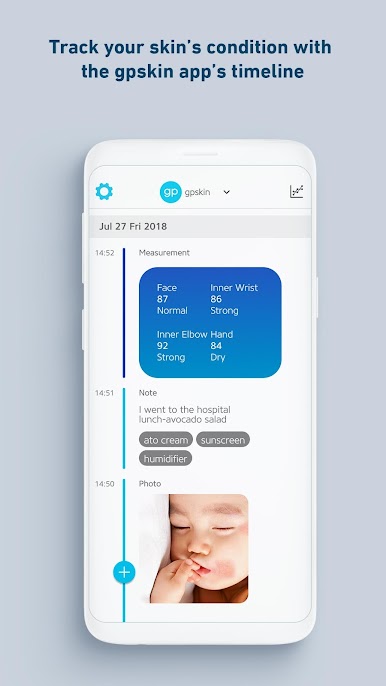
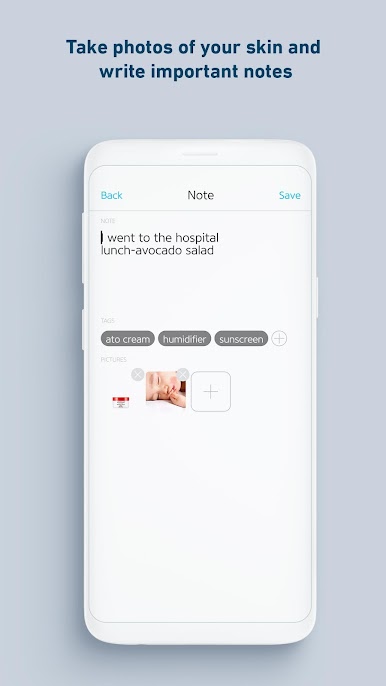
2) Notes, Photos, Tags
- Track which areas of the skin you’ve measured, potential skin allergens, and skin care
products by taking notes, photos and tags.
3) Skin Trends
- Monitor your skin’s progress based on your skin barrier condition over time.
Updates
1) Integrated Measurement Functions
- The ‘Precise Scan’ and ‘Quick Scan’ have been integrated into one ‘Measurement’ function
for easier use.
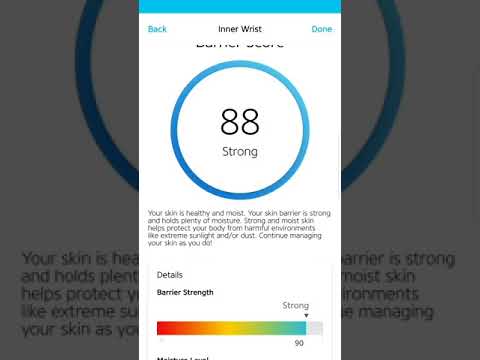
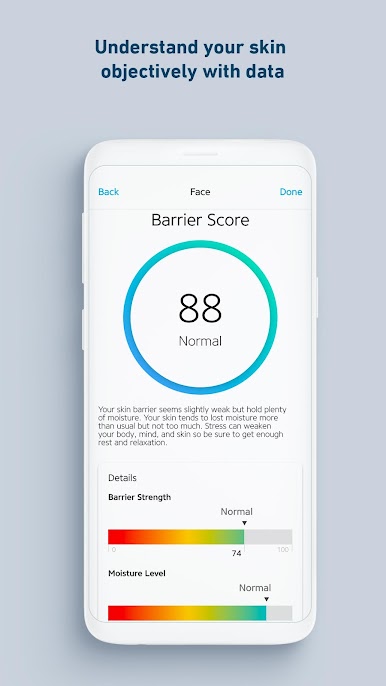
2) Updated Measurement Results
- Results now feature a new 0-100 Barrier Score, calculated through your skin barrier’s
strength and hydration levels.
3) Added Daily Checklist
- Utilize the Daily Checklist (in Settings) to log daily routines, flare ups and track medications.
Gioca gpskin su PC. È facile iniziare.
-
Scarica e installa BlueStacks sul tuo PC
-
Completa l'accesso a Google per accedere al Play Store o eseguilo in un secondo momento
-
Cerca gpskin nella barra di ricerca nell'angolo in alto a destra
-
Fai clic per installare gpskin dai risultati della ricerca
-
Completa l'accesso a Google (se hai saltato il passaggio 2) per installare gpskin
-
Fai clic sull'icona gpskin nella schermata principale per iniziare a giocare

