


Growth Engineering App
Gioca su PC con BlueStacks: la piattaforma di gioco Android, considerata affidabile da oltre 500 milioni di giocatori.

Pagina modificata il: Nov 25, 2025
Play Growth Engineering App on PC
Learning isn’t a one-off event. You can’t plug yourself into the Matrix and instantly learn kung fu. Likewise, you can’t consume learning content once and expect it to stick. Information is slippery. You need to create a learning journey that creates lasting behavioural change. The Knowledge Arcade does this by:
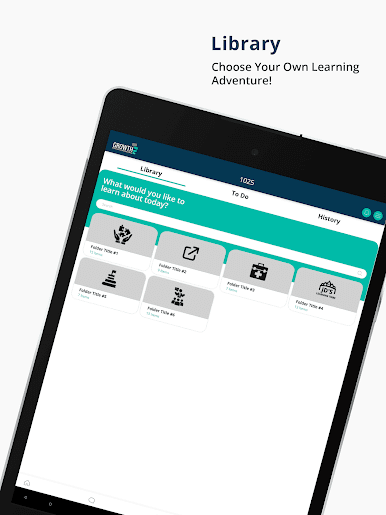
• Delivering information through Learning Quests
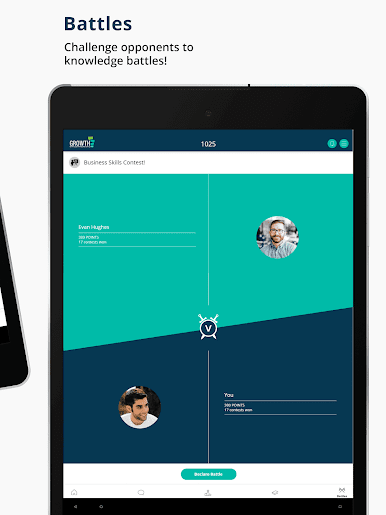
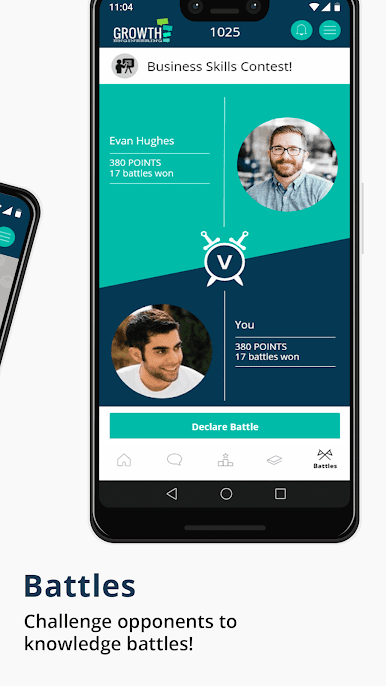
• Testing knowledge through Learning Battles (Coming Soon)
• Contextualising information through Learning Challenges (Coming Soon)
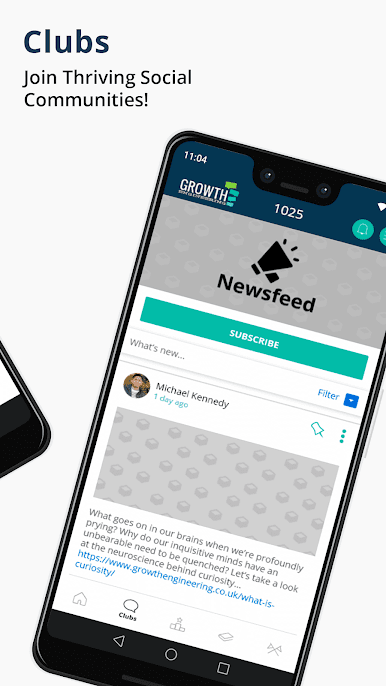
Then you can reinforce what you’ve learned socially, by joining and participating in a learning community. The Knowledge Arcade includes access to incentivised discussion groups called ‘Clubs’. This empowers you to share your wisdom, learn from others and get inspired!
Along the way, you’ll earn Badges and Experience Points for completing learning content or exploring the app. The more you collect, the higher you’ll place on the Leaderboards. How high can you climb?
The Knowledge Arcade offers all this and much, much more. Download it now, setup your account and start learning. It’s time to unleash your inner superhero!







Gioca Growth Engineering App su PC. È facile iniziare.
-
Scarica e installa BlueStacks sul tuo PC
-
Completa l'accesso a Google per accedere al Play Store o eseguilo in un secondo momento
-
Cerca Growth Engineering App nella barra di ricerca nell'angolo in alto a destra
-
Fai clic per installare Growth Engineering App dai risultati della ricerca
-
Completa l'accesso a Google (se hai saltato il passaggio 2) per installare Growth Engineering App
-
Fai clic sull'icona Growth Engineering App nella schermata principale per iniziare a giocare

