


Penggaris Digital: Meteran
Mainkan di PC dengan BlueStacks – platform Game-Game Android, dipercaya oleh lebih dari 500 juta gamer.

Main Penggaris Digital: Meteran di PC
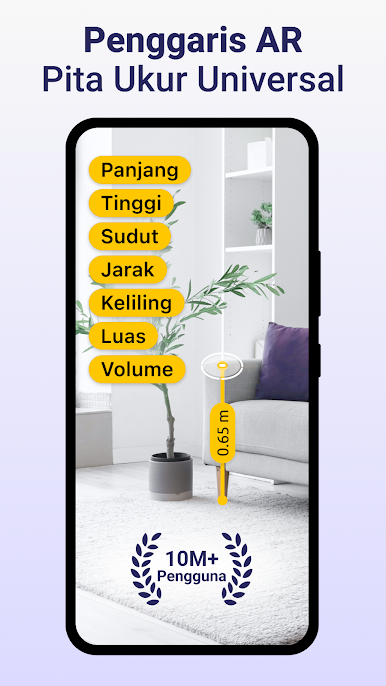
AR Ruler - aplikasi pengukuran pintar yang mengubah smartphone Anda menjadi penggaris digital yang canggih dan alat ukur profesional. Baik Anda seorang profesional atau hanya sekadar penasaran, aplikasi penggaris serba guna ini memungkinkan Anda mengukur jarak, sudut, dan tinggi dengan presisi yang sangat tinggi. Menggunakan teknologi AR (augmented reality) canggih, aplikasi AR Ruler tape measure memberikan hasil yang cepat sebagai penggaris digital berteknologi tinggi. Dari insinyur hingga desainer, ini adalah aplikasi penggaris terbaik untuk setiap kebutuhan pengukuran.
🧰 Fitur Utama:
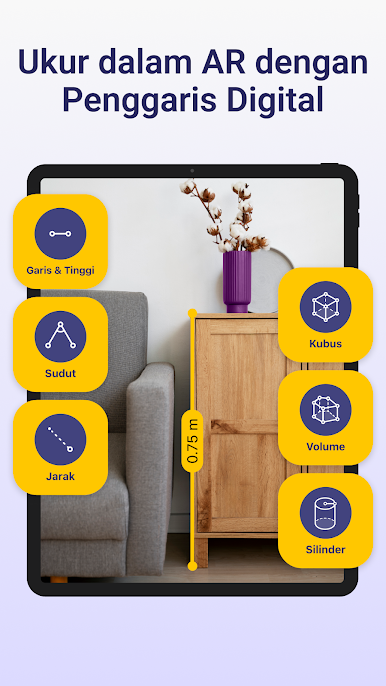
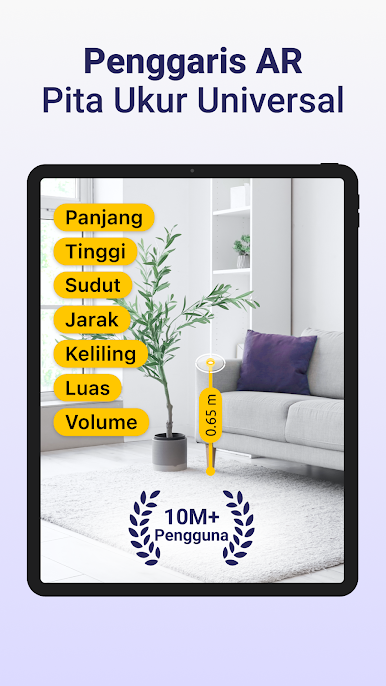
• Penggaris Digital & Penggaris MM: Gunakan aplikasi penggaris presisi untuk mengukur objek kecil dengan penggaris digital yang akurat dalam milimeter atau inci.
• Alat Penggaris Teknis: Akses alat ukur profesional untuk tugas yang membutuhkan penggaris milimeter dan hasil penggaris digital.
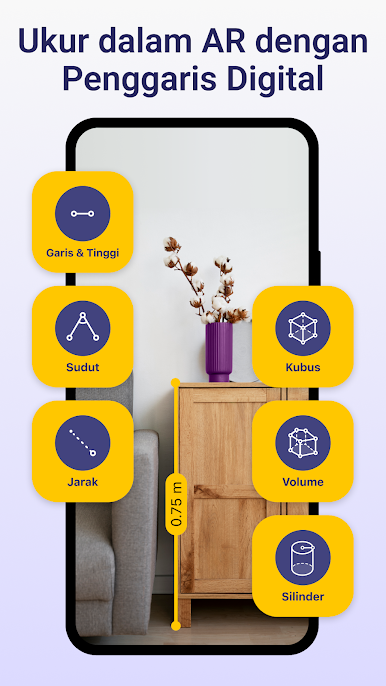
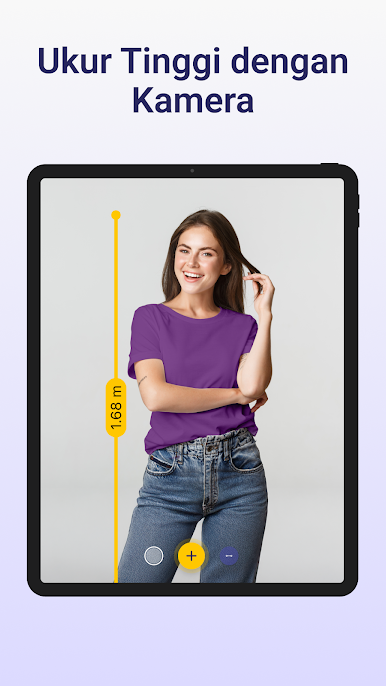
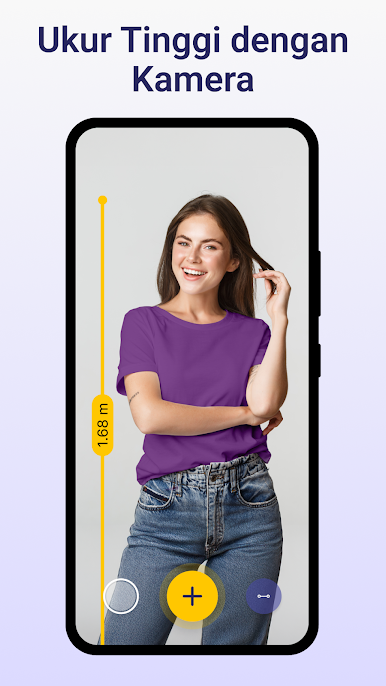
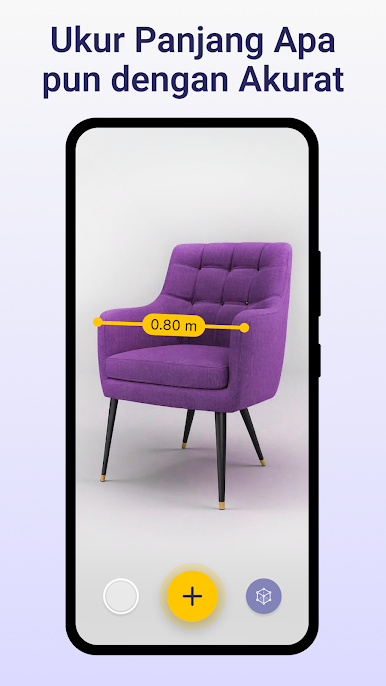
• Ukur Garis & Tinggi: Ukur tinggi dengan mudah menggunakan logika penggaris digital dan meteran profesional.
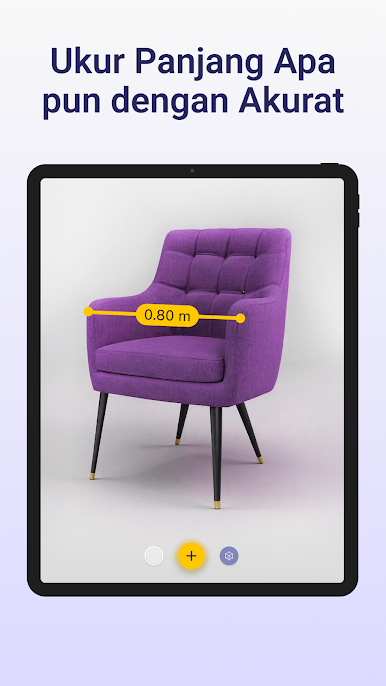
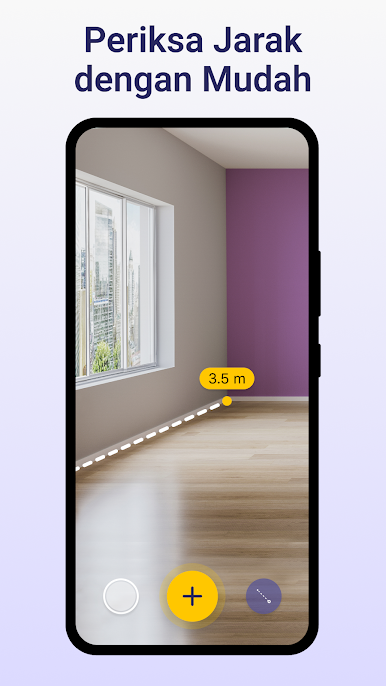
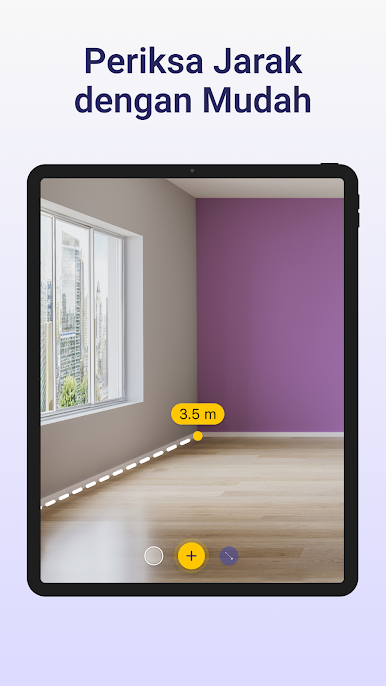
• Ukur Jarak: Arahkan kamera Anda untuk mengukur jarak dan konfirmasi pengukuran dengan aplikasi penggaris Anda.
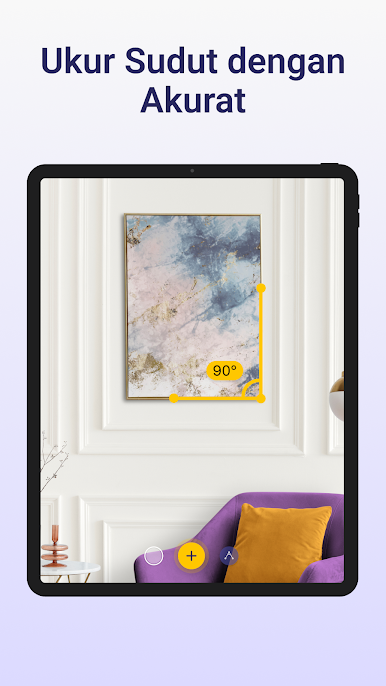
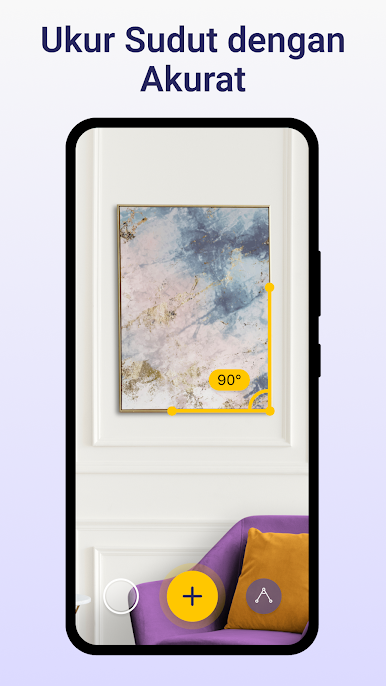
• Pengukuran Sudut: Gunakan alat pengukur sudut untuk deteksi yang akurat dengan penggaris AR dan penggaris digital.
• Alat Persegi & Lingkaran: Deteksi dan ukur area secara otomatis dengan meteran pintar dan aplikasi penggaris.
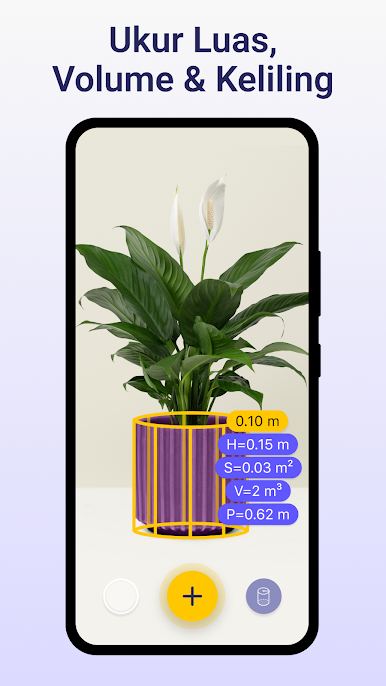
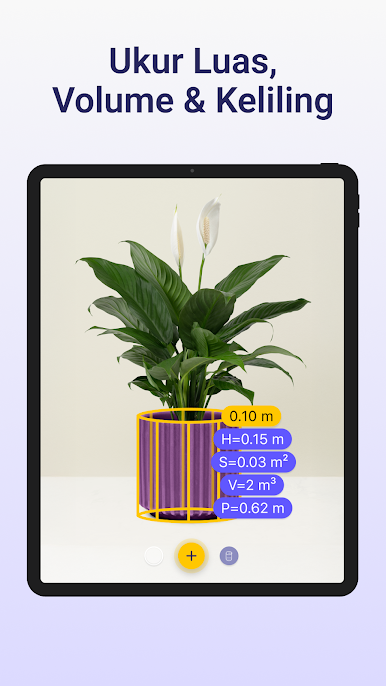
• Alat Kotak & Volume: Hitung ukuran dan volume kemasan menggunakan aplikasi pengukuran dan penggaris digital.
🎯 Pengukuran Penggaris Digital yang Akurat
Aplikasi ini membuat pengukuran menjadi mudah dengan penggaris digital bawaannya. Ukur setiap dinding atau objek menggunakan kamera Anda - tidak perlu meteran manual jika Anda memiliki aplikasi penggaris. Ini lebih praktis daripada meteran tradisional atau penggaris digital fisik. Baik Anda perlu mengukur jarak dengan penggaris AR atau mendapatkan ukuran, penggaris digital menangani setiap pengukuran. Anda dapat beralih antar satuan secara instan di aplikasi penggaris.
💎 Presisi & Nilai Aplikasi Penggaris
Keunggulan utama dari aplikasi AR Ruler tape measure adalah akurasi profesional dari penggaris digital. Daripada menggunakan alat manual, pilih aplikasi penggaris kami untuk mendapatkan data yang jelas dari meteran.
• Akurasi: Para profesional mempercayai aplikasi pengukuran ini untuk mengukur dengan presisi penggaris digital.
• Kejelasan: Saat menggunakan penggaris digital, hasilnya ditampilkan dalam satuan yang jelas di aplikasi penggaris.
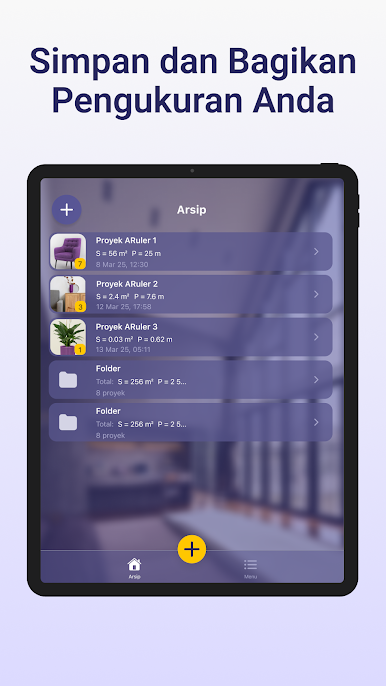
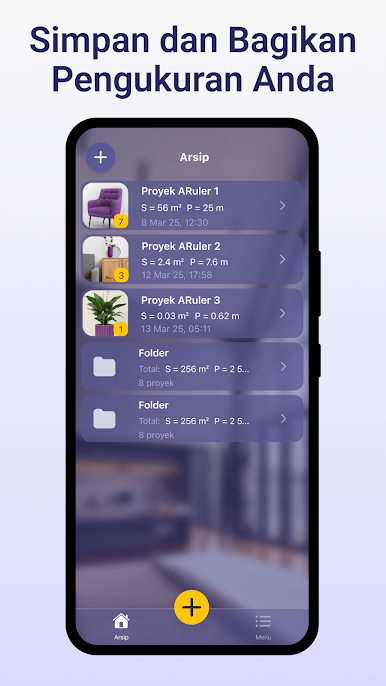
• Utilitas: Setiap pengukuran yang diambil dengan penggaris AR dapat disimpan sebagai hasil penggaris digital.
🔥 Fitur Khusus & Dukungan:
• Fungsi Kaliper: Gunakan meteran untuk tugas di mana penggaris milimeter dan penggaris digital sangat penting.
• Alat Pile: Pindai bentuk yang tidak rata dan dapatkan pengukuran yang akurat dengan aplikasi penggaris.
• Polyline: Buat jalur pengukuran yang kompleks menggunakan penggaris digital.
• Alat Volume: Hitung volume dengan meteran digital dan aplikasi penggaris.
Aplikasi AR ruler tape measure ideal bagi siapa saja yang membutuhkan penggaris digital cepat dan data pengukuran yang akurat.
📩 Butuh bantuan? Hubungi kami: support@grymalaltd.com
Unduh AR Ruler dan bawa penggaris digital pintar di kantong Anda. Ini satu-satunya aplikasi pengukuran yang Anda perlukan - aplikasi penggaris dan meteran sejati yang didukung oleh AR.
✅ Dapatkan hasil yang akurat dalam hitungan detik. Bergabunglah dengan ribuan orang yang telah mempercayai aplikasi AR Ruler tape measure untuk kebutuhan penggaris digital dan aplikasi penggaris harian mereka!
Mainkan Penggaris Digital: Meteran di PC Mudah saja memulainya.
-
Unduh dan pasang BlueStacks di PC kamu
-
Selesaikan proses masuk Google untuk mengakses Playstore atau lakukan nanti
-
Cari Penggaris Digital: Meteran di bilah pencarian di pojok kanan atas
-
Klik untuk menginstal Penggaris Digital: Meteran dari hasil pencarian
-
Selesaikan proses masuk Google (jika kamu melewati langkah 2) untuk menginstal Penggaris Digital: Meteran
-
Klik ikon Penggaris Digital: Meteran di layar home untuk membuka gamenya

