

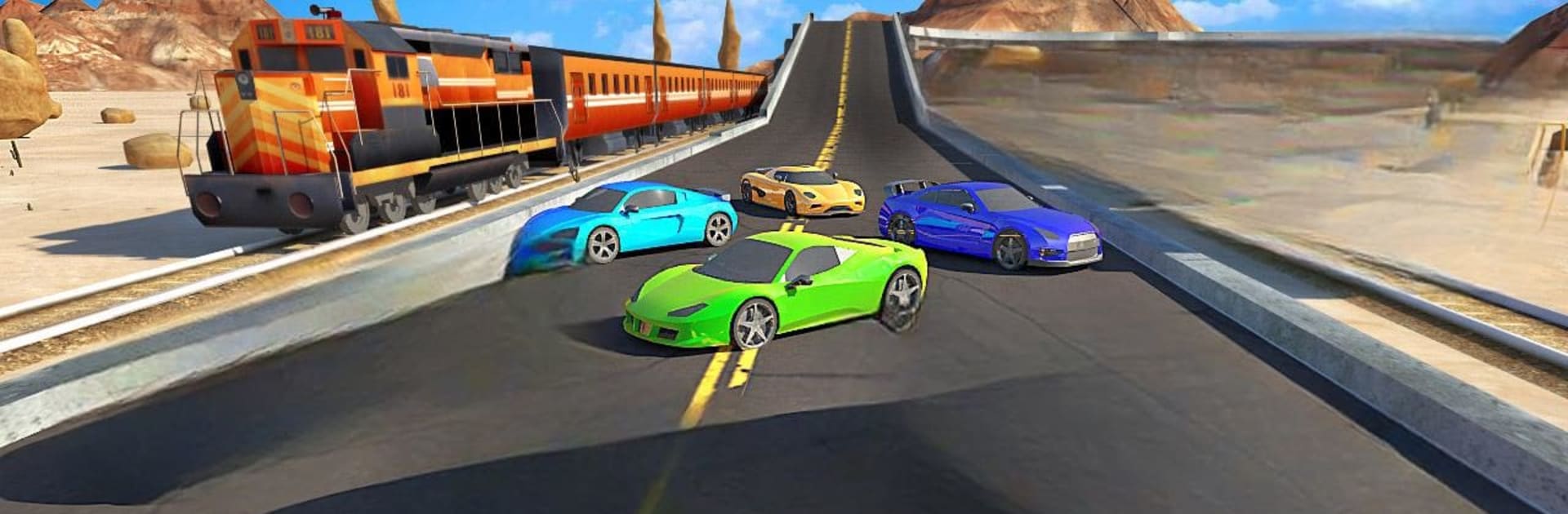
Trains vs. Cars
Juega en PC con BlueStacks: la plataforma de juegos Android, en la que confían más de 500 millones de jugadores.

Página modificada el: Nov 19, 2025
Play Trains vs. Cars on PC or Mac
Trains vs. Cars brings the Racing genre to life, and throws up exciting challenges for gamers. Developed by Code Craft Games, this Android game is best experienced on BlueStacks, the World’s #1 app player for PC and Mac users.
About the Game
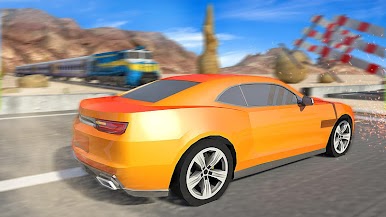
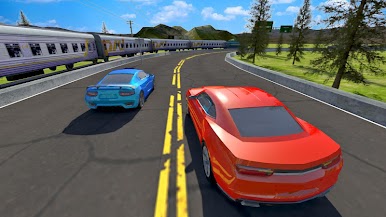
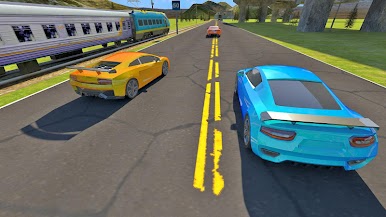
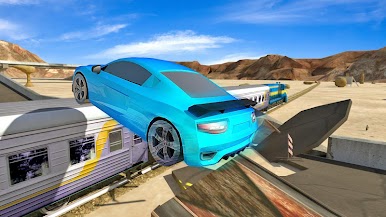
Ever wondered who’d win in a no-holds-barred race—trains or cars? Trains vs. Cars drops you right into that wild face-off. With every round, you’ll find yourself in the driver’s seat, pushing the pedal to outpace roaring trains across tracks and wild landscapes. If you’re after something that’s equal parts racing challenge and quirky competition, Code Craft Games serves up all the thrills you’re looking for.
Game Features
-
Crisp 3D Visuals
The tracks and vehicles pop with clear, dynamic graphics—each race feels vivid, whether you’re dodging a train or speeding through a tunnel. -
Straightforward, Smooth Controls
No over-complicated setups here; hop in and get going with controls that just feel right, even if you’re new to the racing genre. It’s easy to get lost in the action instead of fumbling with buttons. -
Levels That Keep You Guessing
Each stage ups the difficulty a notch, throwing new twists and sharper curves at you—so you’re always adapting, tinkering, and looking for that edge over the competition. -
Customize and Tweak Your Ride
Upgrade, modify, and fine-tune your car to squeeze out every last bit of speed and power. That way, when you hit the tracks against those relentless trains, you’re not just keeping up—you’re blazing ahead. -
Competitive Race Atmosphere
There’s always pressure to beat your best time or finally outrun that stubborn train. It’s the kind of fun that keeps your heart rate up till the very end. -
Seamless Desktop Experience with BlueStacks
Enjoying Trains vs. Cars on your PC? BlueStacks keeps everything smooth, letting graphics and controls really shine when you swap from mobile to a bigger screen.
Make your gaming sessions memorable with precise controls that give you an edge in close combats and visuals that pop up, bringing every character to life.
Juega Trains vs. Cars en la PC. Es fácil comenzar.
-
Descargue e instale BlueStacks en su PC
-
Complete el inicio de sesión de Google para acceder a Play Store, o hágalo más tarde
-
Busque Trains vs. Cars en la barra de búsqueda en la esquina superior derecha
-
Haga clic para instalar Trains vs. Cars desde los resultados de búsqueda
-
Complete el inicio de sesión de Google (si omitió el paso 2) para instalar Trains vs. Cars
-
Haz clic en el ícono Trains vs. Cars en la pantalla de inicio para comenzar a jugar

