

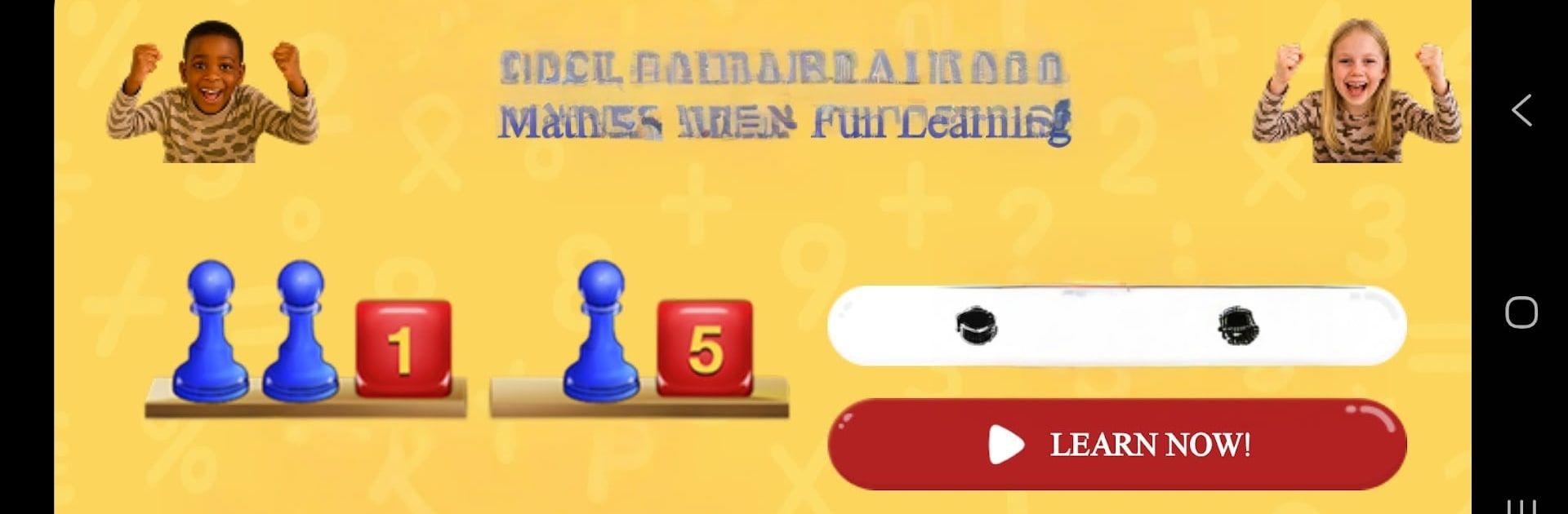
Math for Kids - Fun Learning
Juega en PC con BlueStacks: la plataforma de juegos Android, en la que confían más de 500 millones de jugadores.

Página modificada el: Nov 11, 2025
Run Math for Kids - Fun Learning on PC or Mac
Multitask effortlessly on your PC or Mac as you try out Math for Kids – Fun Learning, a Education app by Henry Borenson on BlueStacks.
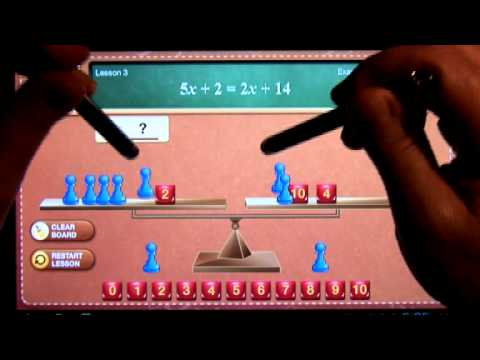
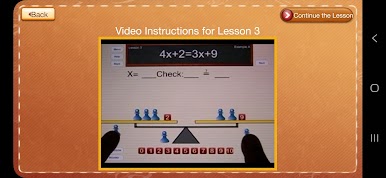
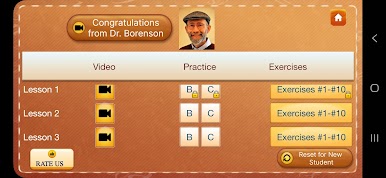
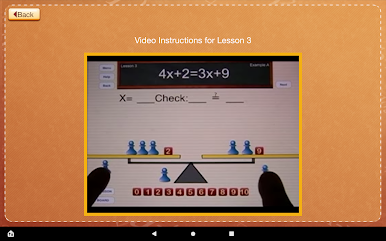
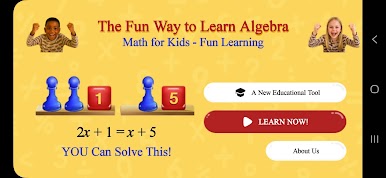
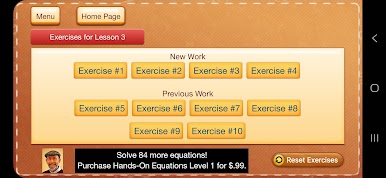
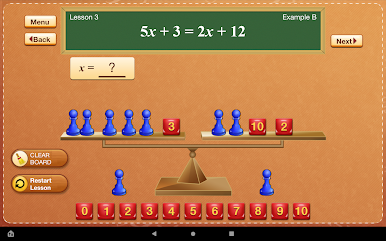
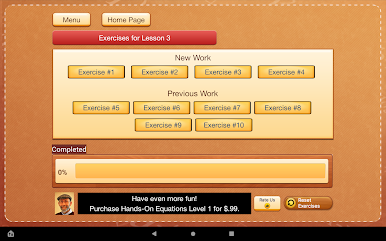
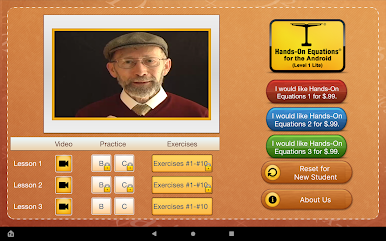
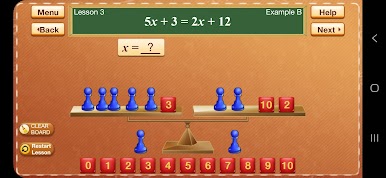
Math for Kids – Fun Learning feels more like a puzzle toy than a lesson. It starts with short, calm videos from Dr. Henry Borenson that show the idea in plain steps, then hands over a simple workspace with a balance scale, a pawn for the unknown, and number cubes for the constants. Kids move the pieces around to make both sides match, so algebra stops being abstract and becomes something the eyes and hands get right away. It is paced well too. Practice problems come first, then the next set of exercises unlocks once the basics are solid, so no one gets tossed into the deep end.
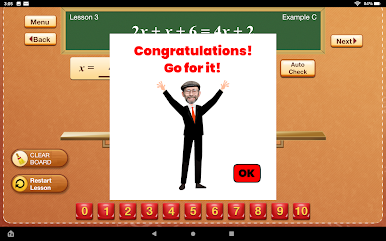
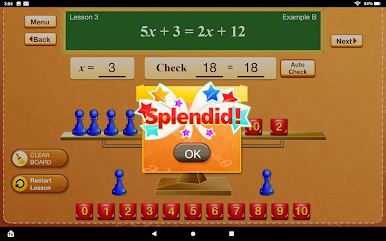
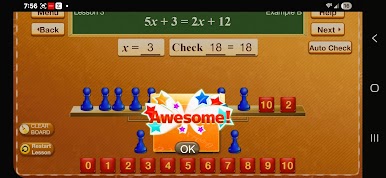
On a PC with BlueStacks, the drag and drop feels smooth with a mouse, and the bigger screen makes the balance scale clearer, which helps when the equations get longer. There is a check button that shows if a move worked, and it nudges toward fixing mistakes without turning it into a scold. Everything works offline, so lessons and practice are there on car rides or when Wi‑Fi is spotty. It suits a wide age range, from upper elementary students trying pre‑algebra to adults brushing up after years away from x and y, and it fits neatly as a tool for parents or teachers who want a Montessori‑style, self paced helper rather than another noisy game.
BlueStacks gives you the much-needed freedom to experience your favorite apps on a bigger screen. Get it now.

Juega Math for Kids - Fun Learning en la PC. Es fácil comenzar.
-
Descargue e instale BlueStacks en su PC
-
Complete el inicio de sesión de Google para acceder a Play Store, o hágalo más tarde
-
Busque Math for Kids - Fun Learning en la barra de búsqueda en la esquina superior derecha
-
Haga clic para instalar Math for Kids - Fun Learning desde los resultados de búsqueda
-
Complete el inicio de sesión de Google (si omitió el paso 2) para instalar Math for Kids - Fun Learning
-
Haz clic en el ícono Math for Kids - Fun Learning en la pantalla de inicio para comenzar a jugar

