


Magnifier 4U Pro
Gioca su PC con BlueStacks: la piattaforma di gioco Android, considerata affidabile da oltre 500 milioni di giocatori.

Pagina modificata il: Oct 18, 2025
Play Magnifier 4U Pro on PC
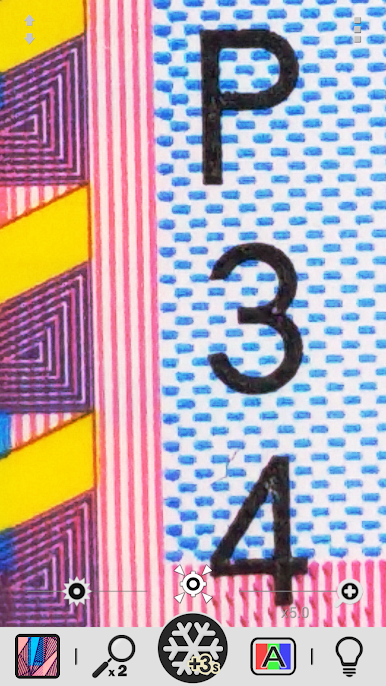
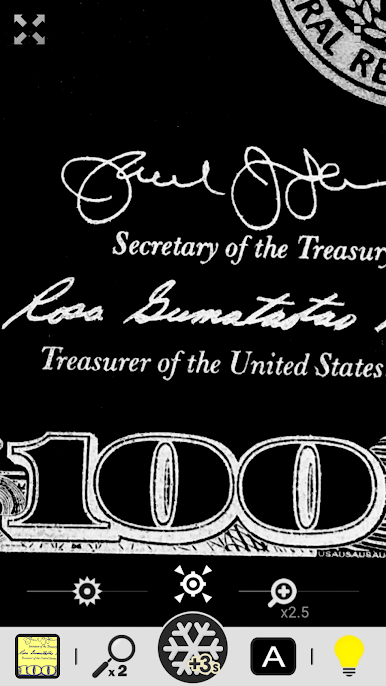
Turn your phone into a powerful digital magnifier that makes reading small print easy and clear. With zoom controls, high-contrast filters, and a simple, ad-free design, this app is especially helpful for anyone with low vision or color blindness.
[Features]
① Simple, Ad-Free Magnifier
- Easy-to-use zoom with seek bar
- Pinch to zoom
- Quick zoom-out for fast targeting
② LED Light Control
- Toggle the flashlight on or off
③ Exposure Adjustment
- Fine-tune brightness with a seek bar
④ Freeze Frame
- Capture a still image for detailed viewing
⑤ Special Text Filters
- High-contrast black & white
- Negative black & white
- High-contrast blue & yellow
- Negative blue & yellow
- High-contrast mono filter
⑥ Gallery Tools
- Rotate images
- Adjust sharpness
- Apply color filters
- Save exactly what you see (WYSIWYG)
Thank you for using our Magnifier app!
We hope it makes everyday reading clearer and easier for you.



Gioca Magnifier 4U Pro su PC. È facile iniziare.
-
Scarica e installa BlueStacks sul tuo PC
-
Completa l'accesso a Google per accedere al Play Store o eseguilo in un secondo momento
-
Cerca Magnifier 4U Pro nella barra di ricerca nell'angolo in alto a destra
-
Fai clic per installare Magnifier 4U Pro dai risultati della ricerca
-
Completa l'accesso a Google (se hai saltato il passaggio 2) per installare Magnifier 4U Pro
-
Fai clic sull'icona Magnifier 4U Pro nella schermata principale per iniziare a giocare

