


Voice Tradurre (Traduttore)
Gioca su PC con BlueStacks: la piattaforma di gioco Android, considerata affidabile da oltre 500 milioni di giocatori.

Pagina modificata il: Dec 1, 2025
Play Translate Voice (Translator) on PC
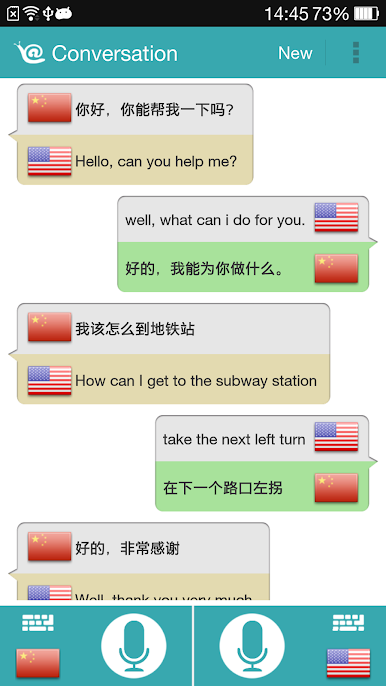
You can translate voice, also translate text, and also to translate multiple languages at the same time.
• Translate between multiple languages
• Converse naturally and then translate
• Translate with your voice or keyboard
• Share translate results.
• Speech to text and then translate
• Text-to-speech
• Quick and easy translate
Permission notifications
Conversation translation may request permission to access the following features:
• Microphone for speech translation
• External storage for store translated data
• Camera for identify QR codes
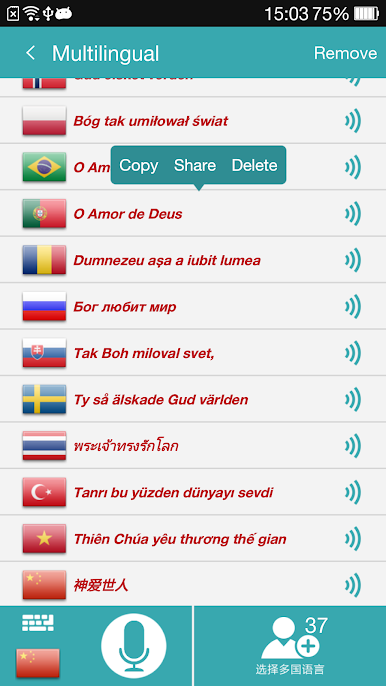
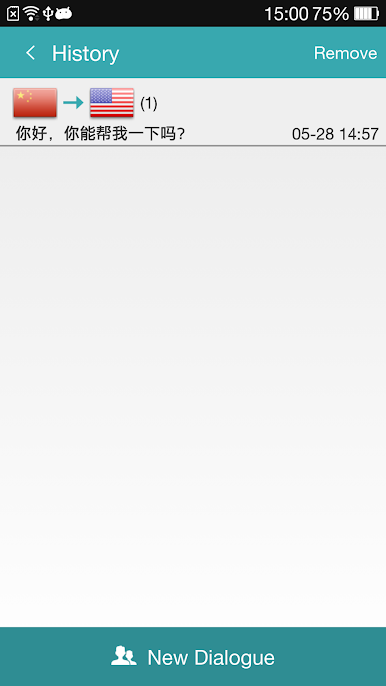
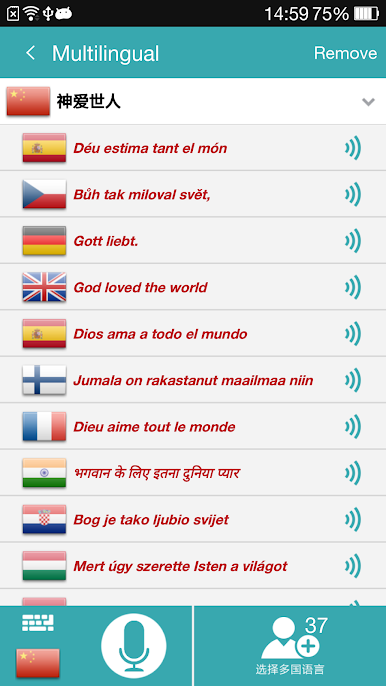
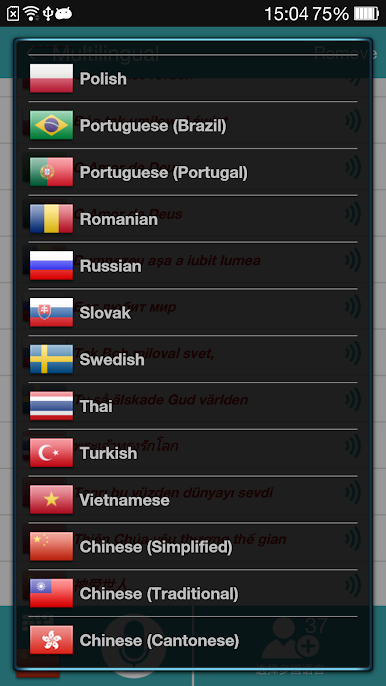
Gioca Voice Tradurre (Traduttore) su PC. È facile iniziare.
-
Scarica e installa BlueStacks sul tuo PC
-
Completa l'accesso a Google per accedere al Play Store o eseguilo in un secondo momento
-
Cerca Voice Tradurre (Traduttore) nella barra di ricerca nell'angolo in alto a destra
-
Fai clic per installare Voice Tradurre (Traduttore) dai risultati della ricerca
-
Completa l'accesso a Google (se hai saltato il passaggio 2) per installare Voice Tradurre (Traduttore)
-
Fai clic sull'icona Voice Tradurre (Traduttore) nella schermata principale per iniziare a giocare

