


Acapella Maker - Video Collage
Mainkan di PC dengan BlueStacks – platform Game-Game Android, dipercaya oleh lebih dari 500 juta gamer.

Run Acapella Maker - Video Collage on PC or Mac
Let BlueStacks turn your PC, Mac, or laptop into the perfect home for Acapella Maker – Video Collage, a fun Video Players & Editors app from AZ Screen Recorder.
About the App
If you’ve always wanted to make your own acapella mashups—maybe for fun, for TikTok, or just because you love harmonies—Acapella Maker – Video Collage makes it easy. It’s all about picking your favorite layout, layering your videos, and creating something cool in just a few steps. Whether you’re a seasoned singer or just someone messing around with friends, this Video Players & Editors app from AZ Screen Recorder keeps things simple and fun.
App Features
-
Customizable Video Layouts
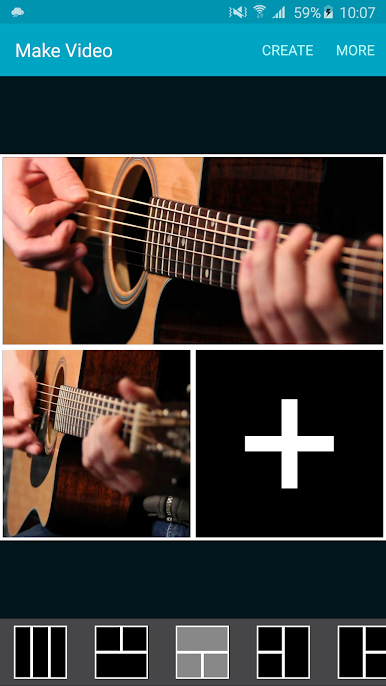
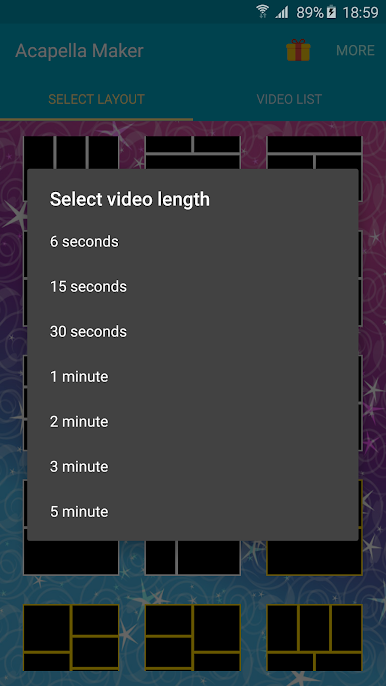
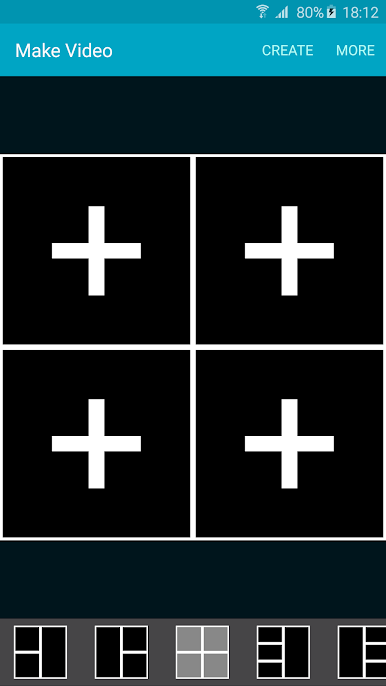
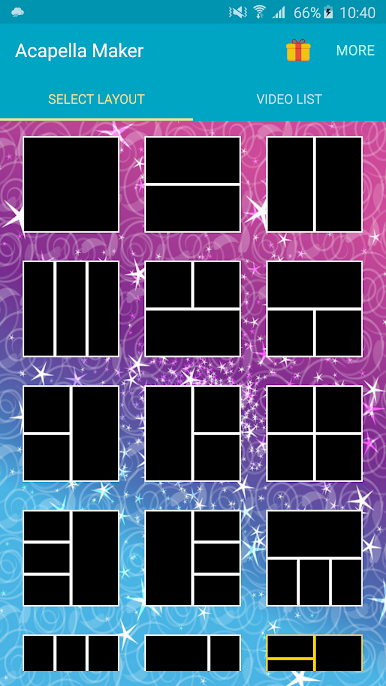
Pick from a variety of layout templates to fit your creative vision. Want to stack your clips side by side or in a grid? There’s something here for whatever kind of vibe you’re going for. -
Easy Recording & Layering
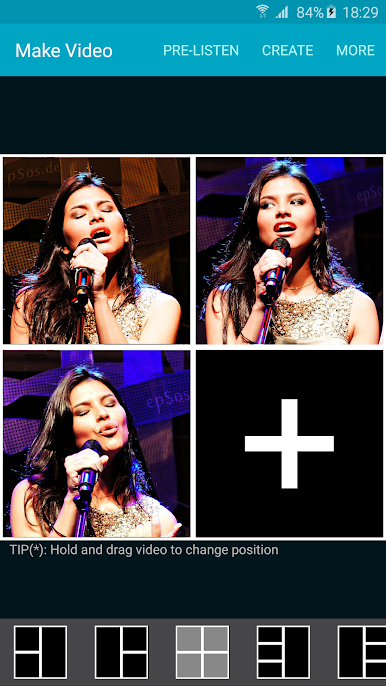
Record each part straight from the app, as many times as you like. You can sing harmonies, beatbox, or just add goofy sound effects to different squares until your video collage feels just right. -
Quick Editing Tools
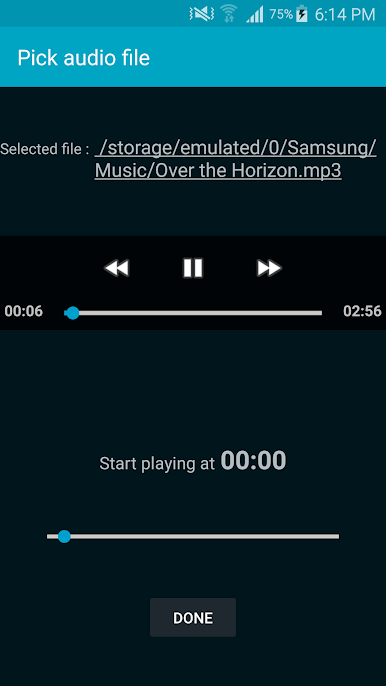
Trim clips, line up your videos, and double-check timing—no need for expert editing skills. The tools are built so you can focus on the fun part. -
One-Tap Video Collage Creation
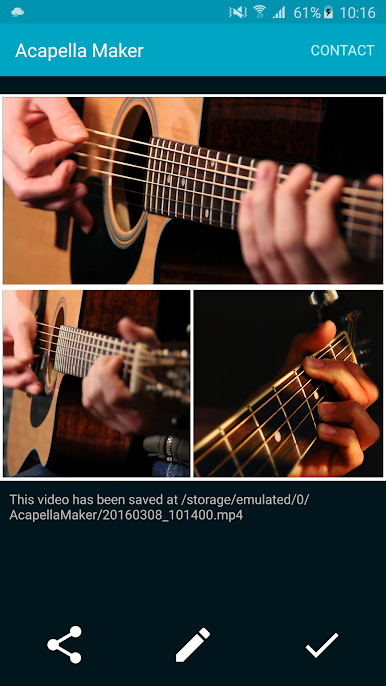
Once you’ve filled up your chosen layout, hit combine and get a seamless acapella video. It’s a one-tap process—super straightforward, no stress. -
Share Your Creations
Show off what you’ve made! Share instantly with friends or post to social media straight from the app. -
Works on BlueStacks
If you want a bigger screen to tinker with your videos, Acapella Maker – Video Collage runs smoothly on BlueStacks too.
Eager to take your app experience to the next level? Start right away by downloading BlueStacks on your PC or Mac.
Mainkan Acapella Maker - Video Collage di PC Mudah saja memulainya.
-
Unduh dan pasang BlueStacks di PC kamu
-
Selesaikan proses masuk Google untuk mengakses Playstore atau lakukan nanti
-
Cari Acapella Maker - Video Collage di bilah pencarian di pojok kanan atas
-
Klik untuk menginstal Acapella Maker - Video Collage dari hasil pencarian
-
Selesaikan proses masuk Google (jika kamu melewati langkah 2) untuk menginstal Acapella Maker - Video Collage
-
Klik ikon Acapella Maker - Video Collage di layar home untuk membuka gamenya

