


Hidden Object : Vampire Museum
Juega en PC con BlueStacks: la plataforma de juegos Android, en la que confían más de 500 millones de jugadores.

Página modificada el: Jun 27, 2025
Play Hidden Object : Vampire Museum on PC
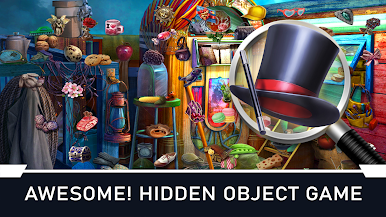
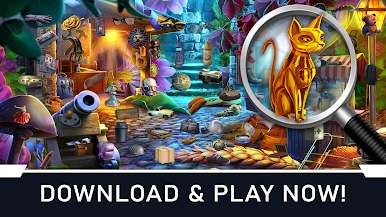
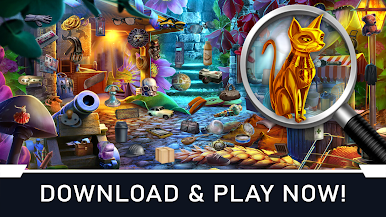
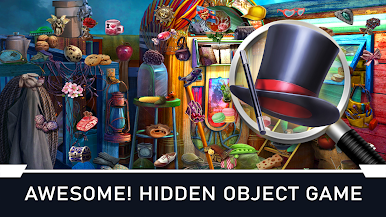
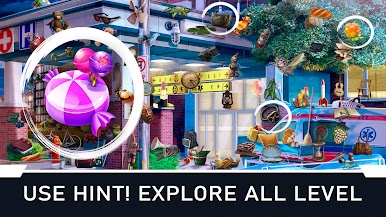
Our new Hidden Objects game lets you have fun finding particular objects hidden inside the vampire museum. Do you have a wise idea to find it right away? Well, let's start the fun. Think you have the wisest strategy to find all the objects in 'The Vampire Room'? Well, you better find it all as quickly as possible to win the game.
Our finding object games are ideal for those gamers in our society looking for the top games for finding objects. Search objects in realistic rooms for a fun secret escape seek & find item hunting game that challenges mystery hunters to solve many different picture puzzles. Picture stages give you images of the items, making it easy to complete challenges by matching item to item. Our brain games are full of little objects to search for & are a top hidden object game. It is a very challenging & addictive puzzle game full of entertainment for both kids & adults.
Features:
- Many Levels
- 100000+ hidden objects to find
- Try to get the highest score and be on top
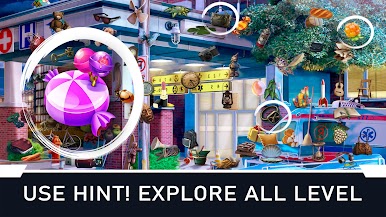
- Use HELP to find objects and get unlimited time
- Pinch & Zoom to spot objects that are difficult to find
-Amazing Graphics in this game
- Stunning sounds!
- Three types of hints when you find it challenging to find the object
Can you be a secret hunter & find all the lost objects in this free game while discovering concealed hidden secrets? Are you ready to become a mystery hunter in our unique game where life is more complex & fantastic than just lost objects & simple puzzle games? Can you find things to uncover the mystery & spot all the missing objects in each colourful hidden picture stage?






Juega Hidden Object : Vampire Museum en la PC. Es fácil comenzar.
-
Descargue e instale BlueStacks en su PC
-
Complete el inicio de sesión de Google para acceder a Play Store, o hágalo más tarde
-
Busque Hidden Object : Vampire Museum en la barra de búsqueda en la esquina superior derecha
-
Haga clic para instalar Hidden Object : Vampire Museum desde los resultados de búsqueda
-
Complete el inicio de sesión de Google (si omitió el paso 2) para instalar Hidden Object : Vampire Museum
-
Haz clic en el ícono Hidden Object : Vampire Museum en la pantalla de inicio para comenzar a jugar

