


Pembuat video – editor video
Mainkan di PC dengan BlueStacks – platform Game-Game Android, dipercaya oleh lebih dari 500 juta gamer.

Run Video Maker – Video Editor on PC or Mac
Multitask effortlessly on your PC or Mac as you try out Video Maker – Video Editor, a Video Players & Editors app by highsecure on BlueStacks.
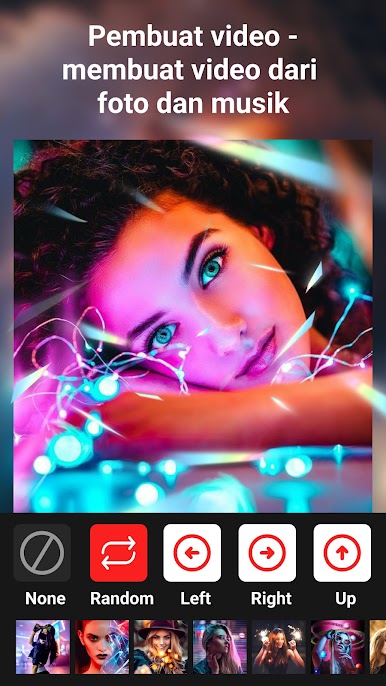
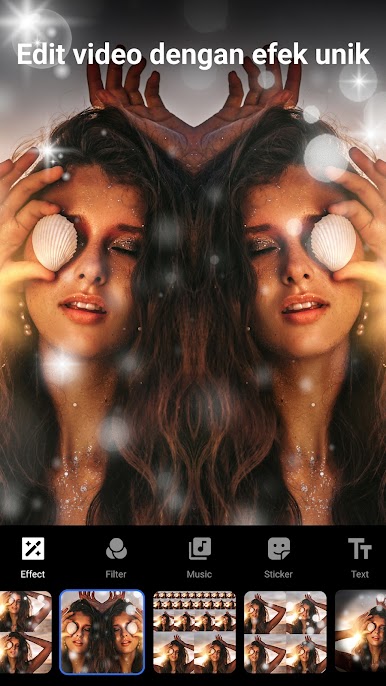
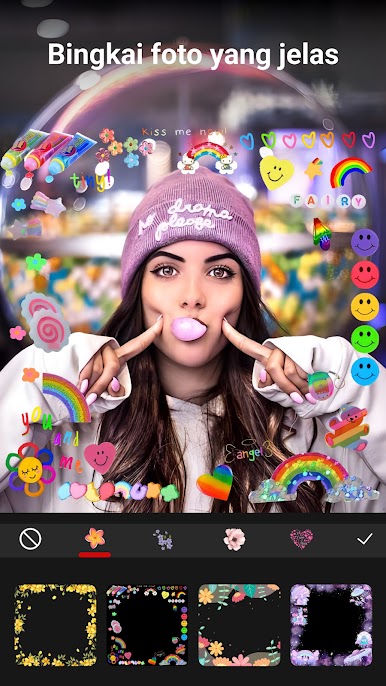
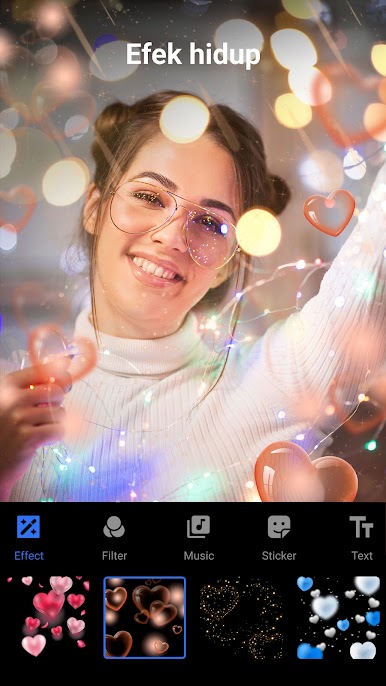
Video Maker – Video Editor feels like a no-fuss way to turn a pile of photos or clips into something that actually looks finished. Someone picks images, picks a style, and it stitches everything into a slideshow with smooth transitions, music, and little touches like text, stickers, and frames. There are a bunch of transition choices, plus ready-made transition sets so the whole thing comes together faster. The app leans hard on looks too, with a big library of filters, from simple black and white to warm and vintage tones, and those flashy dynamic effects if someone wants the video to pop. Aspect ratios are ready for TikTok, Instagram, YouTube, or Facebook, and there is basic photo editing inside the app with light and color tweaks, so pictures can be cleaned up before they go into the timeline.
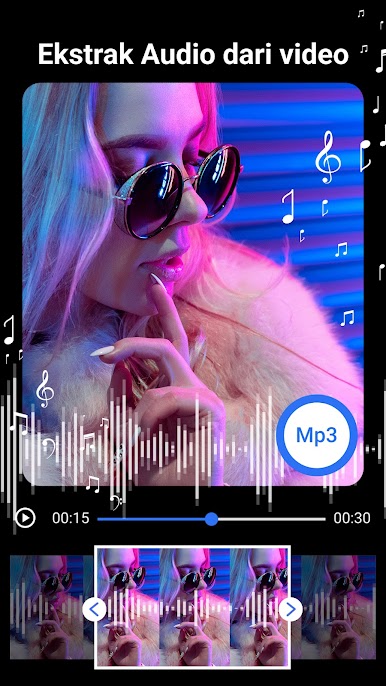
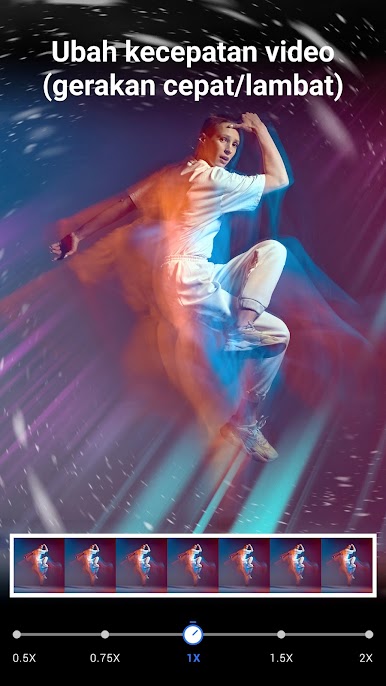
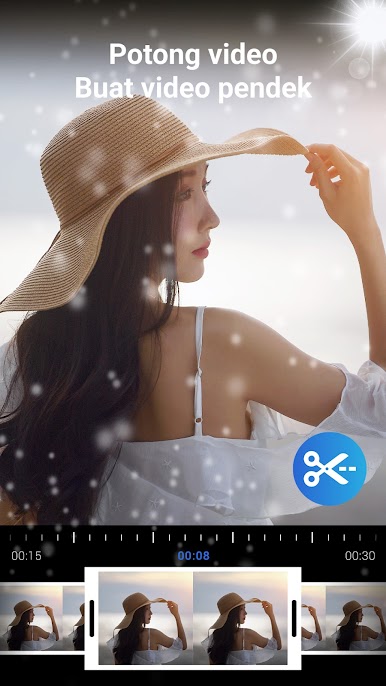
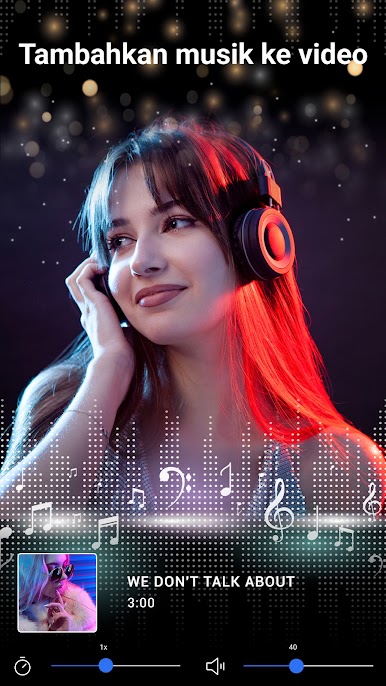
The editor side is practical. Trimming clips is quick and it handles common formats like MP4, AVI, WMV, MKV, and FLV without complaining. Speed controls let a clip go slow or fast, with a preview before saving so nothing gets ruined. Music is easy to add, with support for files like MP3 or M4A, plus tools to crop the exact part of a song and balance the volume against the original audio. It even pulls audio out of a video to an MP3, which can be reused in a new edit or set as a ringtone. Exports go up to HD, Full HD, or QHD, and the files do not balloon too much. On a PC with BlueStacks, the bigger preview and a mouse make cutting and lining up transitions feel more precise, and typing captions with a keyboard is just nicer when there is a lot of text to add.
Big screen. Bigger performance. Use BlueStacks on your PC or Mac to run your favorite apps.
Mainkan Pembuat video – editor video di PC Mudah saja memulainya.
-
Unduh dan pasang BlueStacks di PC kamu
-
Selesaikan proses masuk Google untuk mengakses Playstore atau lakukan nanti
-
Cari Pembuat video – editor video di bilah pencarian di pojok kanan atas
-
Klik untuk menginstal Pembuat video – editor video dari hasil pencarian
-
Selesaikan proses masuk Google (jika kamu melewati langkah 2) untuk menginstal Pembuat video – editor video
-
Klik ikon Pembuat video – editor video di layar home untuk membuka gamenya

