


Hive Work
Juega en PC con BlueStacks: la plataforma de juegos Android, en la que confían más de 500 millones de jugadores.

Página modificada el: Nov 7, 2025
Run Hive Work on PC or Mac
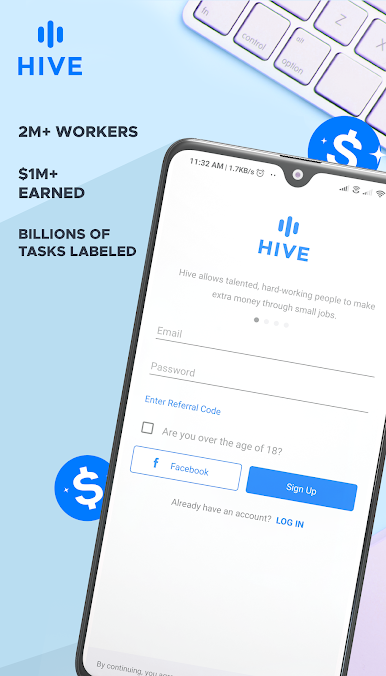
Let BlueStacks turn your PC, Mac, or laptop into the perfect home for Hive Work, a fun Productivity app from Hive AI.
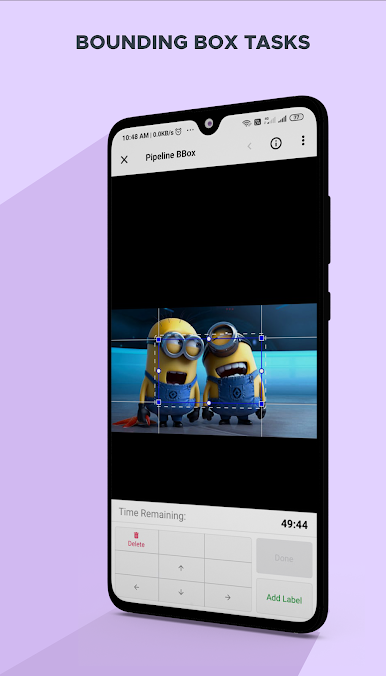
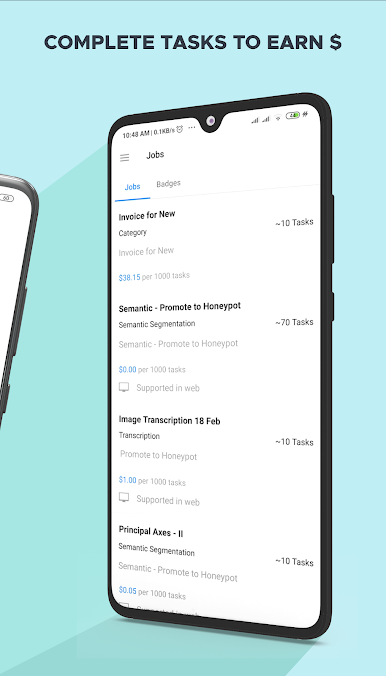
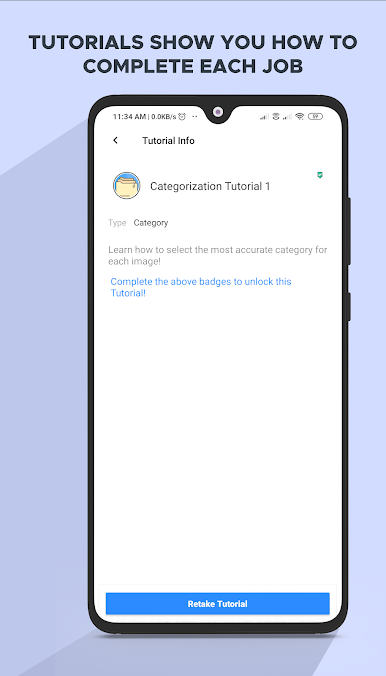
Hive Work’s basically a way to pick up small online tasks that pay real money — things like tagging photos or checking bits of data. Nothing is too complicated, and it’s not one of those apps that demands hours on end; you can hop in, do a few tasks, and leave whenever. It’s actually kind of relaxing, especially when using something like BlueStacks on a PC, since there’s more room to see what you’re working on and it feels less cramped than a phone.
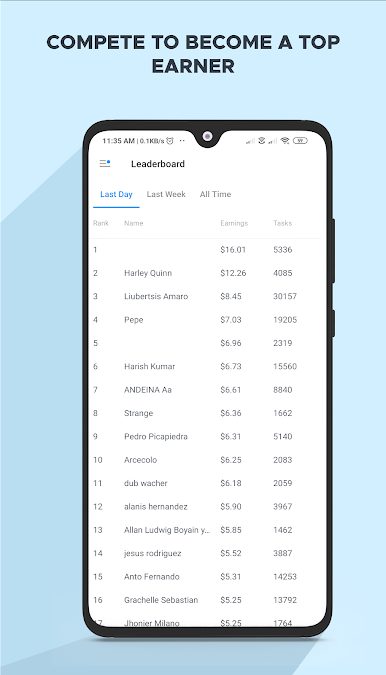
Lots of people use it for flexible side income, so there’s always new tasks popping in. The community seems to be pretty global too, with folks from a bunch of different countries working alongside each other. The best part is you don’t need to commit to any strict schedule — just log in and work when it suits. It’s more organized than some of the other micro-task apps out there, and they handle a big volume of jobs so there’s almost always something to do. Payments actually go through, and there’s a bit of satisfaction in knowing each little job adds up. If someone’s looking for a simple way to earn a bit extra without the hassle of a typical gig, this feels pretty solid.
Big screen. Bigger performance. Use BlueStacks on your PC or Mac to run your favorite apps.

Juega Hive Work en la PC. Es fácil comenzar.
-
Descargue e instale BlueStacks en su PC
-
Complete el inicio de sesión de Google para acceder a Play Store, o hágalo más tarde
-
Busque Hive Work en la barra de búsqueda en la esquina superior derecha
-
Haga clic para instalar Hive Work desde los resultados de búsqueda
-
Complete el inicio de sesión de Google (si omitió el paso 2) para instalar Hive Work
-
Haz clic en el ícono Hive Work en la pantalla de inicio para comenzar a jugar

