


Husqvarna Fleet Services
Mainkan di PC dengan BlueStacks – platform Game-Game Android, dipercaya oleh lebih dari 500 juta gamer.

Run Husqvarna Fleet Services on PC or Mac
What’s better than using Husqvarna Fleet Services by Husqvarna Group? Well, try it on a big screen, on your PC or Mac, with BlueStacks to see the difference.
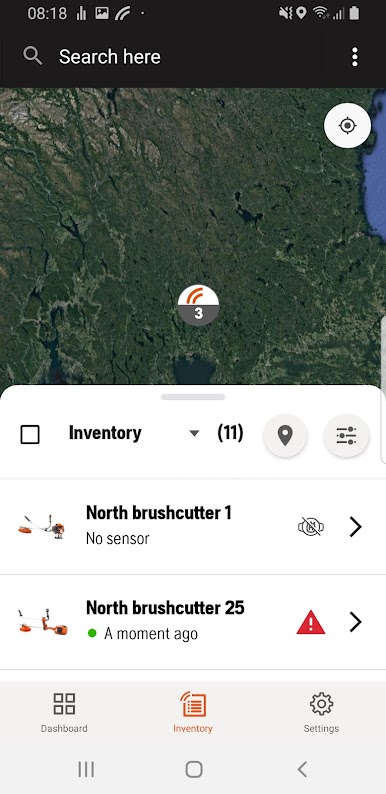
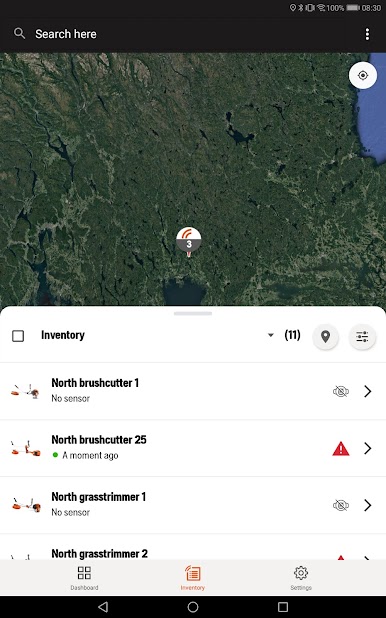
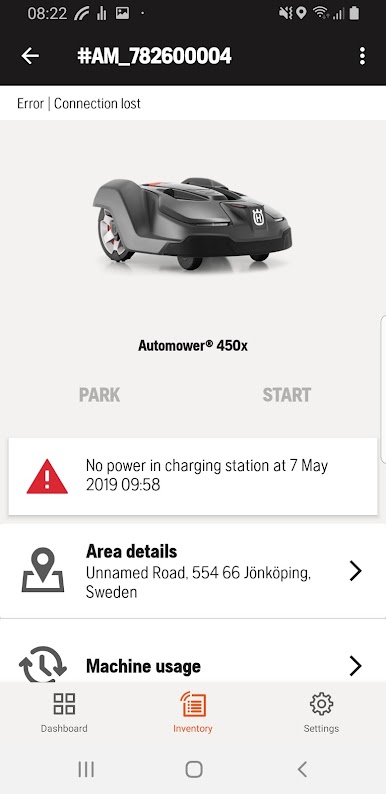
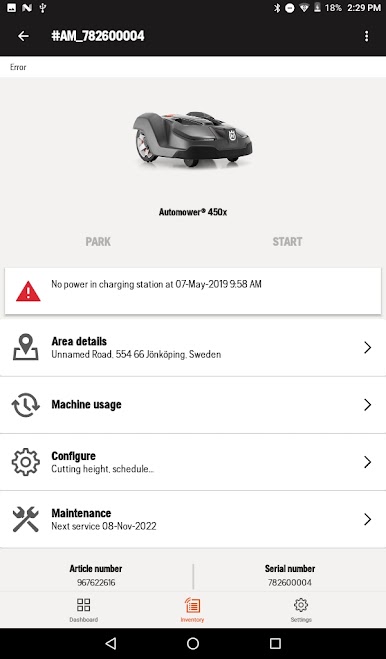
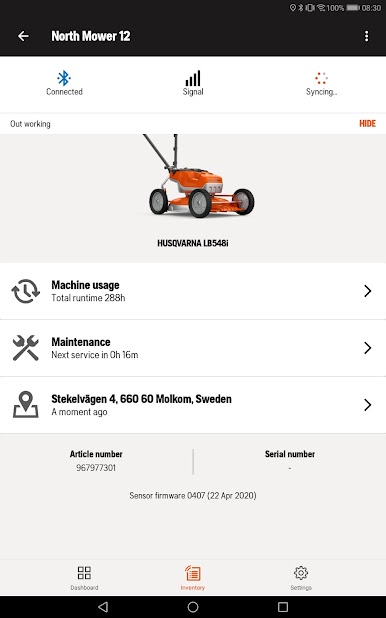
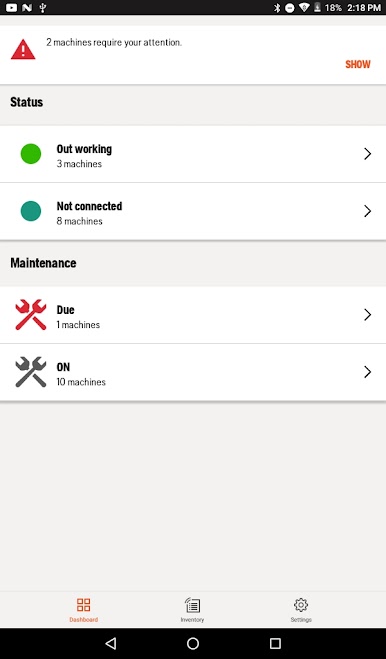
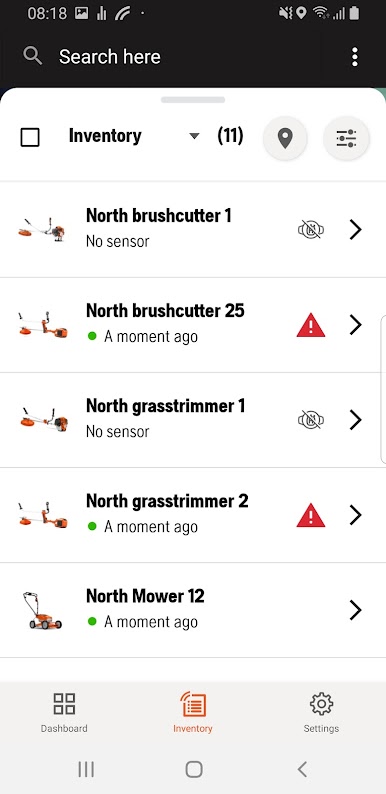
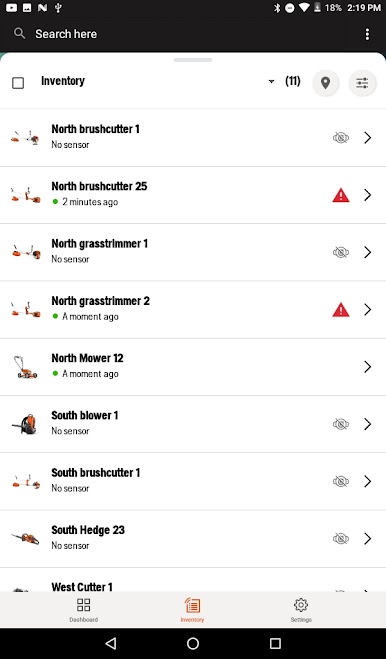
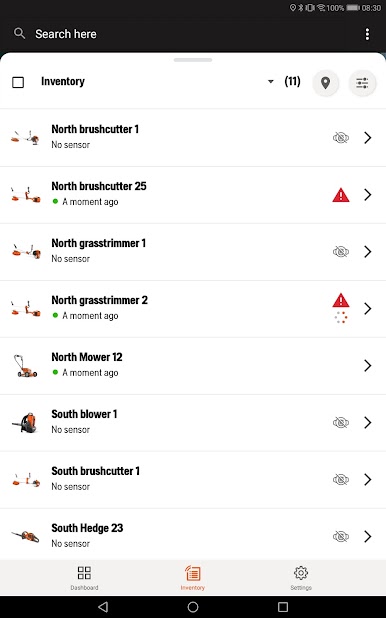
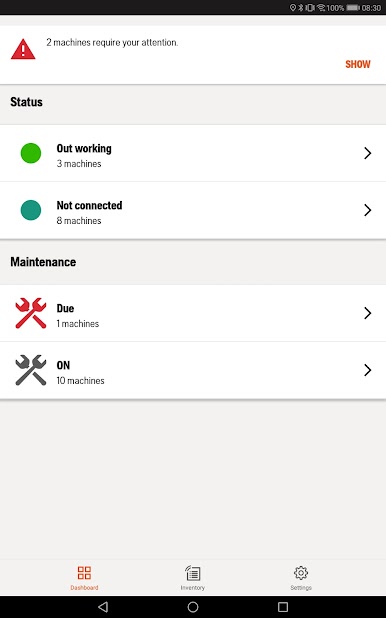
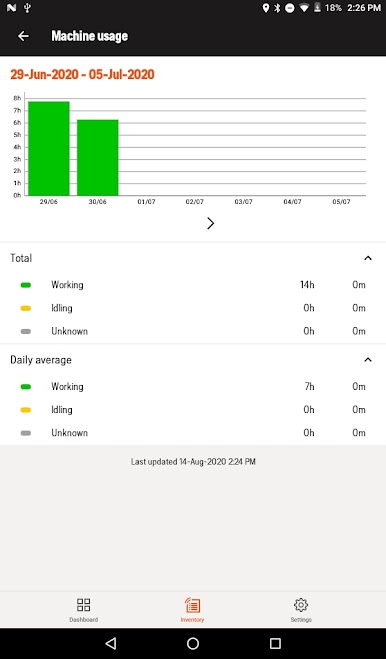
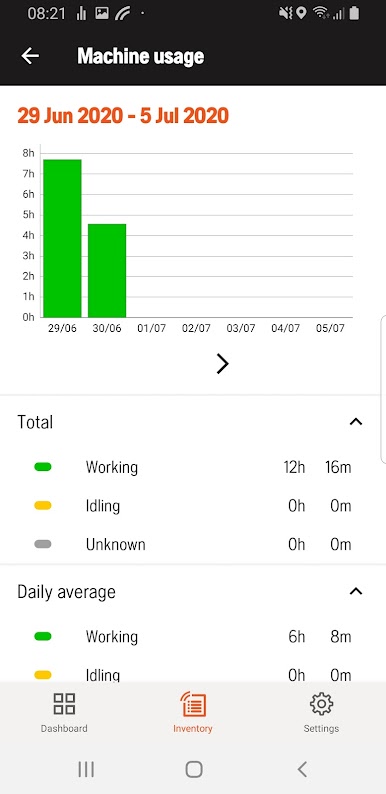
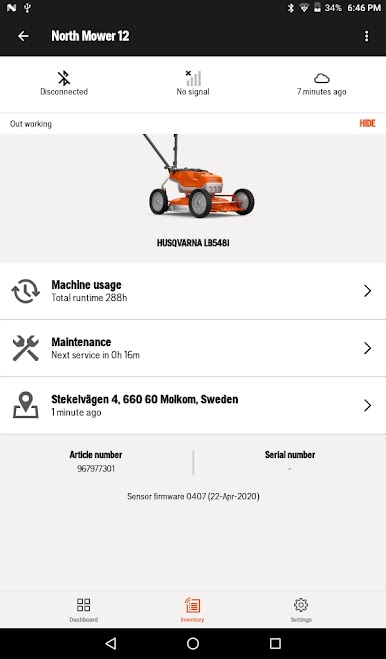
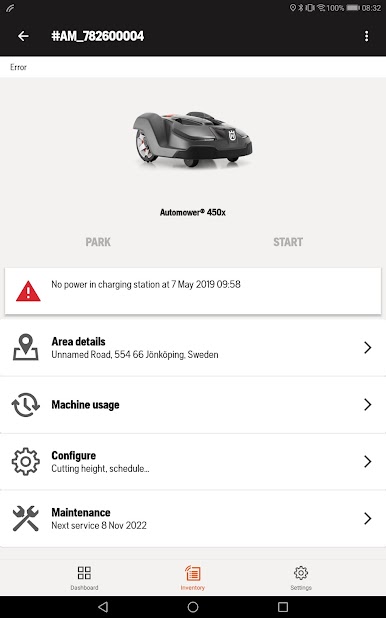
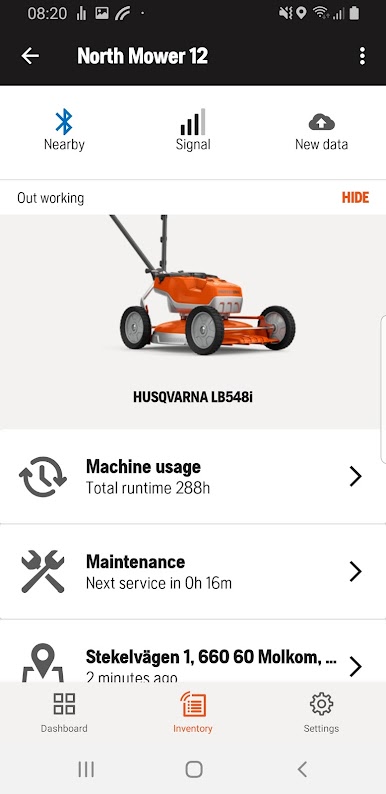
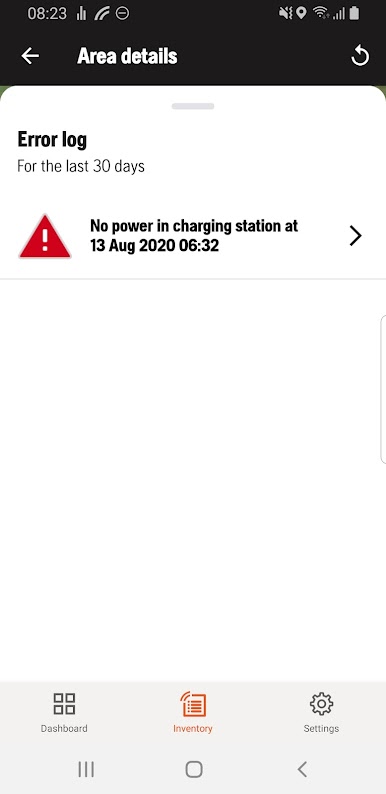
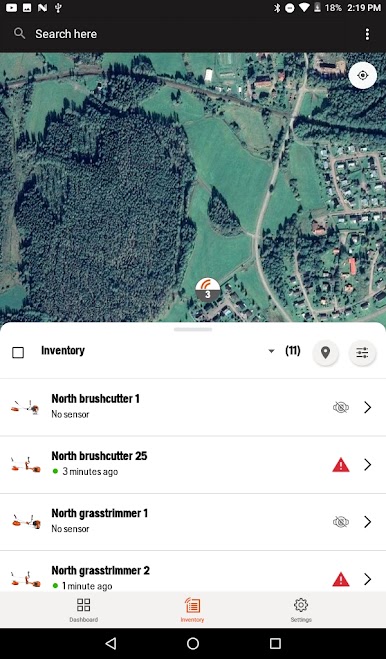
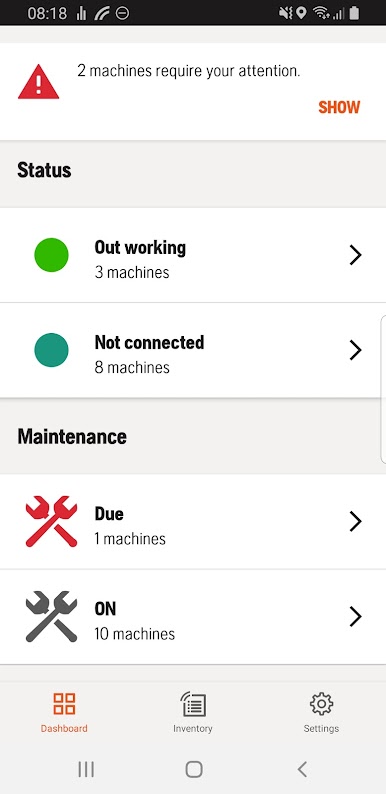
Husqvarna Fleet Services is one of those apps that makes managing a bunch of outdoor equipment way less of a hassle. Basically, everything gets tracked for you — as long as your gear has one of those Husqvarna sensors or you’re using their robotic mowers, you can see where all your machines are and how much they’ve been used. Instead of juggling paperwork or spreadsheets, the app just lays it all out on your screen. On PC, especially using BlueStacks, it actually feels a lot more organized and clear because you’ve got so much space to check out maps, lists, and info all at once.
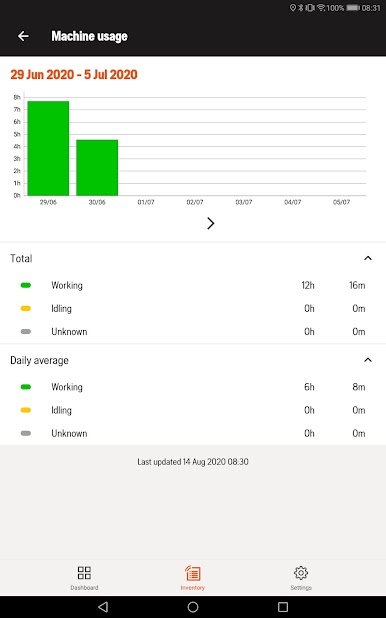
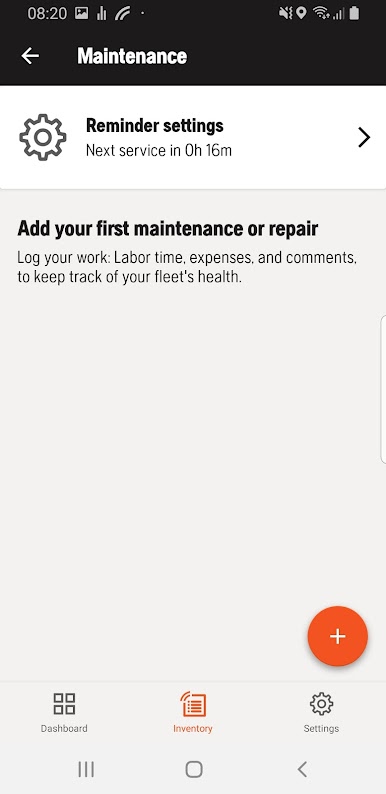
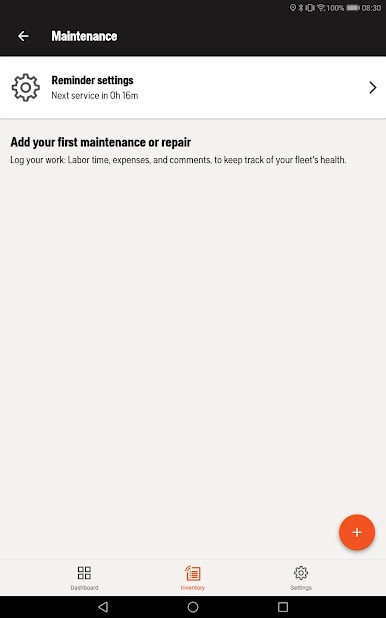
One thing that stands out is how the app tracks things like engine hours for each piece of equipment. No more guessing when it’s time for maintenance — the system just tells you. If something’s been running too long and needs service or replacement, it shows up right there. It’s not just about knowing what machines you’ve got, but also keeping tabs on their location. The map view is simple, so if you’re not sure where a particular mower or trimmer was last used, that info is right there. The only catch is you need a company account set up first, and obviously, those special sensors or the robotic mower. But once all that’s in place, everything just runs smoother, especially if you’ve got a lot of gear to keep an eye on.
BlueStacks brings your apps to life on a bigger screen—seamless and straightforward.
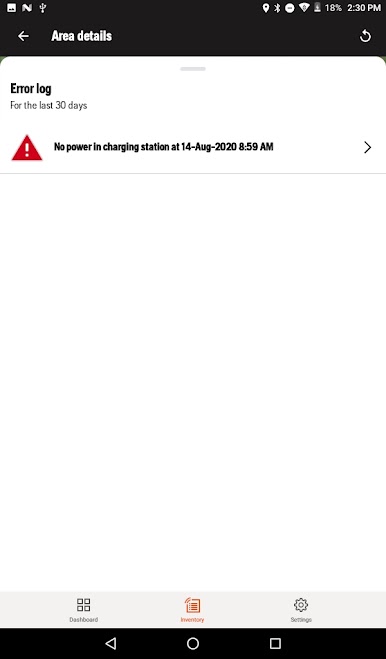
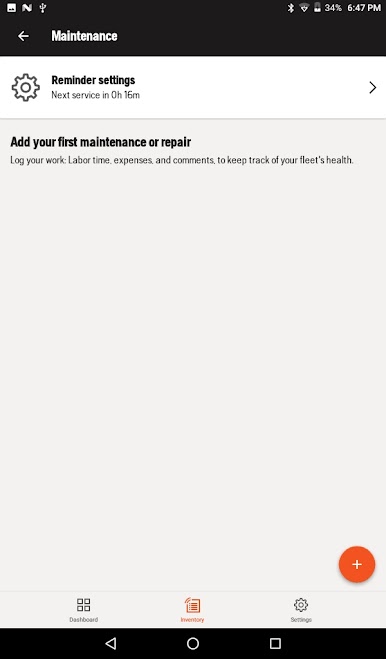
Mainkan Husqvarna Fleet Services di PC Mudah saja memulainya.
-
Unduh dan pasang BlueStacks di PC kamu
-
Selesaikan proses masuk Google untuk mengakses Playstore atau lakukan nanti
-
Cari Husqvarna Fleet Services di bilah pencarian di pojok kanan atas
-
Klik untuk menginstal Husqvarna Fleet Services dari hasil pencarian
-
Selesaikan proses masuk Google (jika kamu melewati langkah 2) untuk menginstal Husqvarna Fleet Services
-
Klik ikon Husqvarna Fleet Services di layar home untuk membuka gamenya

