

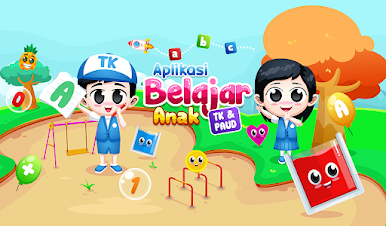
Aplikasi Belajar Anak TK PAUD
Mainkan di PC dengan BlueStacks – platform Game-Game Android, dipercaya oleh lebih dari 500 juta gamer.

Play Aplikasi Belajar Paud Tk Materi Lengkap on PC or Mac
From the innovators and creators at hybriddev studio, Aplikasi Belajar Paud Tk Materi Lengkap is another fun addition to the World of Educational games. Go beyond your mobile screen and play it bigger and better on your PC or Mac. An immersive experience awaits you.
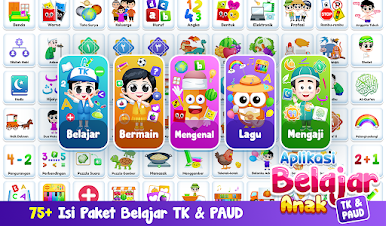
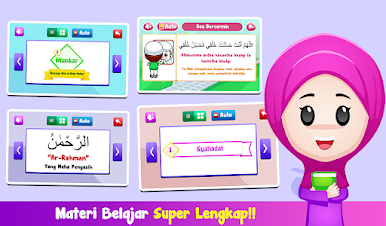
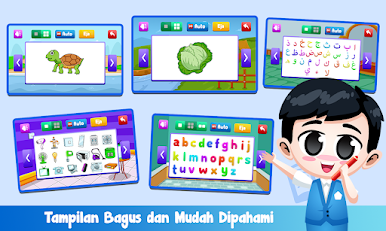
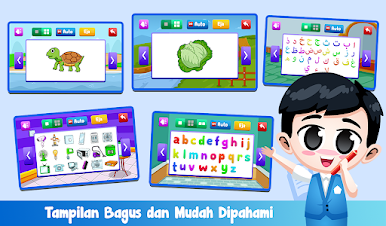
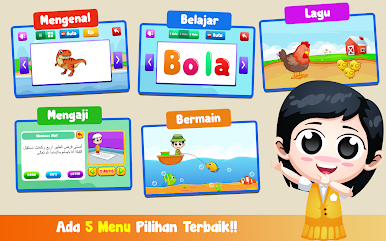
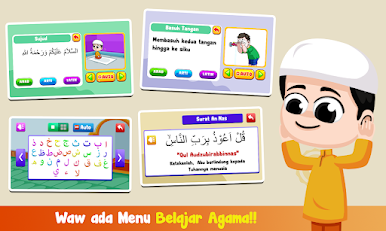
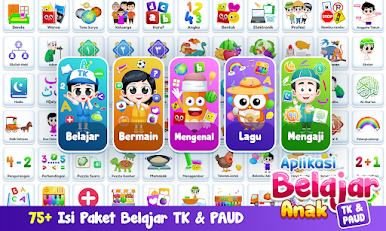
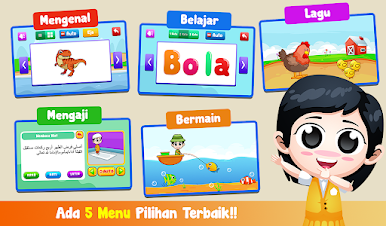
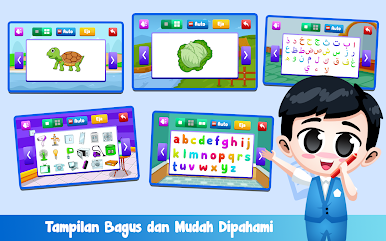
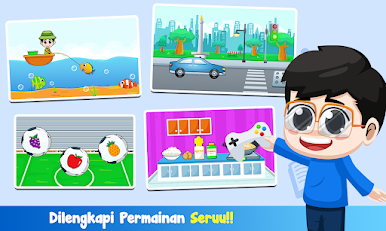
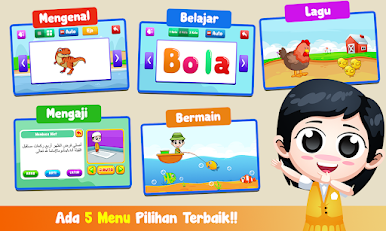
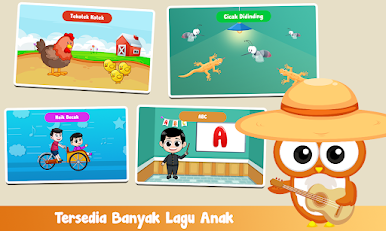
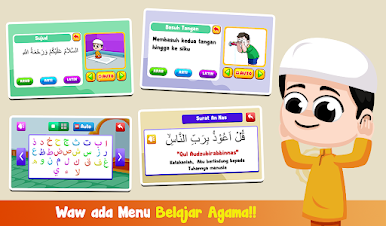
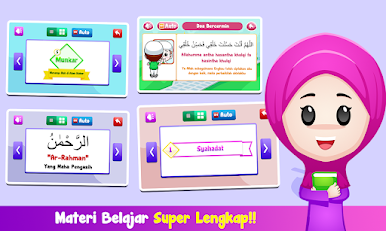
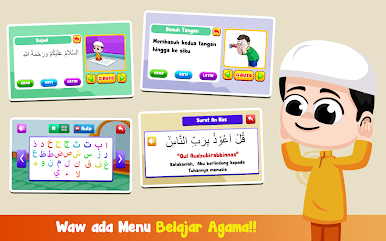
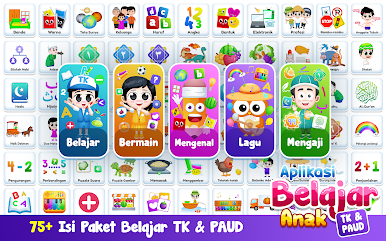
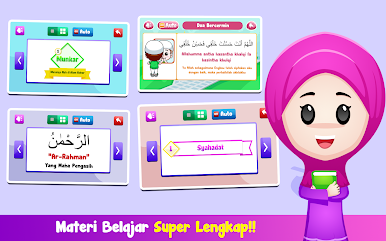
So, this app is basically an all-in-one early learning tool for little kids, packed with a whole bunch of different things to keep them interested. It covers numbers, letters (including the Hijaiyah ones), colors, animals, fruits, shapes, electronics, even Islamic prayers – all with kid-friendly voice narration that goes along with the lessons. What’s nice is that it doesn’t feel overwhelming; instead, it’s broken down into easy sections so any kid can just pick what they’re curious about and start exploring without getting lost. There are fun sounds for the animals, and the fruit and color lessons kind of pop because of how clear everything is.
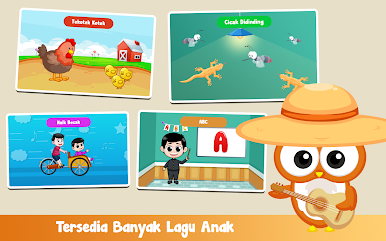
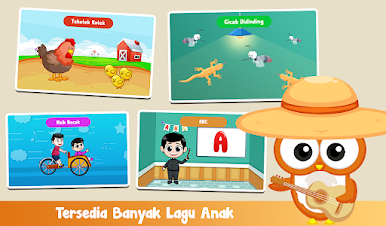
If a parent wants to keep an eye on things, there’s a special menu that lets them see what their child has been learning, plus a testing menu so kids can actually check how well they’re picking stuff up. There’s even a little piano game where the app plays kid songs and lets kids mess around recording tunes themselves. All the controls are straightforward, so there’s not a lot to figure out. Running it on BlueStacks actually helps, since things look bigger and easier to click — makes it a little more engaging, especially for kids who like using a mouse. The app doesn’t feel heavy or slow either, so it’s smooth whether it’s used on a phone or through an emulator. If someone’s looking for a chill way for kids to pick up basic stuff and play some simple games at the same time, it’s got pretty much all of that in one place.
Slay your opponents with your epic moves. Play it your way on BlueStacks and dominate the battlefield.


Mainkan Aplikasi Belajar Anak TK PAUD di PC Mudah saja memulainya.
-
Unduh dan pasang BlueStacks di PC kamu
-
Selesaikan proses masuk Google untuk mengakses Playstore atau lakukan nanti
-
Cari Aplikasi Belajar Anak TK PAUD di bilah pencarian di pojok kanan atas
-
Klik untuk menginstal Aplikasi Belajar Anak TK PAUD dari hasil pencarian
-
Selesaikan proses masuk Google (jika kamu melewati langkah 2) untuk menginstal Aplikasi Belajar Anak TK PAUD
-
Klik ikon Aplikasi Belajar Anak TK PAUD di layar home untuk membuka gamenya

