


iCountTimer Pro
Gioca su PC con BlueStacks: la piattaforma di gioco Android, considerata affidabile da oltre 500 milioni di giocatori.

Pagina modificata il: Sep 8, 2025
Play iCountTimer Pro on PC
Whether it's interval training, yoga, home workouts, sports, strength training, circuits, HIIT or other fitness requirements, this app can easily fit in and accelerate your progress. Time your repetitions, forget the count and focus on your moves.
A must-have countdown timer app for exercise enthusiasts, athletes, trainers, coaches and all the fitness freaks who are passionate about exercising.
Features:
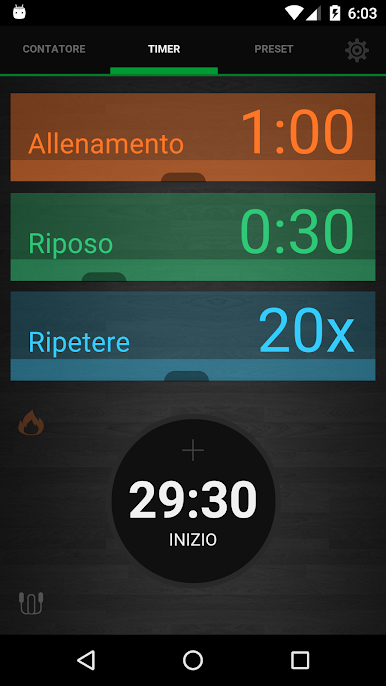
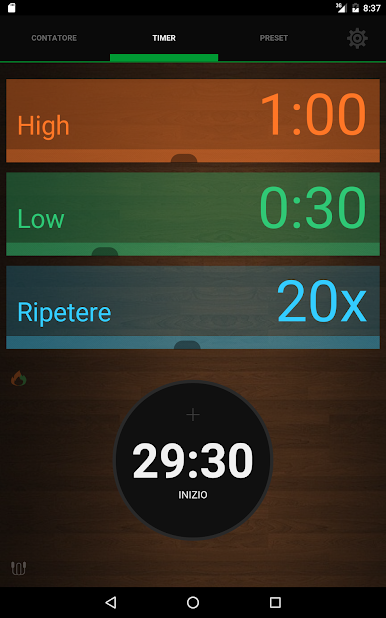
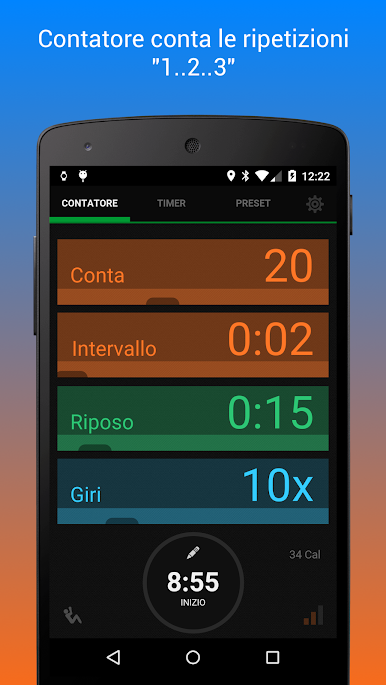
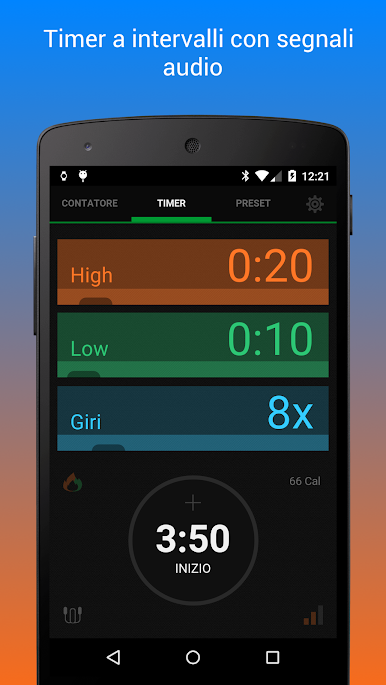
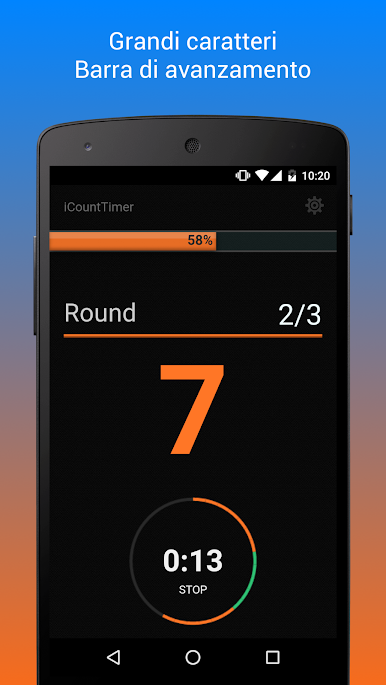
• Interval Timer + Counter combined (iCount Timer)
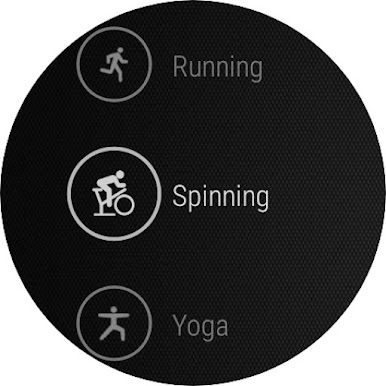
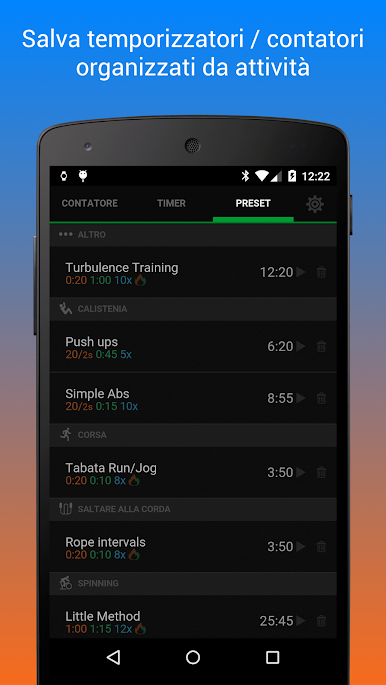
• Save timers/counters as presets organised by activities
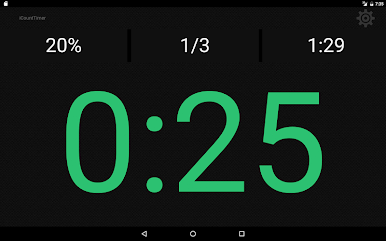
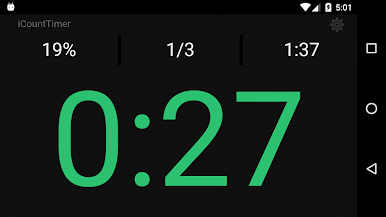
• Large clear display with progress bar
• Audio cues
• Smart lock to lock timer screen
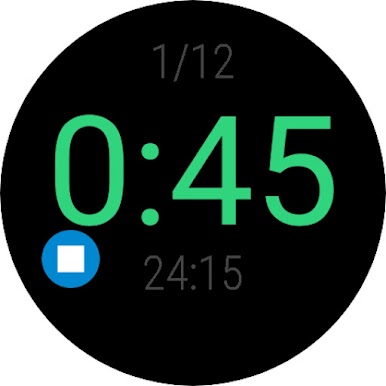
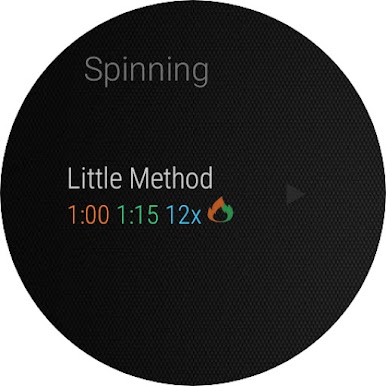
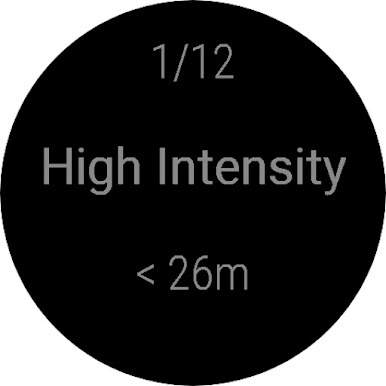
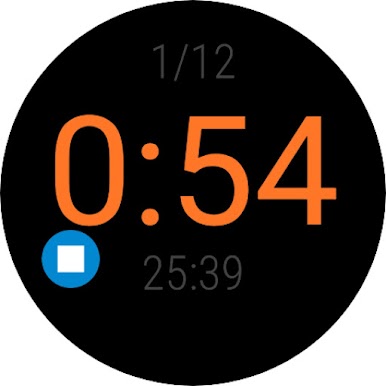
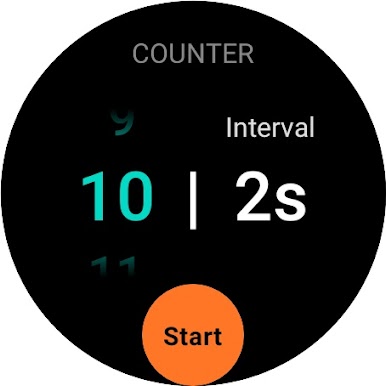
• Wear OS app
+ Presets from the handheld app are available for you on Wear OS organised by activities.
+ Get vibration alerts on your Wear OS during start/rest of intervals.
+ Supports ambient mode which saves battery
Pro version features:
• No Ads
• Extended slider limits
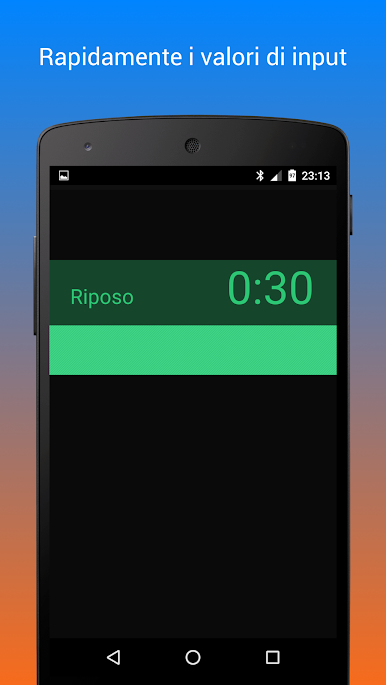
• Input custom seconds / counts and repeat interval (rounds)
• Save upto 40 presets
• 5 different themes
• Various choices for alert sounds such as boxing bell etc
• Different counter modes
• Custom start delayq
• Calories estimation**
• Google Fit integration
• Landscape mode
** The estimated calories are approximate Calories burned for any selected activity based on the MET (Metabolic Equivalent) values for the activity and personal details of individual. Actual energy expenditure may vary.
Gioca iCountTimer Pro su PC. È facile iniziare.
-
Scarica e installa BlueStacks sul tuo PC
-
Completa l'accesso a Google per accedere al Play Store o eseguilo in un secondo momento
-
Cerca iCountTimer Pro nella barra di ricerca nell'angolo in alto a destra
-
Fai clic per installare iCountTimer Pro dai risultati della ricerca
-
Completa l'accesso a Google (se hai saltato il passaggio 2) per installare iCountTimer Pro
-
Fai clic sull'icona iCountTimer Pro nella schermata principale per iniziare a giocare

