


InstaMocks - Screenshot Design
Juega en PC con BlueStacks: la plataforma de juegos Android, en la que confían más de 500 millones de jugadores.

Página modificada el: Nov 10, 2024
Run InstaMocks - Screenshot Design on PC or Mac
Get freedom from your phone’s obvious limitations. Use InstaMocks – Screenshot Design, made by Vemoot Softech Pvt Ltd, a Tools app on your PC or Mac with BlueStacks, and level up your experience.
About the App
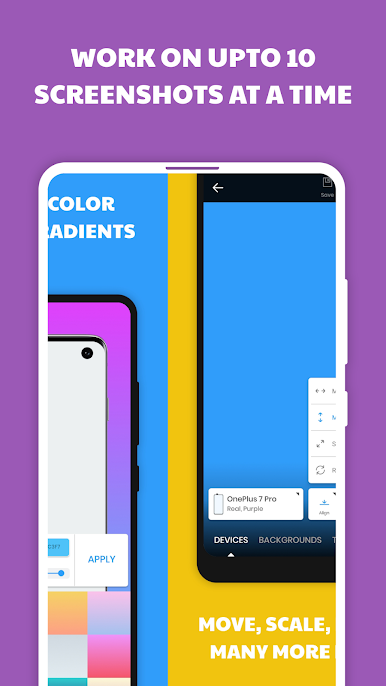
InstaMocks – Screenshot Design by Vemoot Softech Pvt Ltd is your go-to app for crafting stunning app screenshots with ease. Expect an intuitive experience as you wrap screenshots with polished device mockups, vibrant backgrounds, and customizable text. You can even handle up to 10 screenshots at a time, making the process seamless and efficient.
App Features
DEVICE MOCKUPS
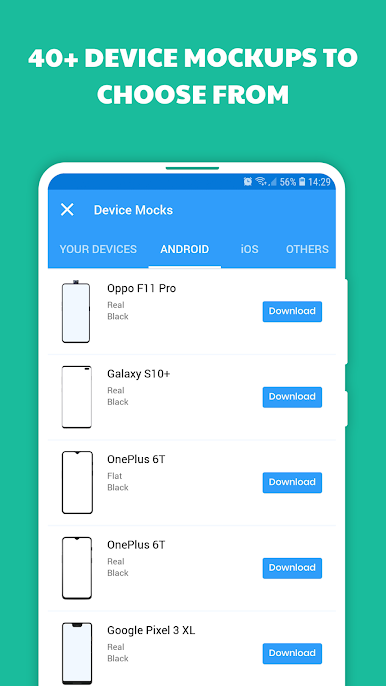
– Choose from over 40 mockups, including Android, iOS, and custom options.
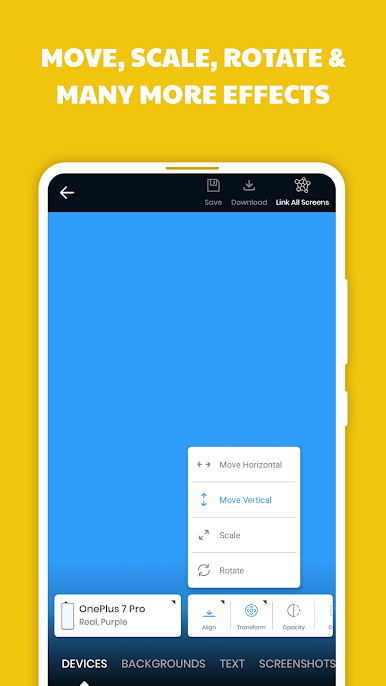
– Tweak your mockups with align, move, scale, and rotate features.
– Add effects like Glare, Shadow, and adjust opacity for personal touches.
BACKGROUNDS
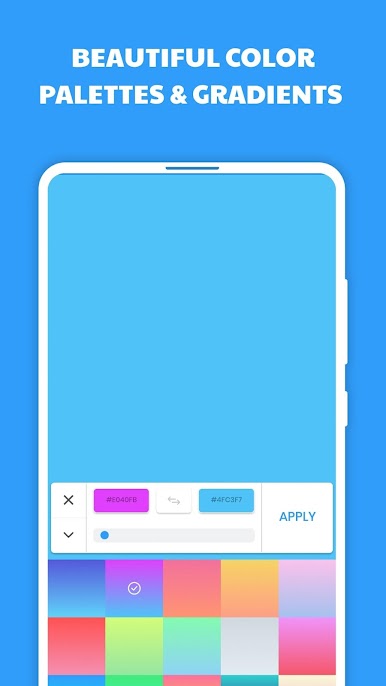
– Brighten up designs with flat and material color palettes.
– Use the Gradient Tool for preloaded gradients or create your own.
– Blur background images or add new ones for a unique look.
TEXT
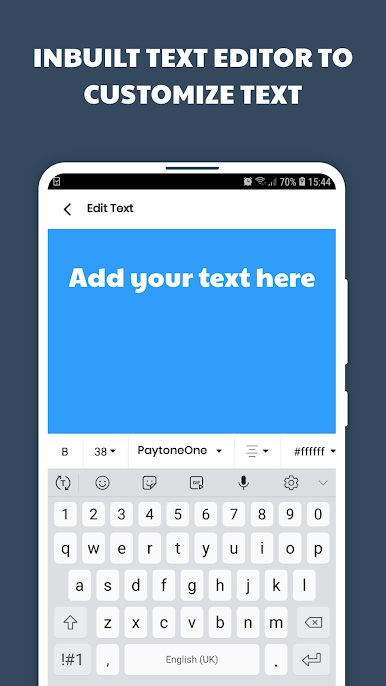
– Fully customize text alignment, fonts, and colors.
– Easily move and scale text to fit your design vision.
OTHER FEATURES
– Manage 10 screenshots at once, linking them for easy batch updates.
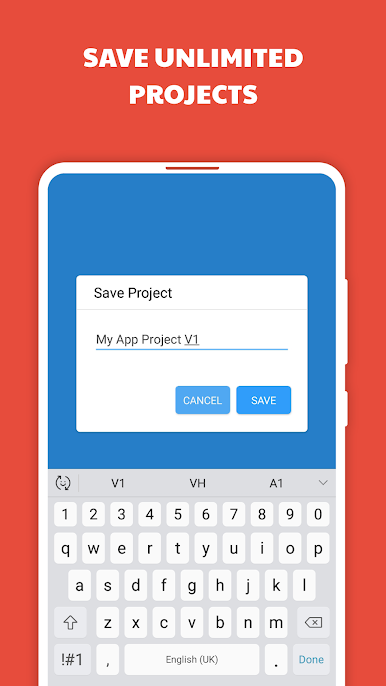
– Save projects indefinitely with a “Save As” feature for duplicates.
– Export all mockups to your gallery in just one click; ever feel like working on your computer? Try BlueStacks.
Switch to BlueStacks and make the most of your apps on your PC or Mac.
Juega InstaMocks - Screenshot Design en la PC. Es fácil comenzar.
-
Descargue e instale BlueStacks en su PC
-
Complete el inicio de sesión de Google para acceder a Play Store, o hágalo más tarde
-
Busque InstaMocks - Screenshot Design en la barra de búsqueda en la esquina superior derecha
-
Haga clic para instalar InstaMocks - Screenshot Design desde los resultados de búsqueda
-
Complete el inicio de sesión de Google (si omitió el paso 2) para instalar InstaMocks - Screenshot Design
-
Haz clic en el ícono InstaMocks - Screenshot Design en la pantalla de inicio para comenzar a jugar

