


buz - voice connects
Gioca su PC con BlueStacks: la piattaforma di gioco Android, considerata affidabile da oltre 500 milioni di giocatori.

Pagina modificata il: Dec 18, 2025
Run buz - voice connects on PC or Mac
Upgrade your experience. Try buz – voice connects, the fantastic Social app from BUZ TECHNOLOGY, from the comfort of your laptop, PC, or Mac, only on BlueStacks.
About the App
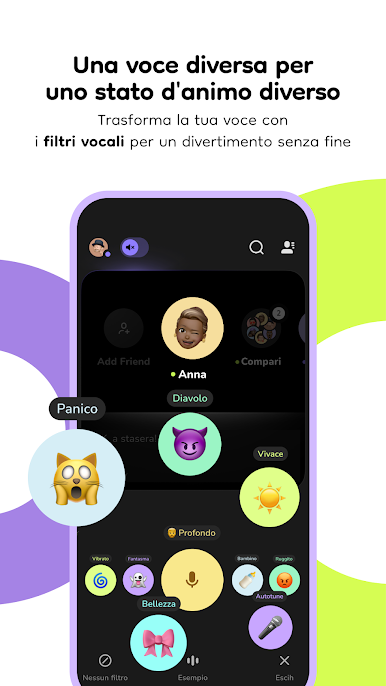
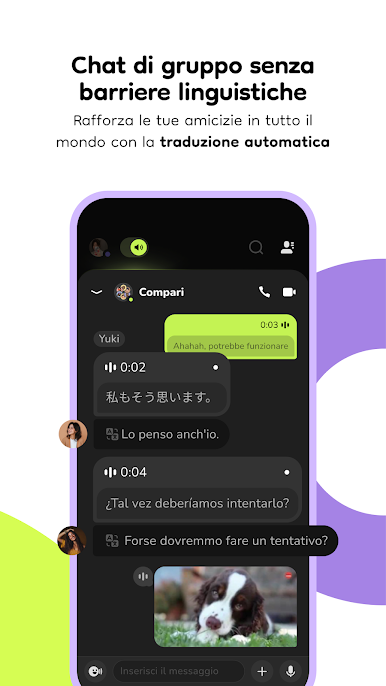
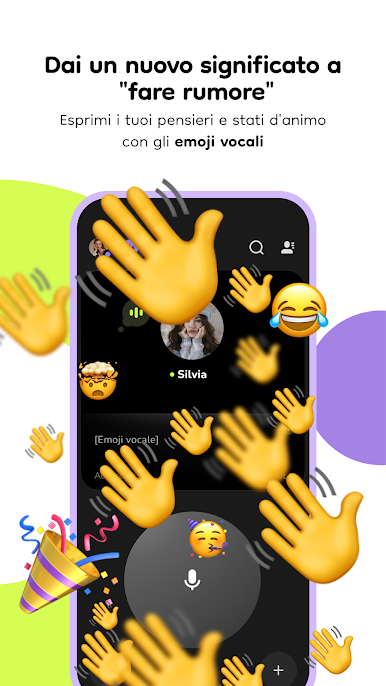
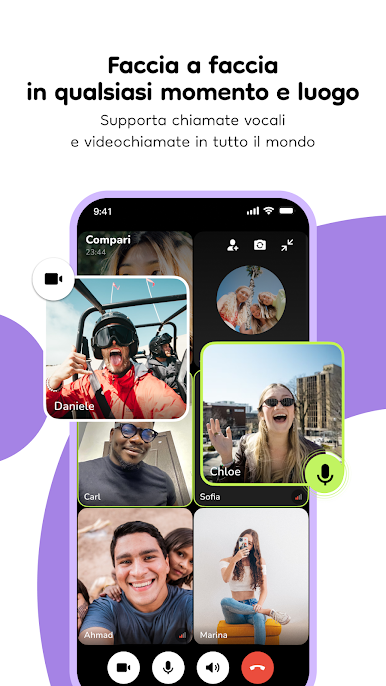
buz – voice connects by BUZ TECHNOLOGY is your go-to social app for voice-centric communication. Forget the fuss of typing and bridge any language or age gap with its intuitive push-to-talk interface. Expect seamless chats with loved ones, whether you’re on your phone or tablet.
App Features
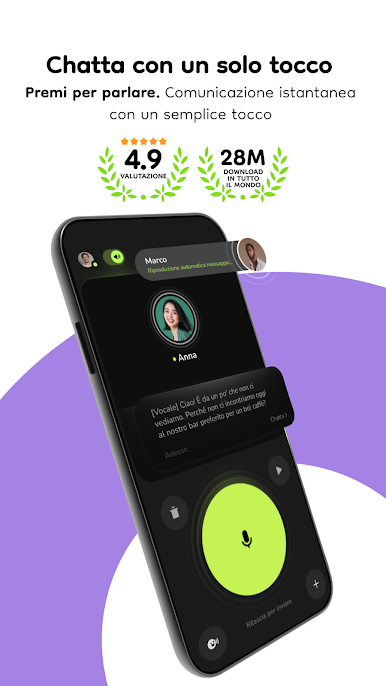
Push-to-talk
Skip the keyboard! Simply press the big green button and let your voice do the talking.
Auto-play Messages
Never miss a thing. Listen to voicemails even when your phone’s locked, thanks to auto-play.
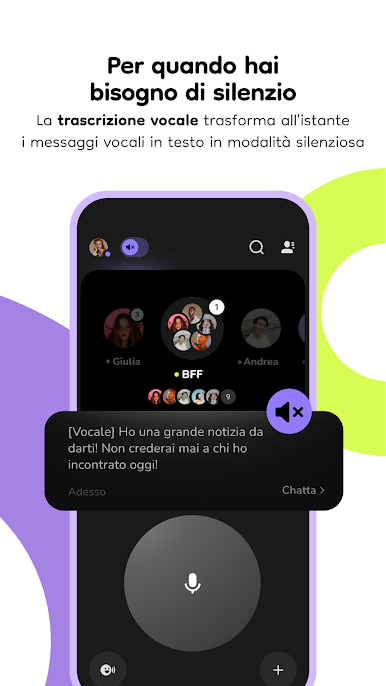
Voice-to-text
Busy at work or in a meeting? Get instant transcriptions of voice messages on the fly.
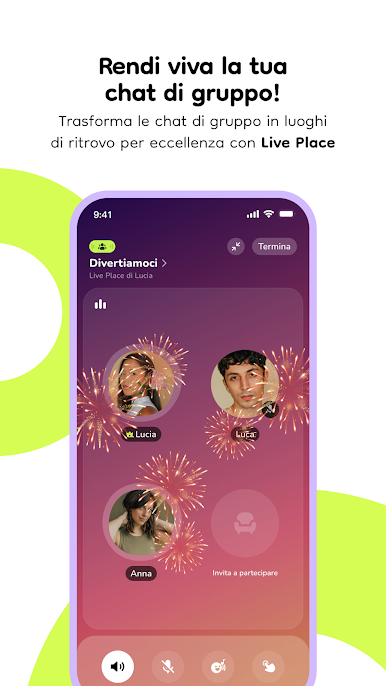
Group Chat
Got a squad? Dive into lively chats filled with laughs, jokes, and banter.
Multitasking
Stay chat-ready while gaming or browsing, with buz overlaying your screen effortlessly.
AI Buddy
Meet your AI sidekick: instant translations, fun facts, travel tips, and more in 26 languages.
Chatting is even more fun with BlueStacks on a bigger screen!
BlueStacks brings your apps to life on a bigger screen—seamless and straightforward.
Gioca buz - voice connects su PC. È facile iniziare.
-
Scarica e installa BlueStacks sul tuo PC
-
Completa l'accesso a Google per accedere al Play Store o eseguilo in un secondo momento
-
Cerca buz - voice connects nella barra di ricerca nell'angolo in alto a destra
-
Fai clic per installare buz - voice connects dai risultati della ricerca
-
Completa l'accesso a Google (se hai saltato il passaggio 2) per installare buz - voice connects
-
Fai clic sull'icona buz - voice connects nella schermata principale per iniziare a giocare

